
Notifications
Multi-channel notifications with templates and a delivery journal
PNeX notifies humans the way the rest of the product works: channels, templates and a full journal of deliveries, all org-scoped.
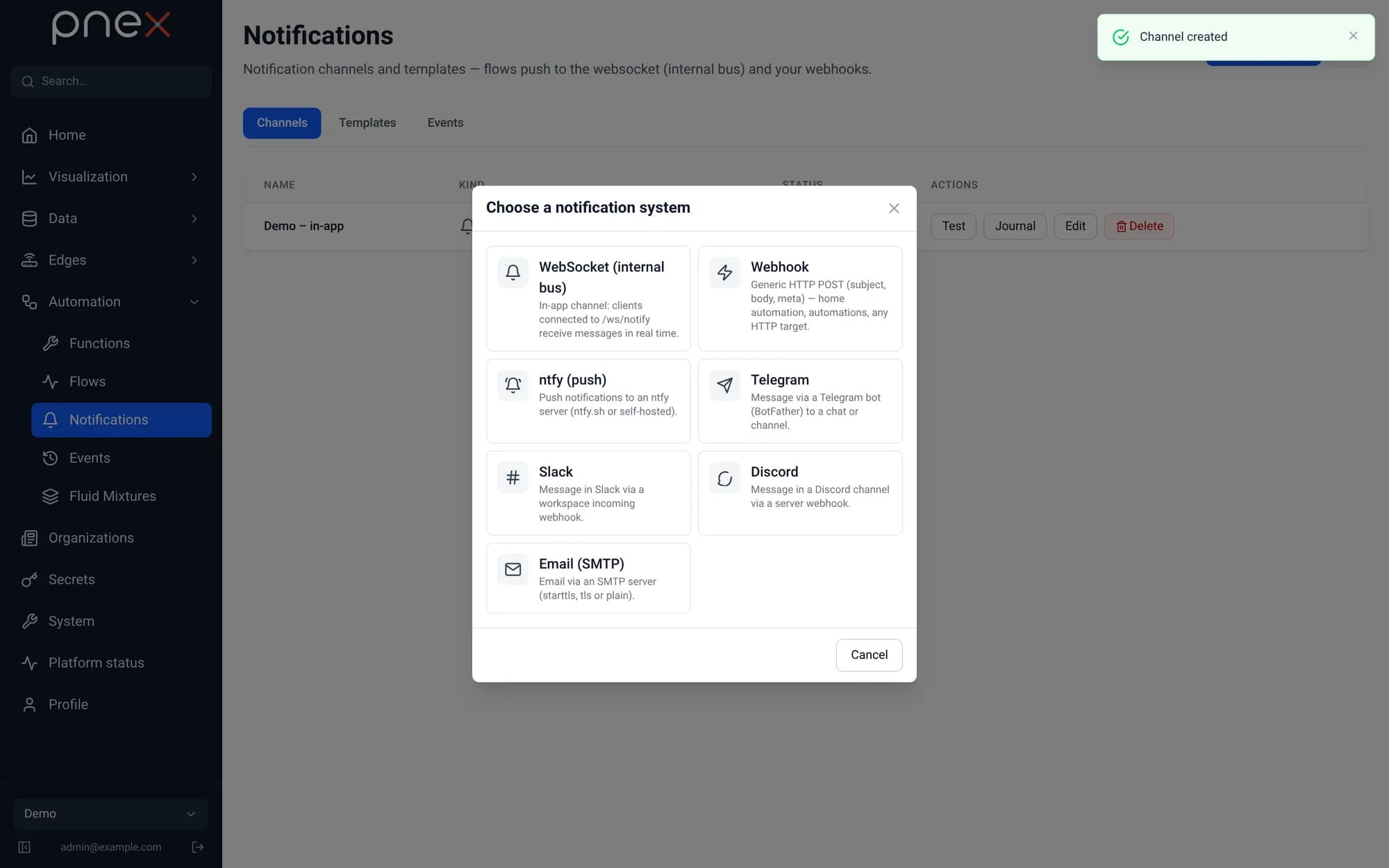
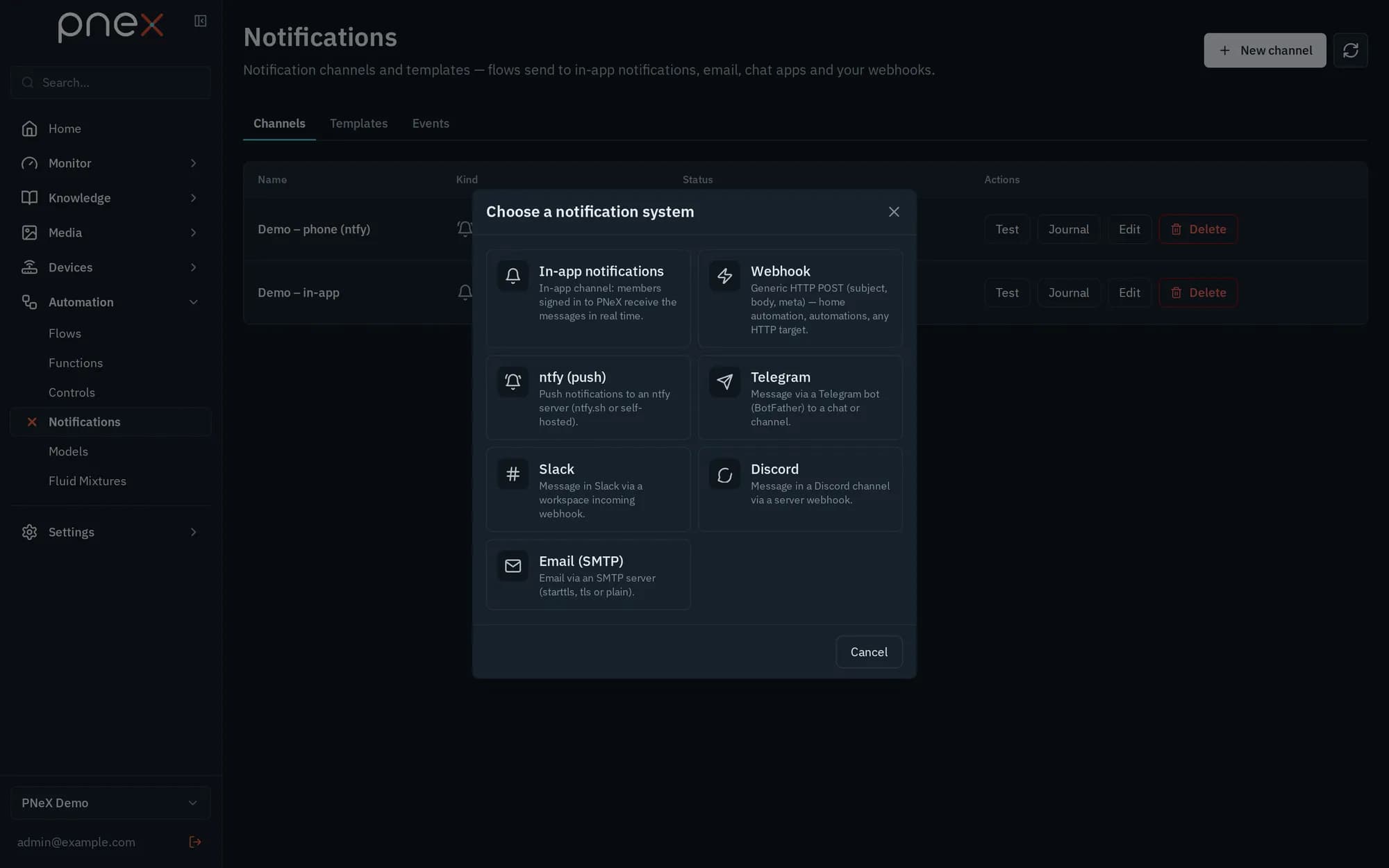
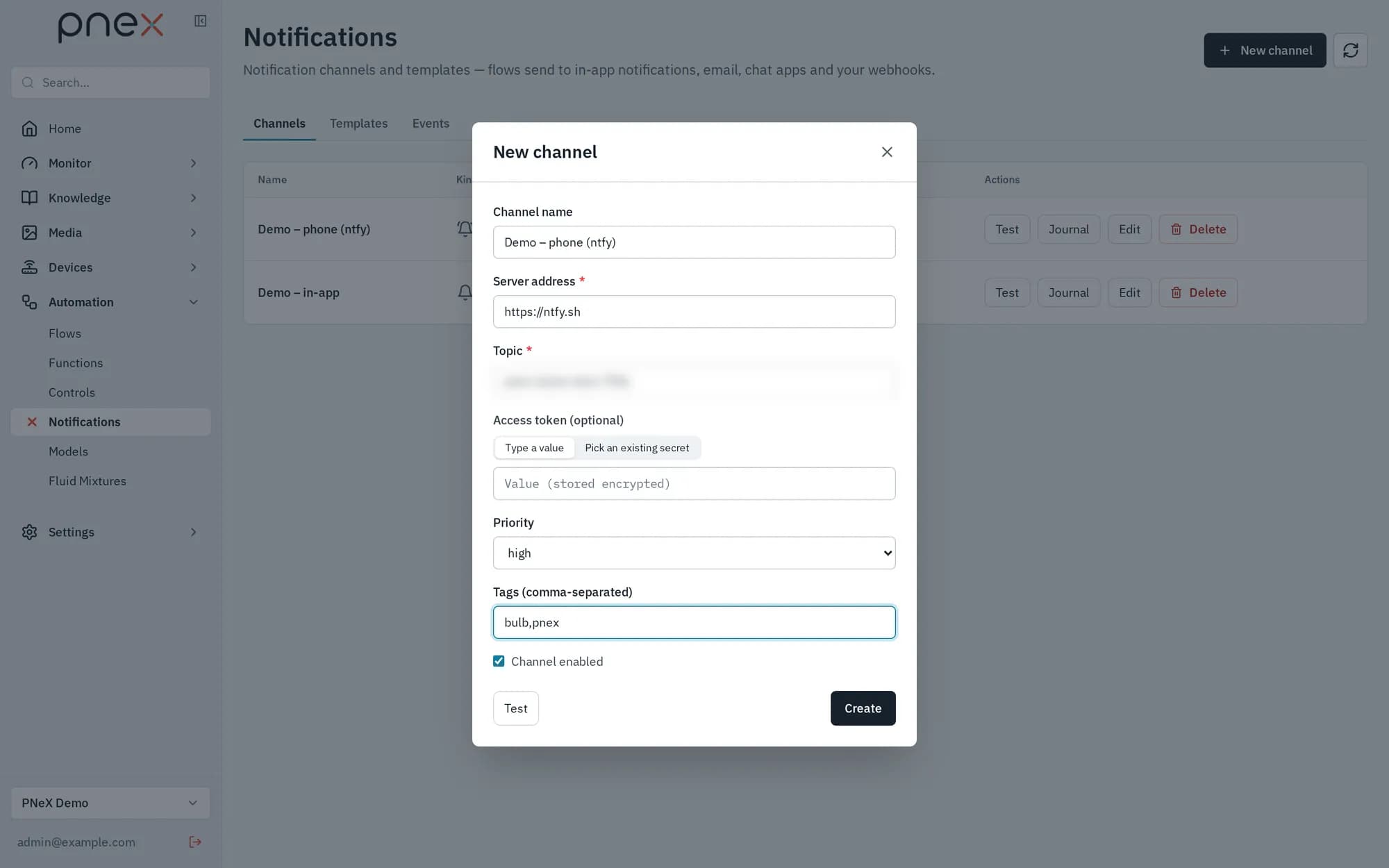
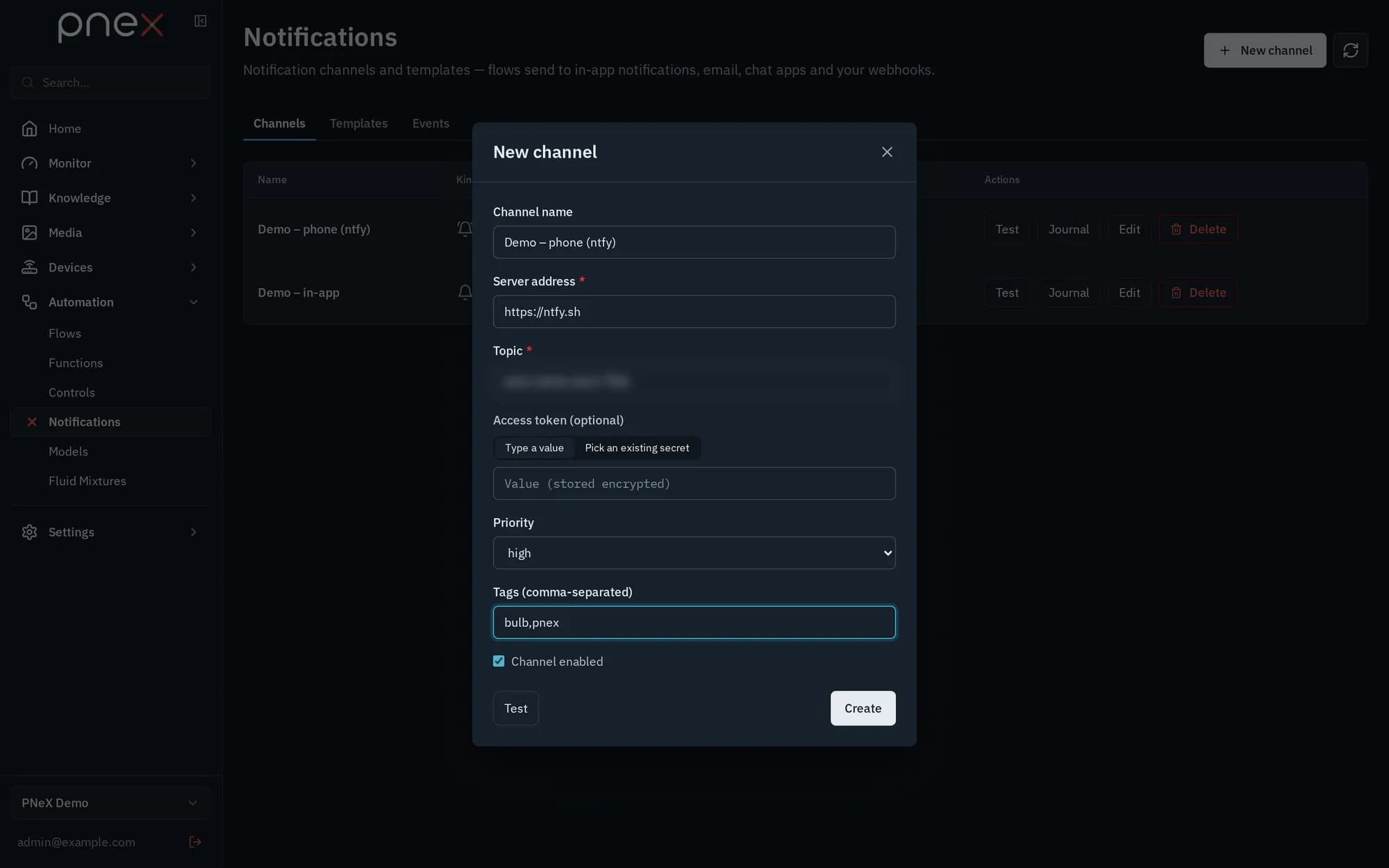
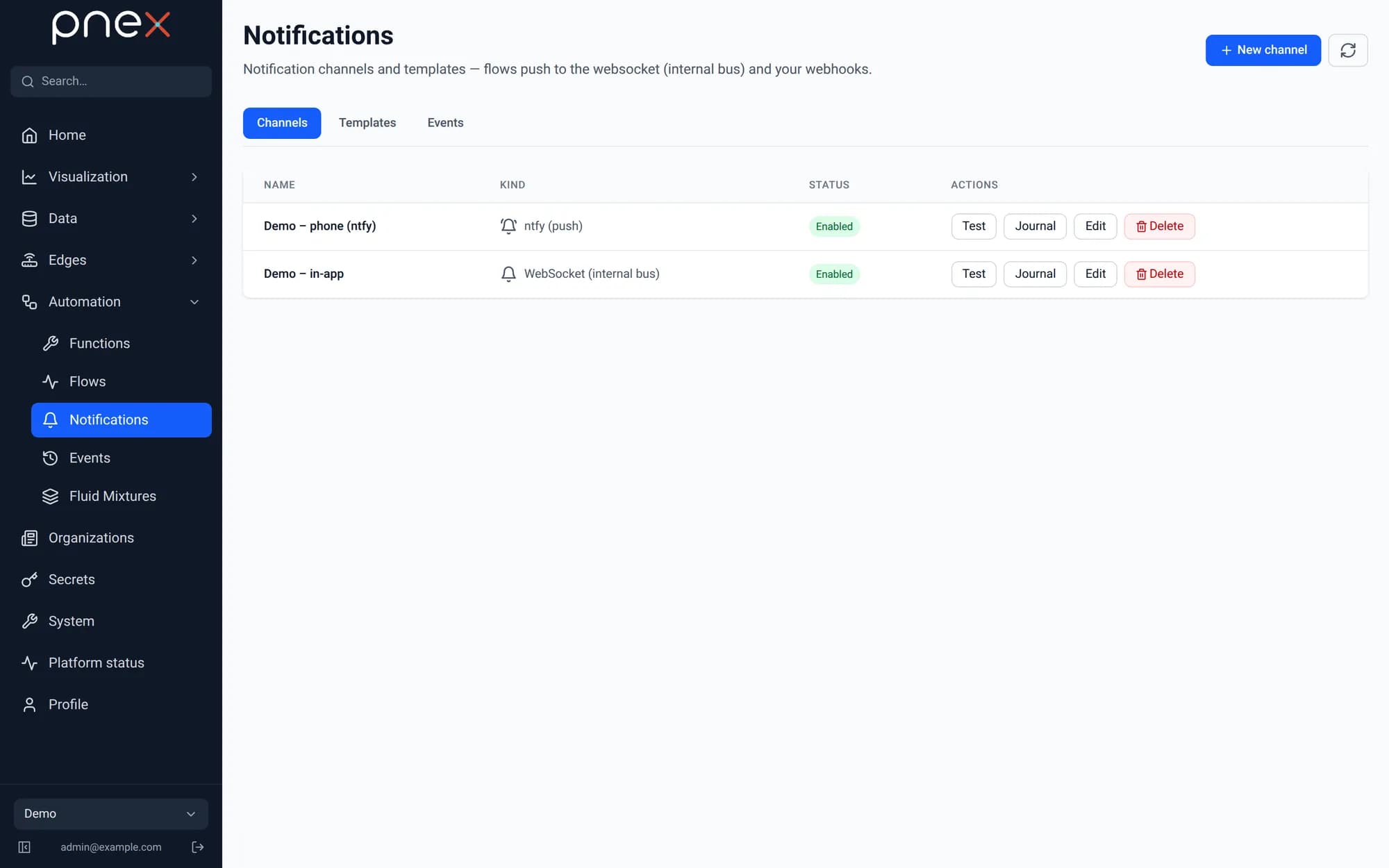
Channels
- websocket — the platform's own bus, surfaced in the app
- webhook — generic POST that covers ntfy, Gotify, Telegram bots, home automation
- ntfy, telegram, slack, discord, smtp — dedicated integrations
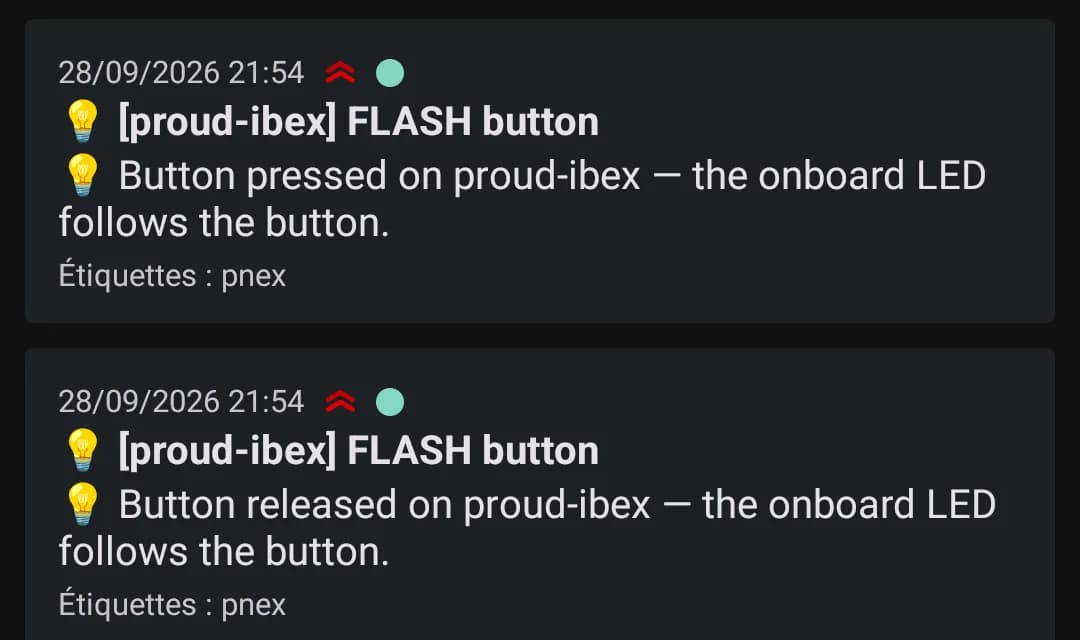
Templates
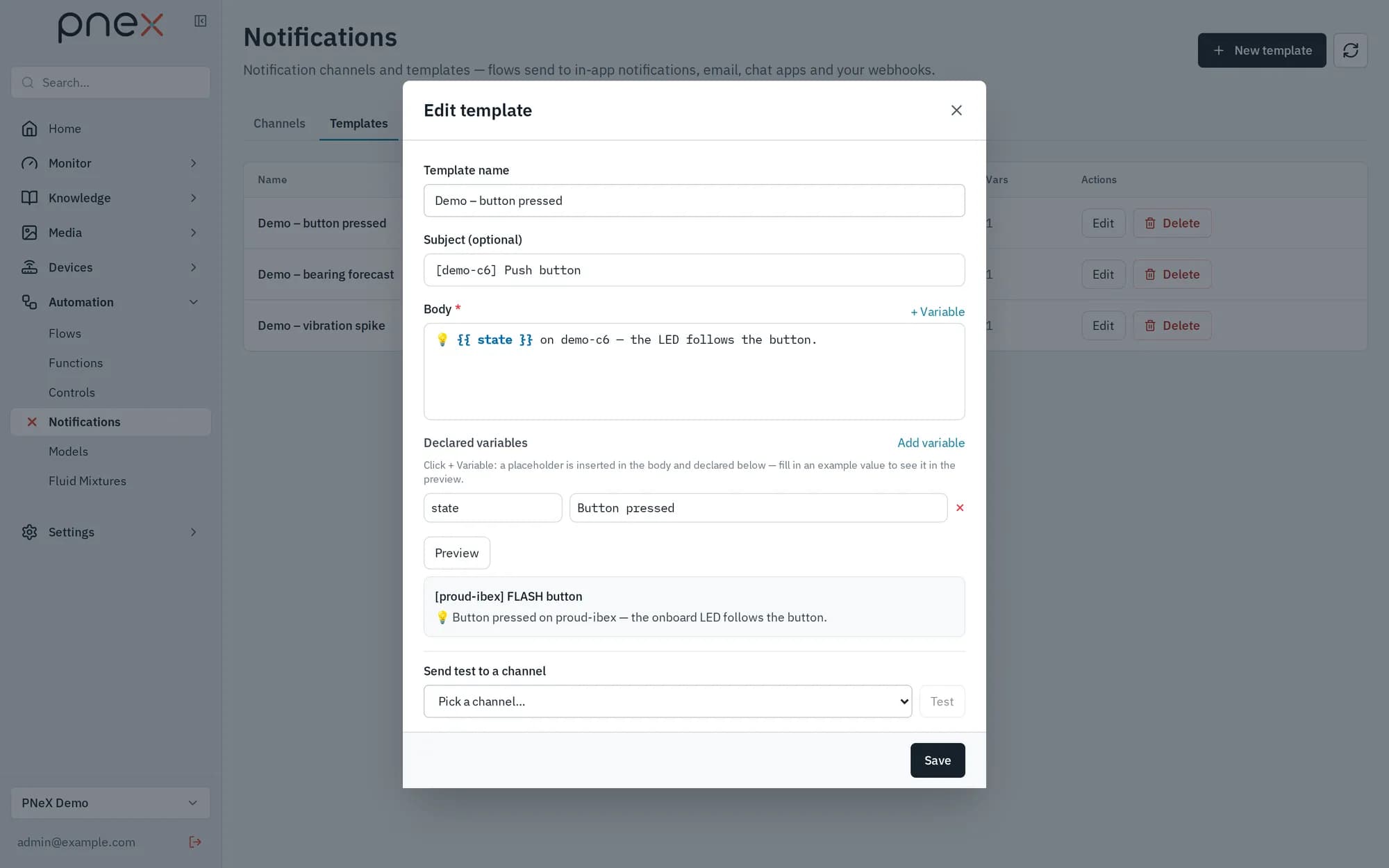
Automation › Notifications has three tabs: Channels, Templates and
Events. Templates are minijinja documents resolved at flow deploy time; their
variables become wirable inputs of the Notification node. The trigger is strictly
boolean — the trigger input is mandatory (the save is refused without it) and the
notification only leaves while it is true.
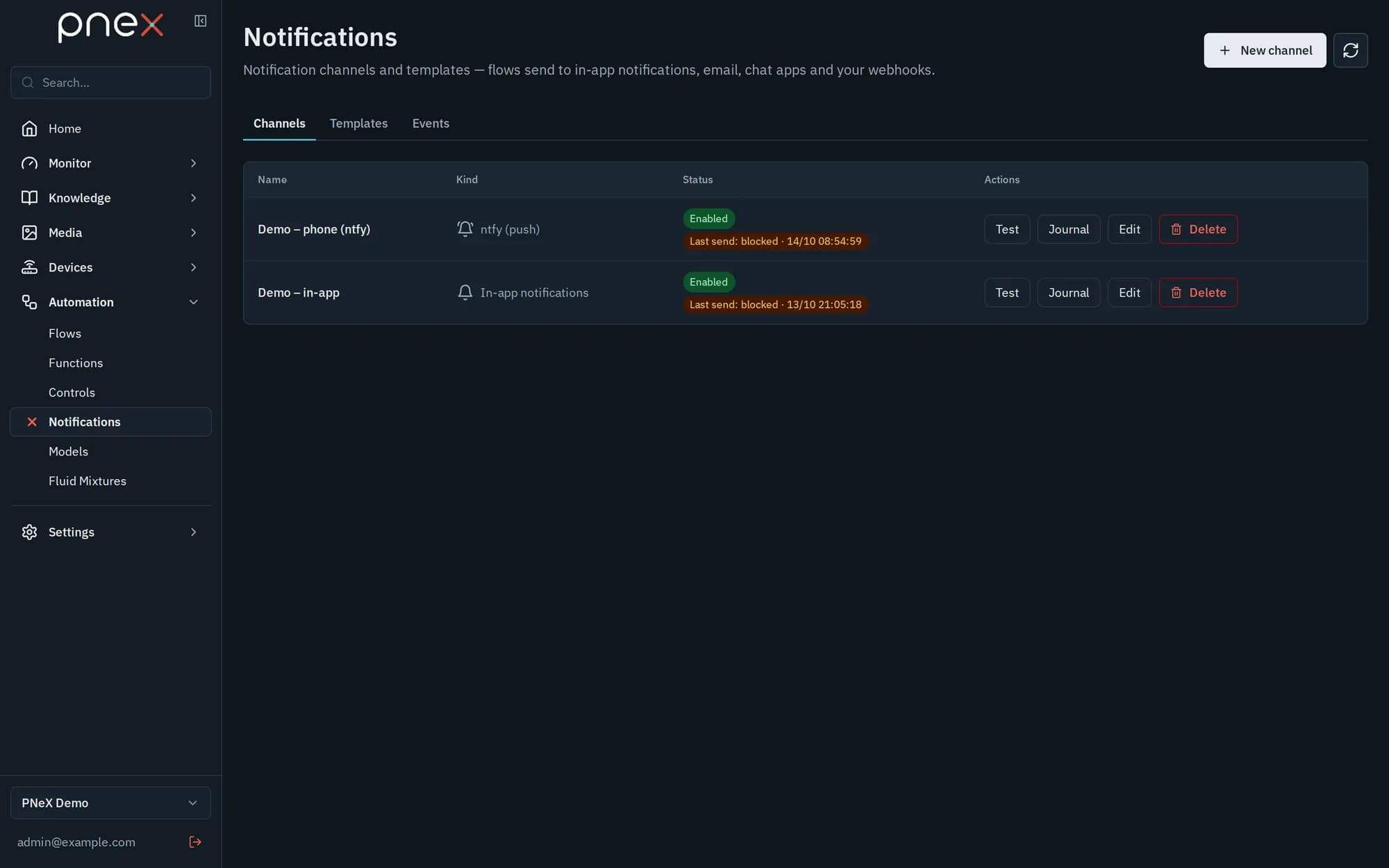
The node's Anti-spam — rate limit (Max messages, Window (min)) contains bursts: "Max N sends per D min". A send over the limit is not delivered: it is logged as Blocked (anti-spam) in the journal.
PDF attachment
A Page PDF node renders a page version (for example a weekly report written by a
flow) as a PDF in the media library. Set PDF attachment on the Notification node to
the field holding that file's id (asset_id): Email (SMTP) channels attach the PDF,
the other channels send the message alone. By default an AI-written version is only
exported once a person has approved it in Pages.
Credentials
Channel passwords and tokens (SMTP, webhook, ntfy, Telegram…) are stored in the organization's secrets vault; only an owner or admin can attach them, and a channel holding a secret cannot be pointed at another server by a member.
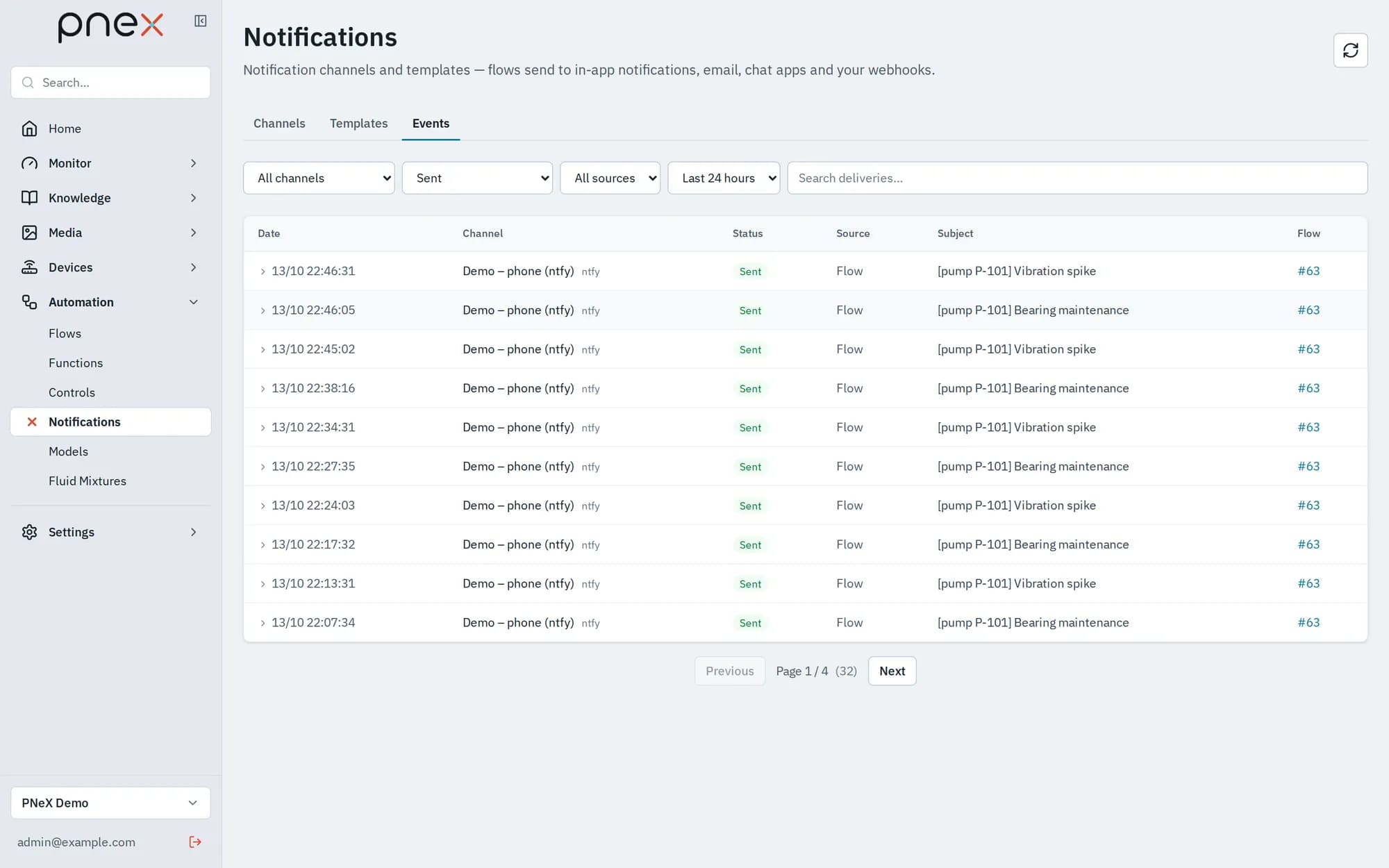
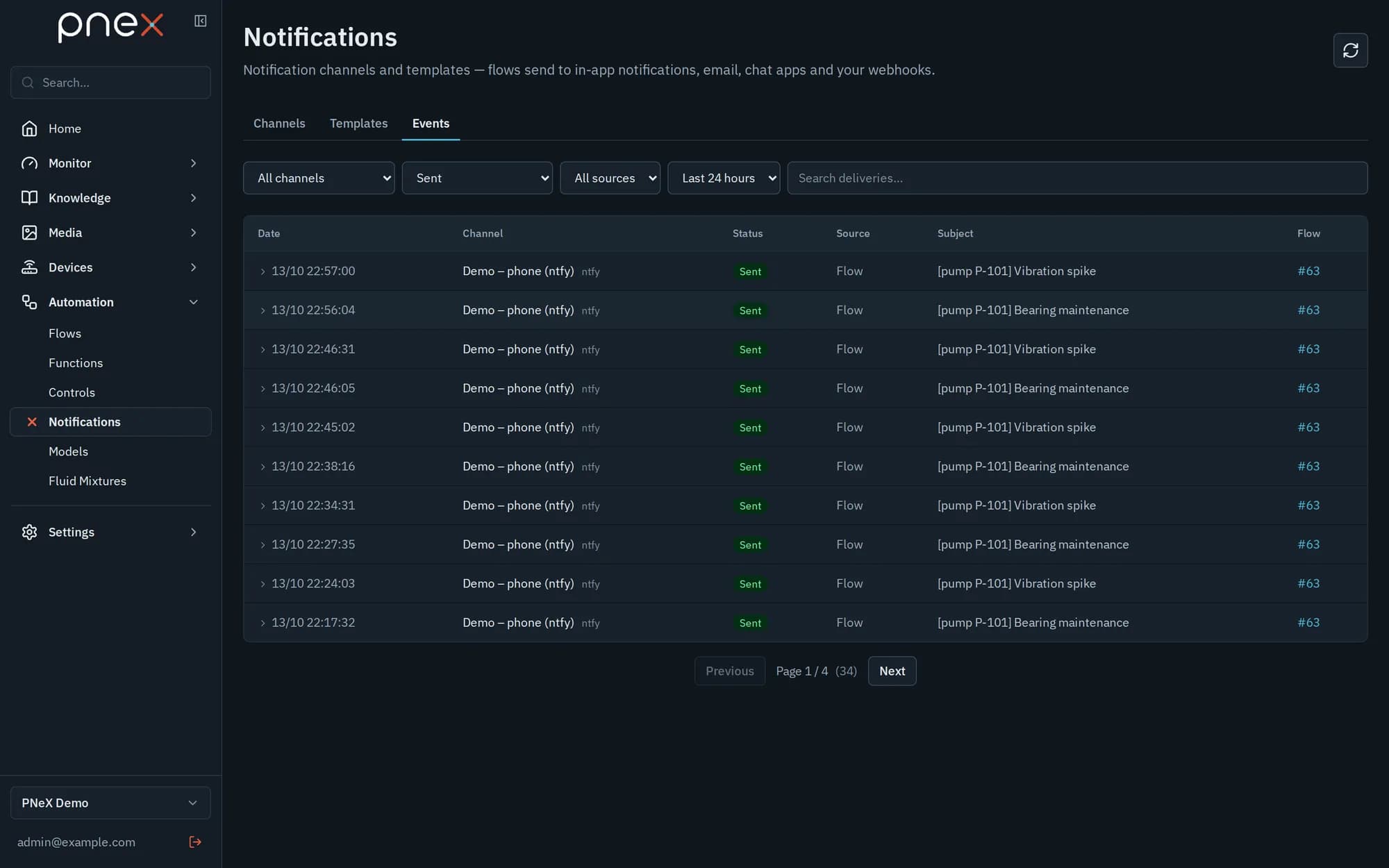
Events: the delivery journal
There is no automatic retry: every attempt is logged in OpenObserve with its status and shown in the Events tab — Sent, Failed or Blocked (anti-spam) — with its source (Flow, Test or OTA), over the Last 30 days, filterable by channel, status and source. A channel's or template's Test button sends a real attempt before you wire it into a flow.