
Secrets
The organization vault — tokens, passwords and API keys, encrypted at rest and never shown back
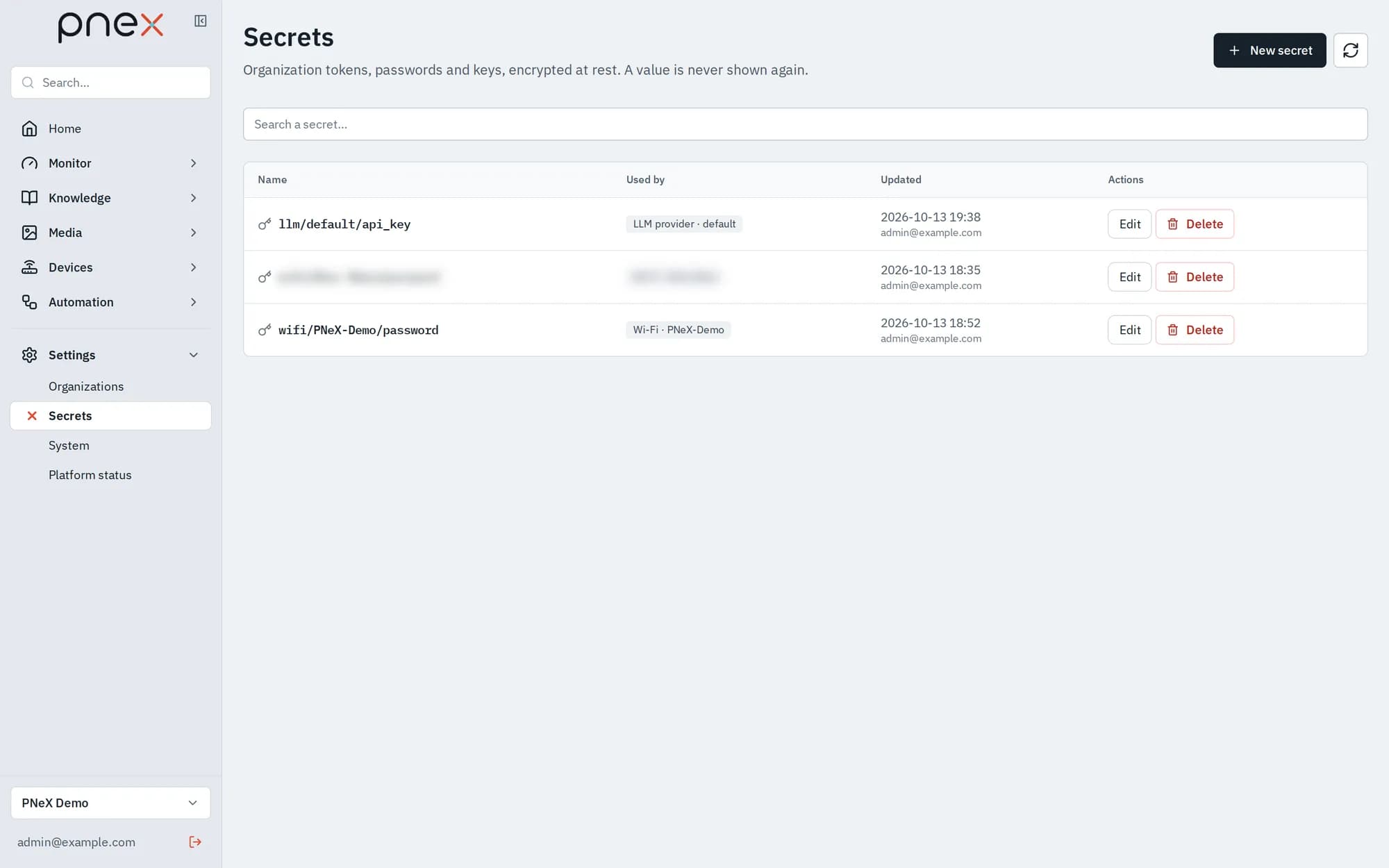
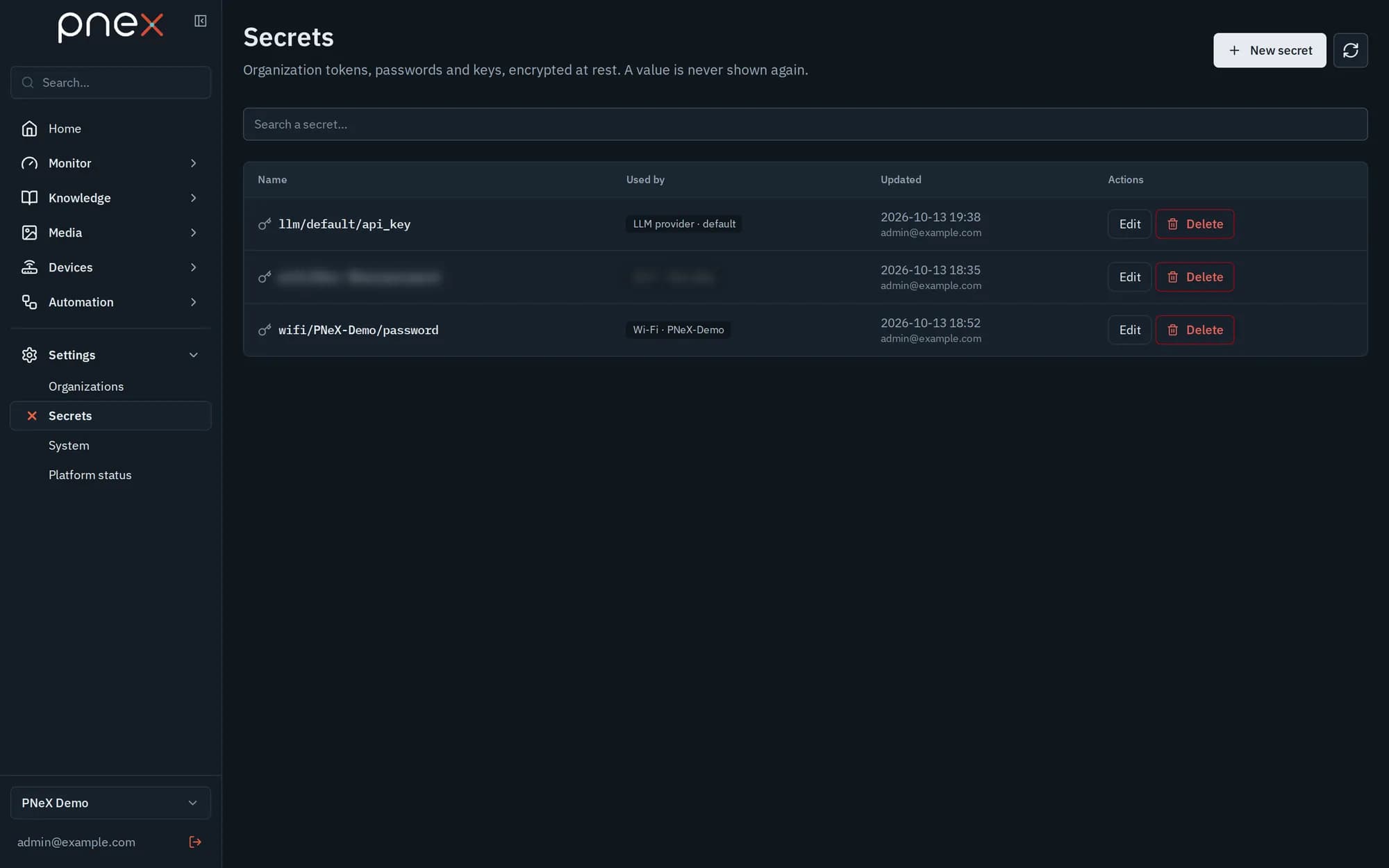
Settings › Secrets is the organization's vault: tokens, passwords and API keys, encrypted at rest. The page lists every secret with what uses it, but a value is never shown again once saved: it can only be replaced.
What goes in the vault
Every credential PneX needs to call something on your behalf:
- LLM provider API keys, used by the AI assistant and by the AI nodes of flows.
- Notification channel credentials: ntfy tokens, Telegram bots, Slack and Discord webhook URLs, SMTP passwords, webhook secrets (Notifications).
- Geo provider API keys: basemap, geocoder, router (Map).
- The authentication and proxy credentials of HTTP fetch nodes in flows.
- WiFi passwords used when building device firmware.
- Audio stream access secrets: headers or
user:passwordof a radio, a live stream or an IP camera (Audio streams).
A flow stores a reference to a secret, never its value. Function nodes (JavaScript or Starlark) have no access to secrets.
The Secrets page
- New secret: a Name (for example
telegram-oncall), an optional Description and the Value. - Edit: rename, change the description, or type a New value (leave it empty to keep the current one).
- Delete, then Confirm?. Deleting is refused while the secret is in use: remove it from its consumers first.
- Search a secret… filters the list.
- The Used by column links each consumer: a notification channel, a flow, a WiFi, an LLM provider, a media stream, a geo provider. Unused means nothing references it.
Secret fields in other forms
Forms that need a credential show a secret field with two modes:
- Type a value: creates or replaces a dedicated secret named after its place.
- Pick an existing secret: reuses a secret of the organization.
A Member who opens such a form sees "Not set — only an owner or admin can attach a secret to this field." or the name of the secret already attached, and keeps it when saving.
Roles
| Role | What they can do |
|---|---|
| Owner, Admin | Create, change, delete and attach secrets |
| Member | Keep the secrets already attached to what they edit; never pick or attach one |
| Viewer | See the names only |
Nobody, Owners included, can read a value back.
A secret is also bound to where it goes. Once a secret is attached to an HTTP node, a webhook, an ntfy server or an SMTP server, a Member cannot point that node or channel to another address (host, port or scheme), attach the secret elsewhere or copy it into another flow. Changing only the path or the query of a URL stays allowed. An Owner or Admin makes the move, and the secret follows.
Good to know
- A changed value reaches flows at their next deploy, not live.
- Changing a WiFi password does not rebuild firmware: devices already flashed keep the old credentials until they are reflashed.
- A geo basemap key is the exception to "never shown": the browser loads the map tiles itself, so the key travels to every member's browser. Restrict it to your PneX address in the provider's console. Geocoding and routing keys never leave the server.