

AI Assistant
An org-scoped assistant that reads your platform and drafts flows — your LLM, your keys
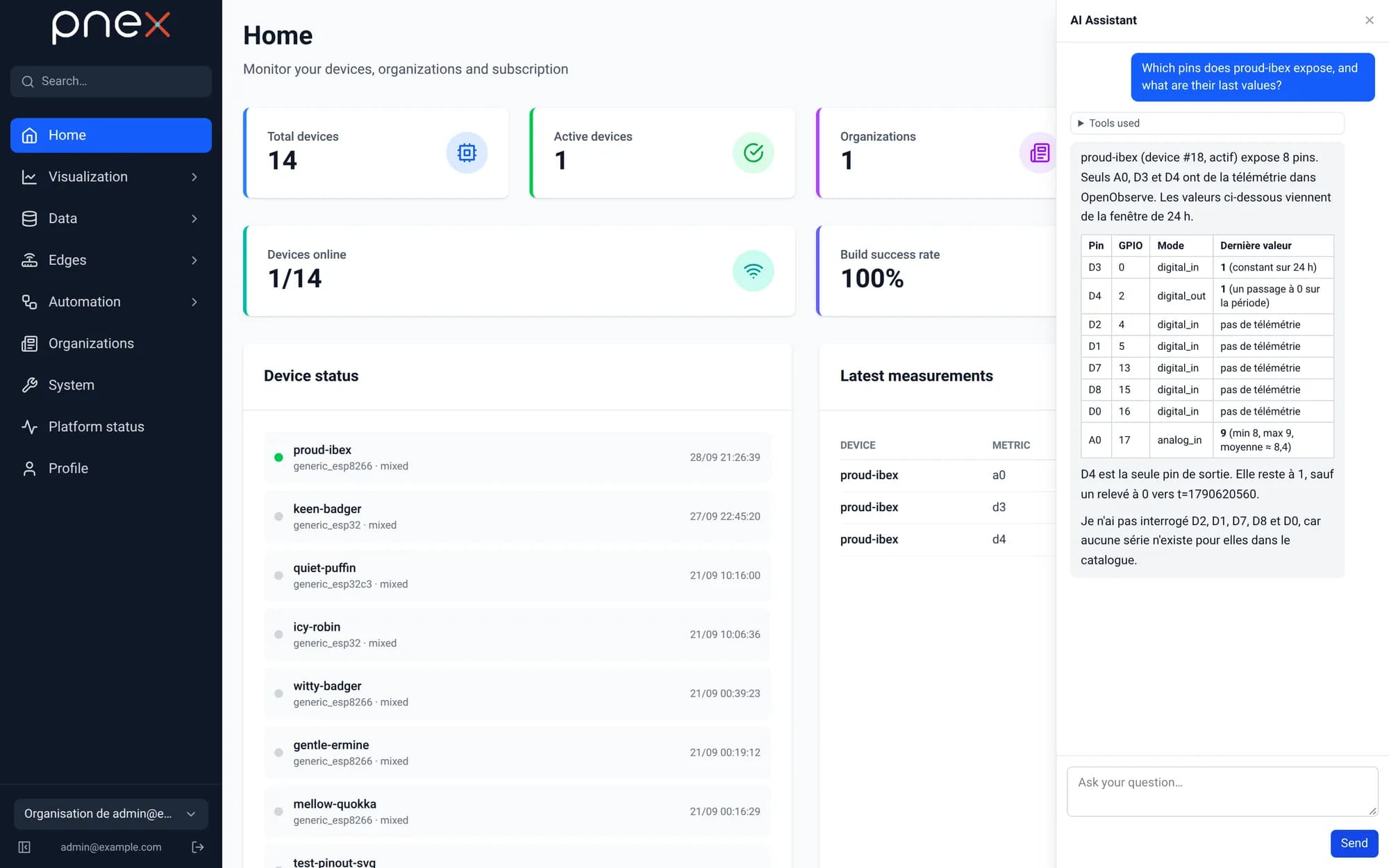
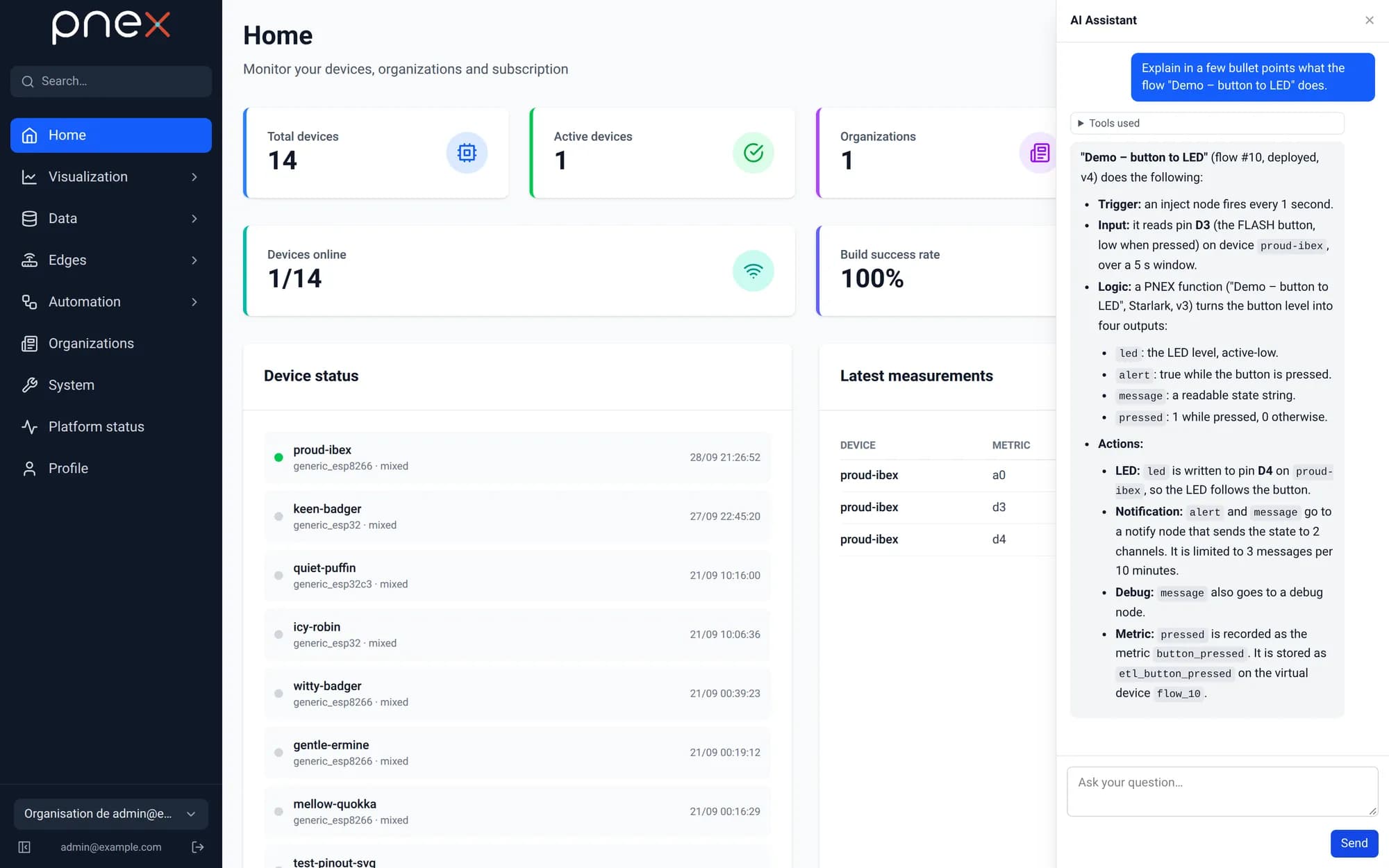
A round button in the bottom-right corner of every page opens the AI Assistant drawer. Ask a question about your devices or data, ask it to explain a flow, or describe an automation in plain words: it answers from the live state of your organization and can draft the flow for you.
Bring your own LLM
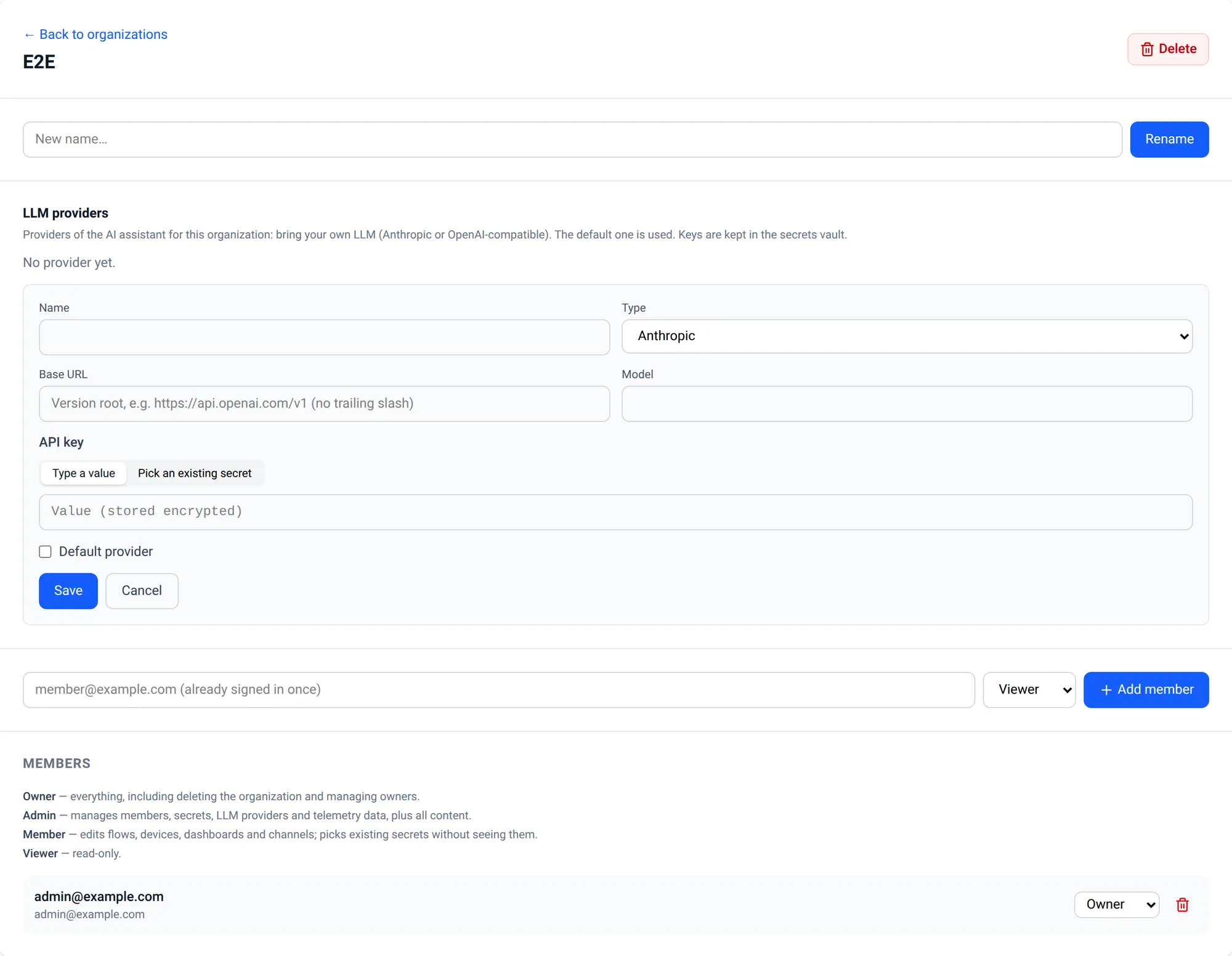
PNeX ships no model and no platform-wide key: each organization brings its own. Open Organizations → your organization → LLM providers → Add a provider:
| Field | Value |
|---|---|
| Type | Anthropic (native) or OpenAI-compatible (OpenAI, Mistral, a local server…) |
| Base URL | OpenAI-compatible only: the version root, e.g. https://api.openai.com/v1, no trailing slash |
| Model | The model name of the provider |
| API key | Typed (stored encrypted in the organization's secrets vault) or picked from an existing secret |
| Default provider | The one the assistant uses |
Test sends a short request and reports the latency. Owners and admins manage providers; every member can chat. Without a provider the drawer says so and points to this page. An administrator can also switch the assistant off for the whole deployment.
What it can do
The assistant works through a closed set of tools, checked on the server with your own rights:
| Reads | Validates | Writes |
|---|---|---|
| Devices and their pins, flows, dashboards, notification channels and templates (never their settings), telemetry, the node catalog, the product knowledge base | A flow graph, a calculation expression; read-only diagnostics of a device or a flow | Creates or updates a flow as a draft, and dashboards (owner/admin) |
Each answer shows the Tools used, and a created or updated flow comes with an Open in editor card.
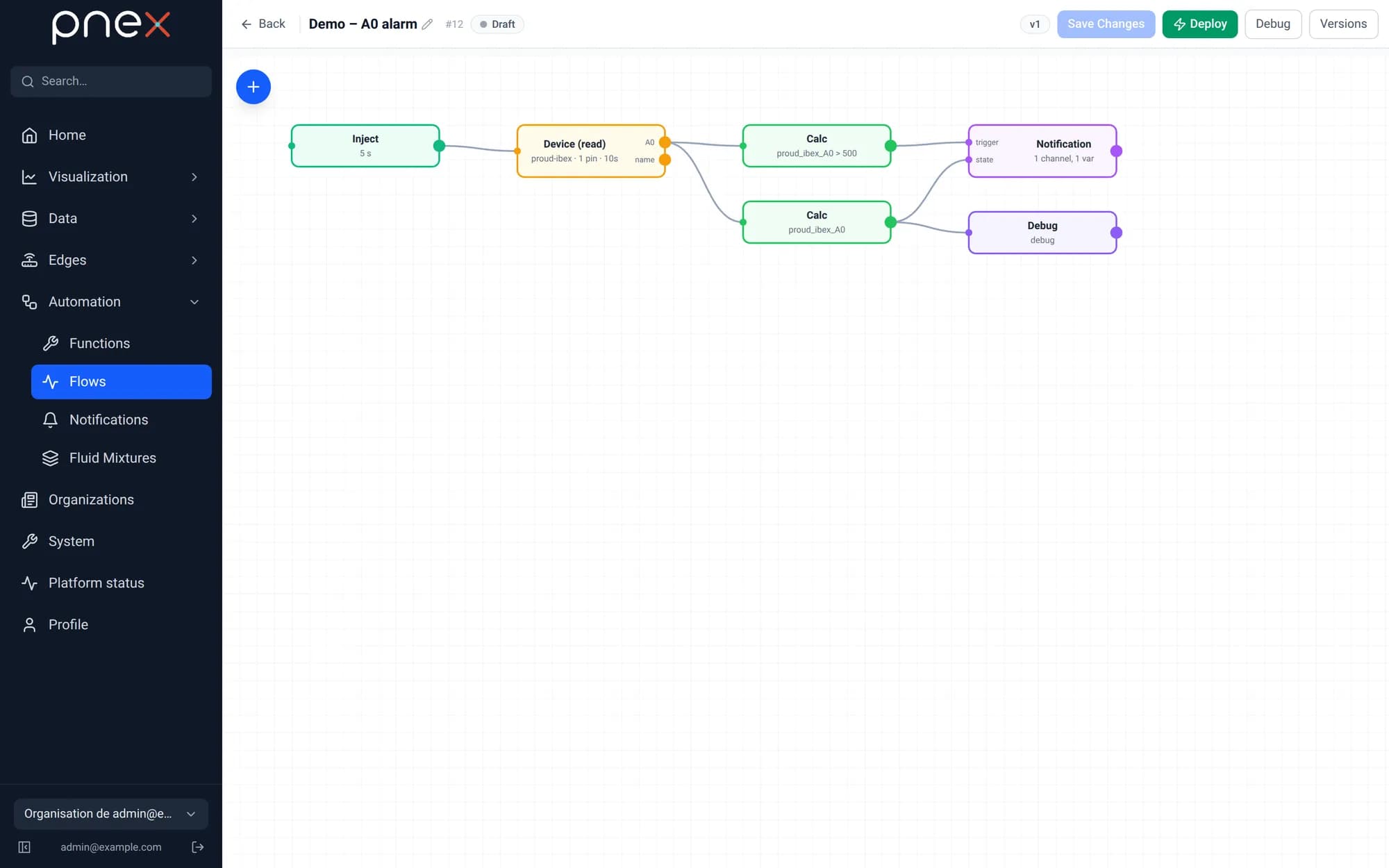
What it never does
- It never acts on the physical world: no device command, no OTA, no flash, no control or memory write. Only a flow you deployed acts.
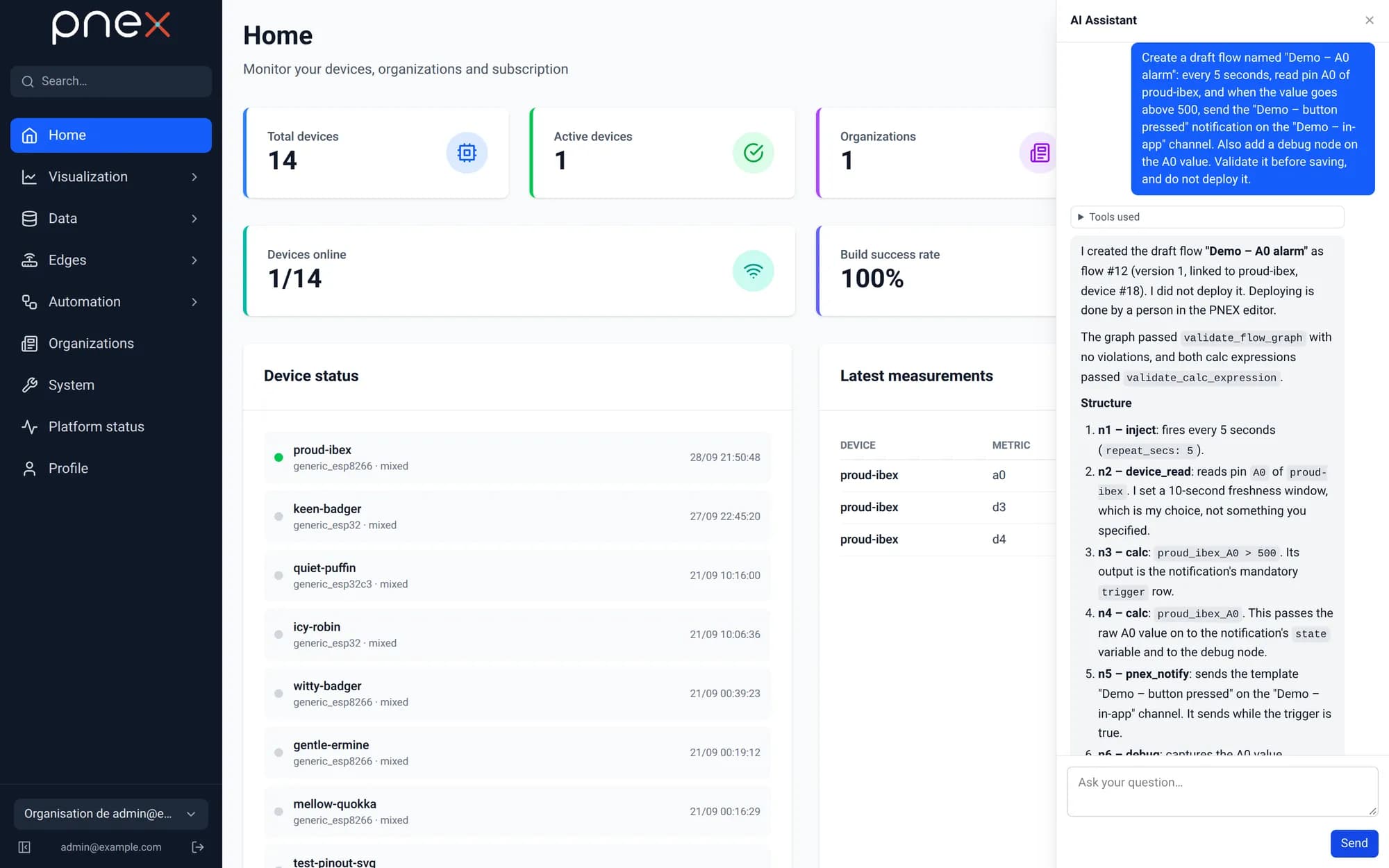
- It never deploys, stops or deletes anything. A draft stays a draft until you review and deploy it in the flow editor.
- It sees no secret and no token, and stays inside your organization.
- It never changes a running flow: stop it in the flow editor first. Every edit applies to the exact version it read, so it never overwrites your own changes.
- A turn is bounded (six tool calls, 90 seconds).
It knows every flow node from a reference generated from the product itself, checked in continuous integration so a new node is never missing.
Conversations
The drawer lists your Conversations: start a New one, resume, Rename, Export (JSON) or Delete them, or Erase all. Conversations are private to you within the organization, erased automatically after a period of inactivity and when you leave the organization. Your messages are sent to the organization's LLM provider; the audit trail records who used the assistant and when, never what was said.
Screenshot coming soon
public/screenshots/v0.1/en/ai-conversations.webp — capture scenario: scripts/capture/run.mjs
Built-in knowledge and diagnostics
The assistant carries a knowledge base of the product compiled into the server — one card per page and feature, plus troubleshooting cards — and reads the card of the page you are on. Answers point to gestures in the interface, never to a command line.
For "why is my board offline?" or "why doesn't my flow fire?", it runs read-only diagnostics of a device or a flow within your organization and explains what it found.
Dashboards
It can draft and edit dashboards through the same service as the editor: add cards, arrange them, bind their sources. A card it adds always gets a fresh control; a widget tied to a deployed flow can only be moved, never rewired. As with flows, pressing a control and deploying the flow that acts stay yours.