
Voice profiles
Recognize a consenting person in a recording, from a voice profile built with their explicit consent
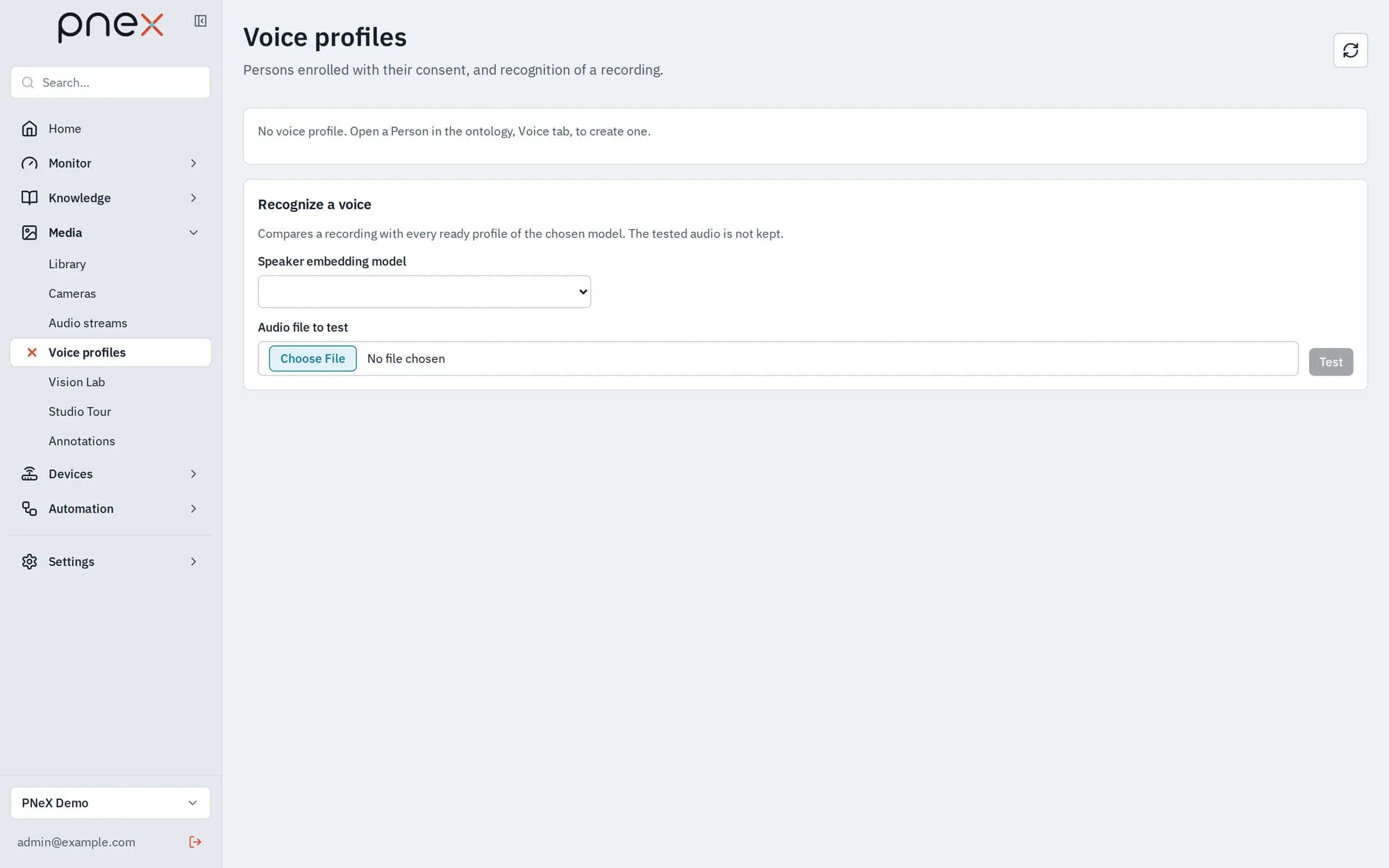
A voice profile lets PneX recognize one person in another recording. It is attached to a Person object of the ontology and lives in its Voice tab. Media › Voice profiles lists every profile of the organization and compares a recording with them.
Consent first
A voice profile is biometric data. It exists only with the person's explicit, recorded consent, for a stated purpose.
- Only Owners and Admins create, feed or delete a profile. Members and Viewers cannot.
- Creating a profile requires the Consent date, the Consent scope (purpose and duration the person agreed to, for example "recognition in internal meetings, 2 years"), the Proof of consent (where the signed form, email or recording is kept), and ticking the confirmation that the person gave that consent.
- Withdraw consent deletes the profile, its clips and their audio files at once.
- Every generation and every test is logged (who, when, which profiles, scores), never the audio or the voice print itself.
- The AI assistant never reads a profile and cannot create one.
A result is a proposal, never a certain identification. A person checks it before drawing any conclusion, and nothing is written anywhere from a match.
Create a profile
- Open the Person in Knowledge › Ontology, tab Voice.
- Pick the Speaker embedding model. It is imported in Media › Audio streams › Models and profiles (role Diarization: speaker embedding): see Audio streams. Without a valid one, nothing can be created.
- Fill in the consent fields, tick the confirmation and Create the profile. It starts as Draft.
Enrolment clips
Add an audio clip takes a recording of the person alone (WAV, MP3, Ogg/Opus, FLAC, M4A). A player opens: listen, then place Start here and End here around a span where the person speaks alone (3 minutes at most), useful for a long show or interview, and Add this span. Only that span is sent for analysis and kept, as an audio item of the media library, so the profile can be generated again later with another model. Aim for about 30 seconds of speech in total, over one or more clips.
Generate the profile cuts each clip into 8-second stretches and leaves out those with too little voice or with another voice. Each clip then shows its score and its state (Used, Not enough speech, Other voice, Unreadable). The profile becomes Ready, with a Threshold calibrated on how consistent the clips are. Changing the model of a profile sends it back to draft: generate it again.
Test and recognize
- Test with another audio (Voice tab, profile ready): drop a recording; the score tells whether it is the same voice. The tested audio is not kept.
- Recognize a voice (Media › Voice profiles): compares a recording with every ready profile of the chosen model. The answer is Voice recognized, Ambiguous (several voices too close to conclude) or No voice recognized. The tested audio is not kept.
What voice profiles are not used for
The speaker labels of audio streams (S1, S2…) stay
anonymous: voice profiles are never used to name them, and no flow node identifies people
by their voice.