

Audio streams & transcription
Capture radios, live streams and IP cameras around the clock, transcribe them into timestamped text, and tag the text with topics
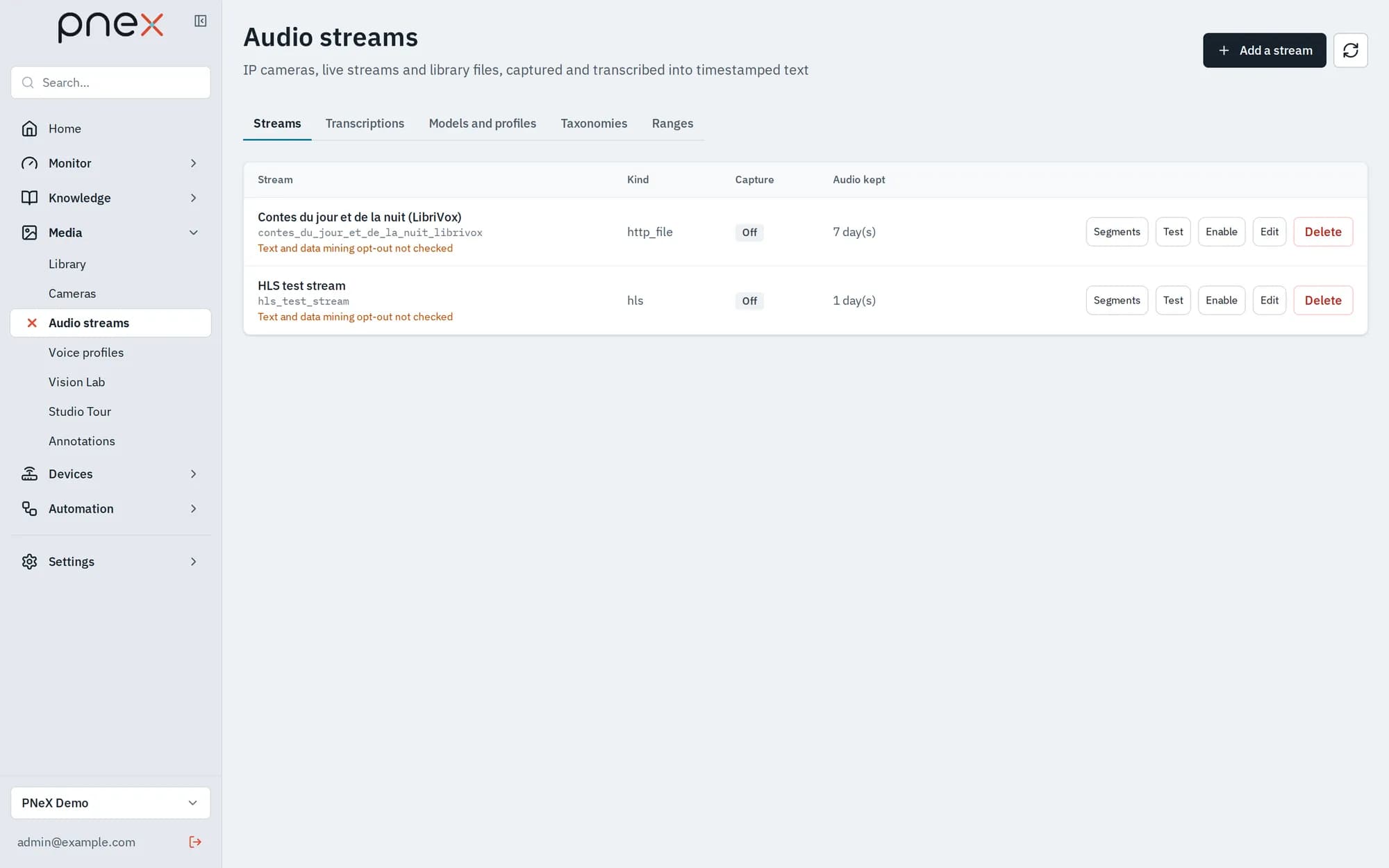
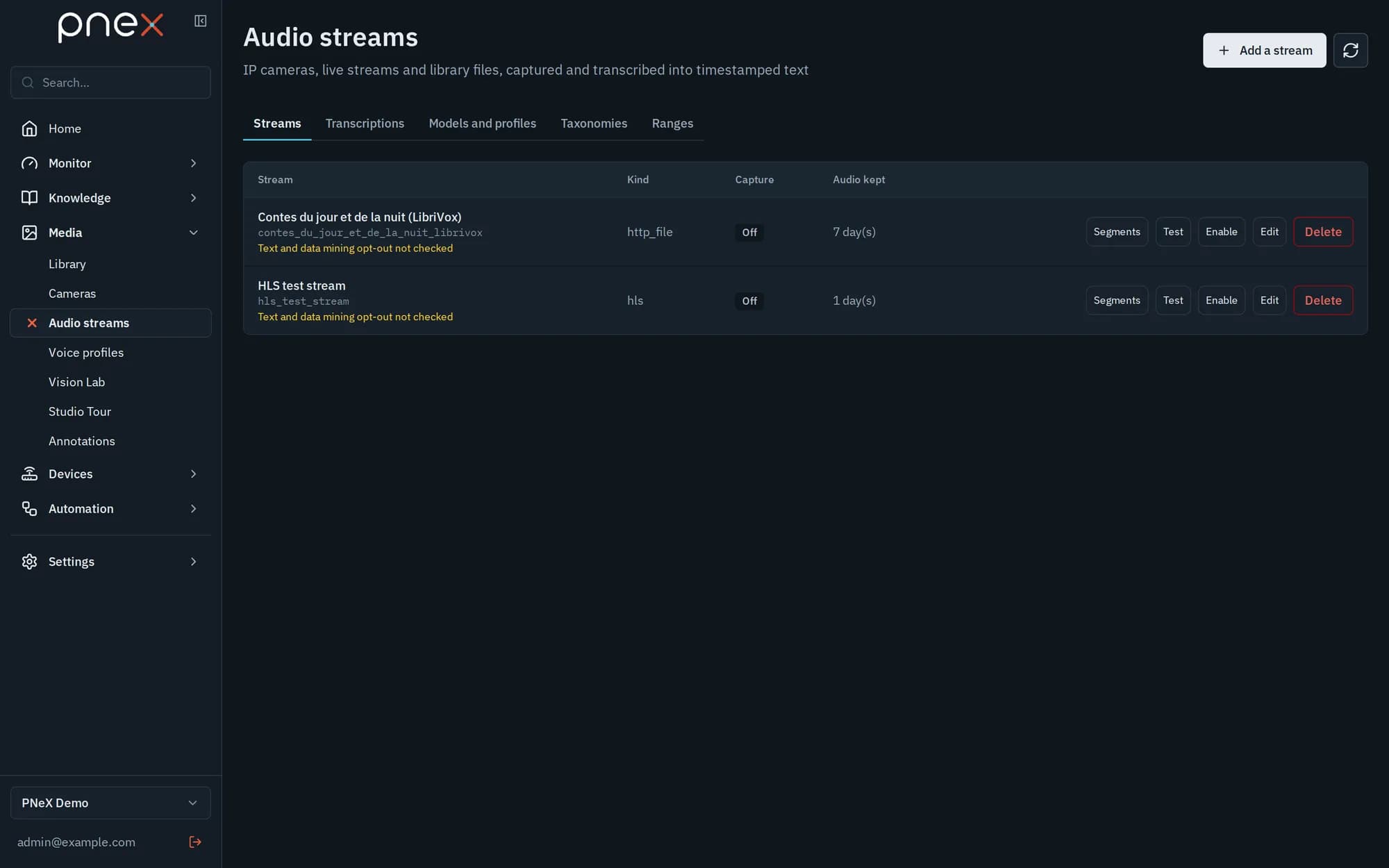
Media › Audio streams lists the radios, live streams and IP cameras the organization captures around the clock. The audio of a stream is cut into short segments and transcribed into timestamped text; only the text is kept for good. The video of a stream, when you ask for it, feeds the camera nodes of flows.
The page has five tabs: Streams, Transcriptions, Models and profiles, Taxonomies and Ranges.
Add a stream
Add a stream opens the form:
- Name and Kind:
icecastfor a continuous radio stream,hlsfor an.m3u8playlist,http_filefor a single file such as a podcast episode,rtspfor an IP camera,media_assetto replay a video or a sound of the media library. - Stream URL, or for
media_assetthe Media library file (MP4/MOV video or MP3/AAC/OGG/FLAC/WAV audio, 512 MB at most). The file is played once at its normal speed, then the stream switches itself off. - Tracks: Audio (transcription), Video (camera bus) or Audio and video. With video, pick the Frames per second (1 to 5). Video works with RTSP, HLS and MPEG-TS / MP4 sources in H.264, H.265 or MJPEG.
- Access secret (header or credentials): typed, or picked from the organization vault. It is sent only to the host of the URL. A URL that contains a token or a password is refused: credentials always go in the secret.
- Transcription profile: the speech-to-text model used for new segments (see below). A video-only stream needs none.
- Segment length (s) (10 to 120) and Audio retention: none (audio deleted once transcribed, the default), a number of days, or kept when the organization holds the rights.
- Capture location: This server, A capture worker run by the platform, or a Capture box: one of the organization's edge agents with media capture turned on, for example a Raspberry Pi next to a TV tuner. A box captures on its own network and uploads the audio over its encrypted device link; it never holds a storage key. A box captures audio only.
- Alert channel: where the silence alert goes, besides the in-app notification.
Test captures the first seconds of the stream and transcribes them with its profile, without storing anything, so you can check the URL and the profile before you Enable the stream.
IP cameras (RTSP)
An IP camera is a stream of kind rtsp with a video track. Put user:password in the
access secret, never in the URL. The connection is TCP only and redirects are refused.
In a flow, the Camera source node, source Media stream (IP camera), reads its
frames like those of a camera device: see Cameras & vision. The
Recordings button on the stream lists the video written by a Video recording node.
Before capturing a third-party stream, check that the publisher did not opt out of text and data mining (terms, robots.txt, notices), then tick Text and data mining opt-out checked. Until then the list shows a warning. Each organization can capture a limited number of streams, set by the platform.
Capture health and the silence alert
Under each enabled stream, a line gives the time since the last audio, the age of the oldest segment waiting for transcription, and the share of the last hour that was transcribed. The state reads Capturing, Starting, Retrying soon (with the reason: stream unreachable, format not supported, capture box offline…) or Stopped.
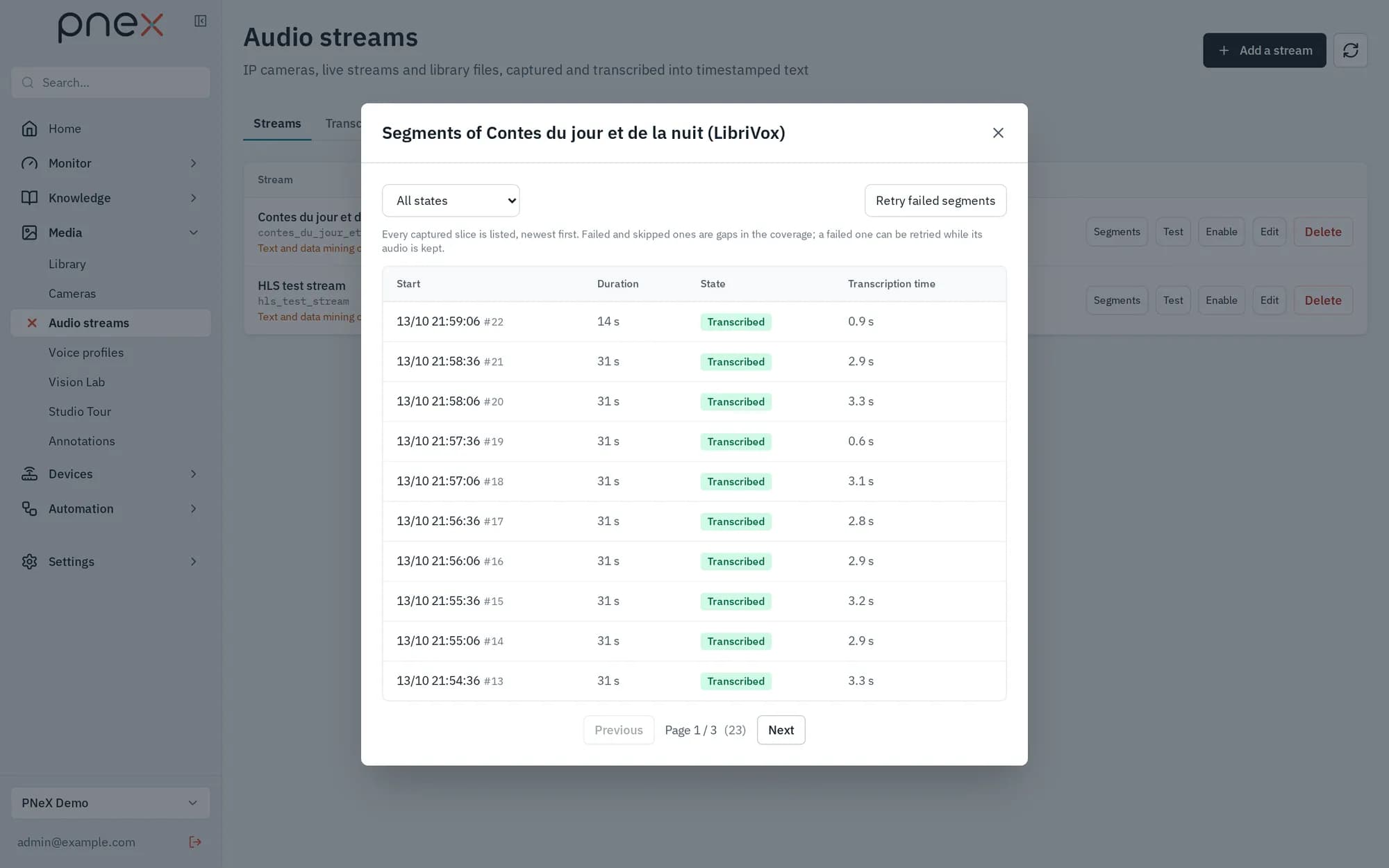
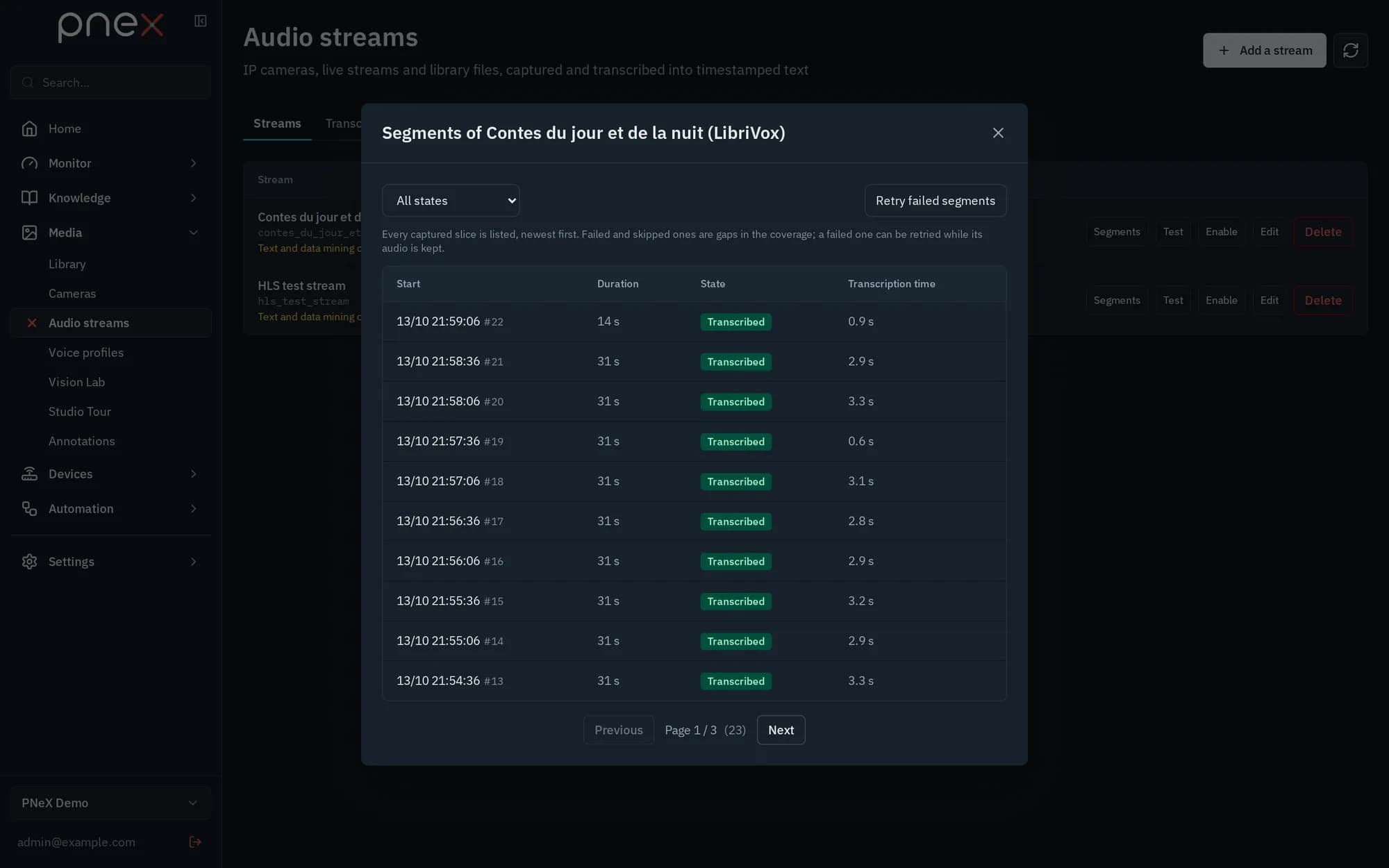
Segments lists every captured slice with its state (Captured, Queued, Transcribing, Transcribed, Failed, Silence (skipped), Too late (skipped)). Retry failed segments sends back the failed ones whose audio is still kept. Segments that fall too far behind live are skipped on purpose, so that the text keeps up.
When an enabled stream brings no audio for 2 minutes, the organization gets an in-app notification "Stream X is silent", plus a message on the stream's Alert channel when one is set. One alert per silence; it re-arms once audio is back. The alert watches the audio only: a video-only stream never raises it.
Models and profiles
PneX ships no speech model: you import the ones you want to run.
- Import a model: upload a sherpa-onnx
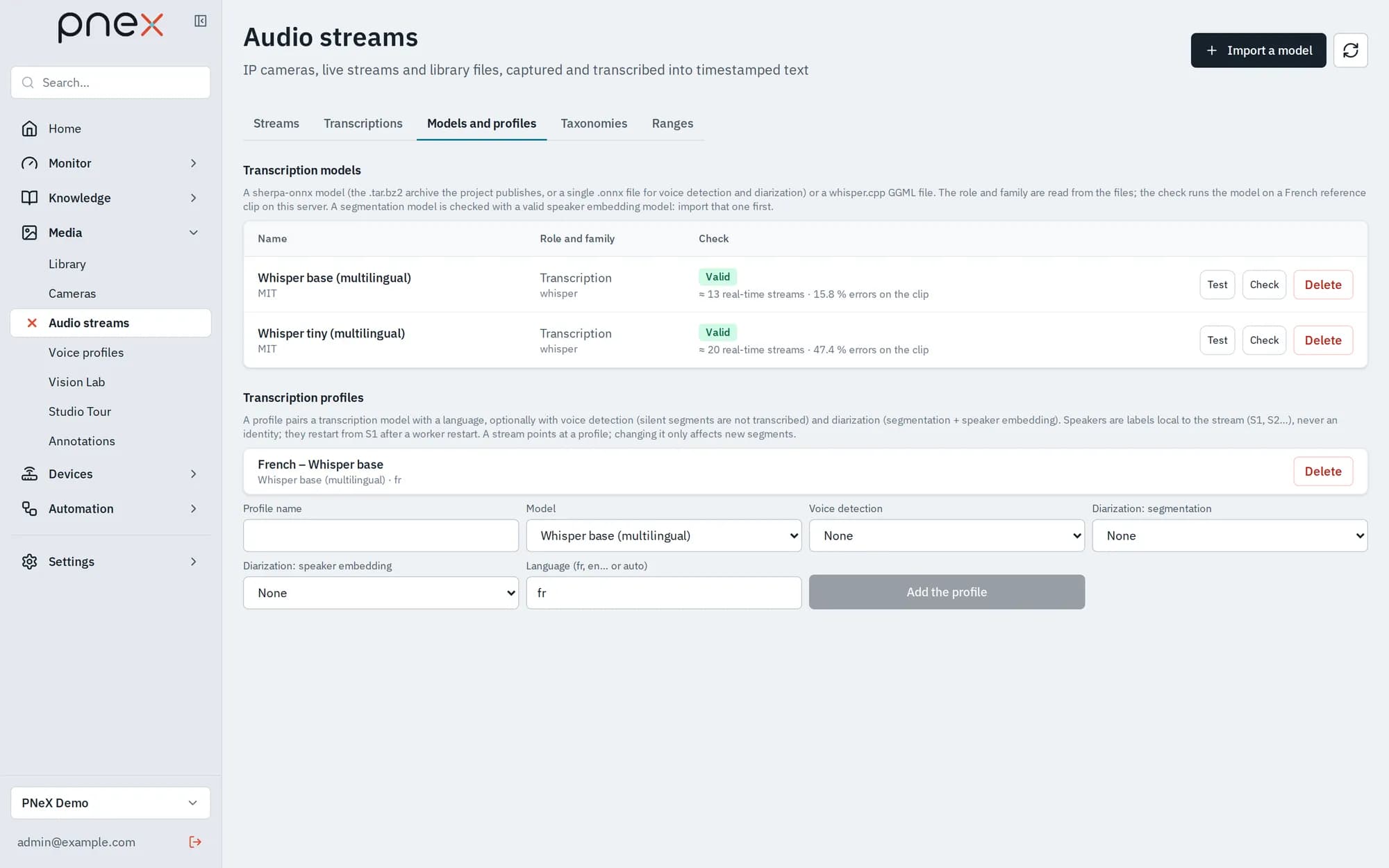
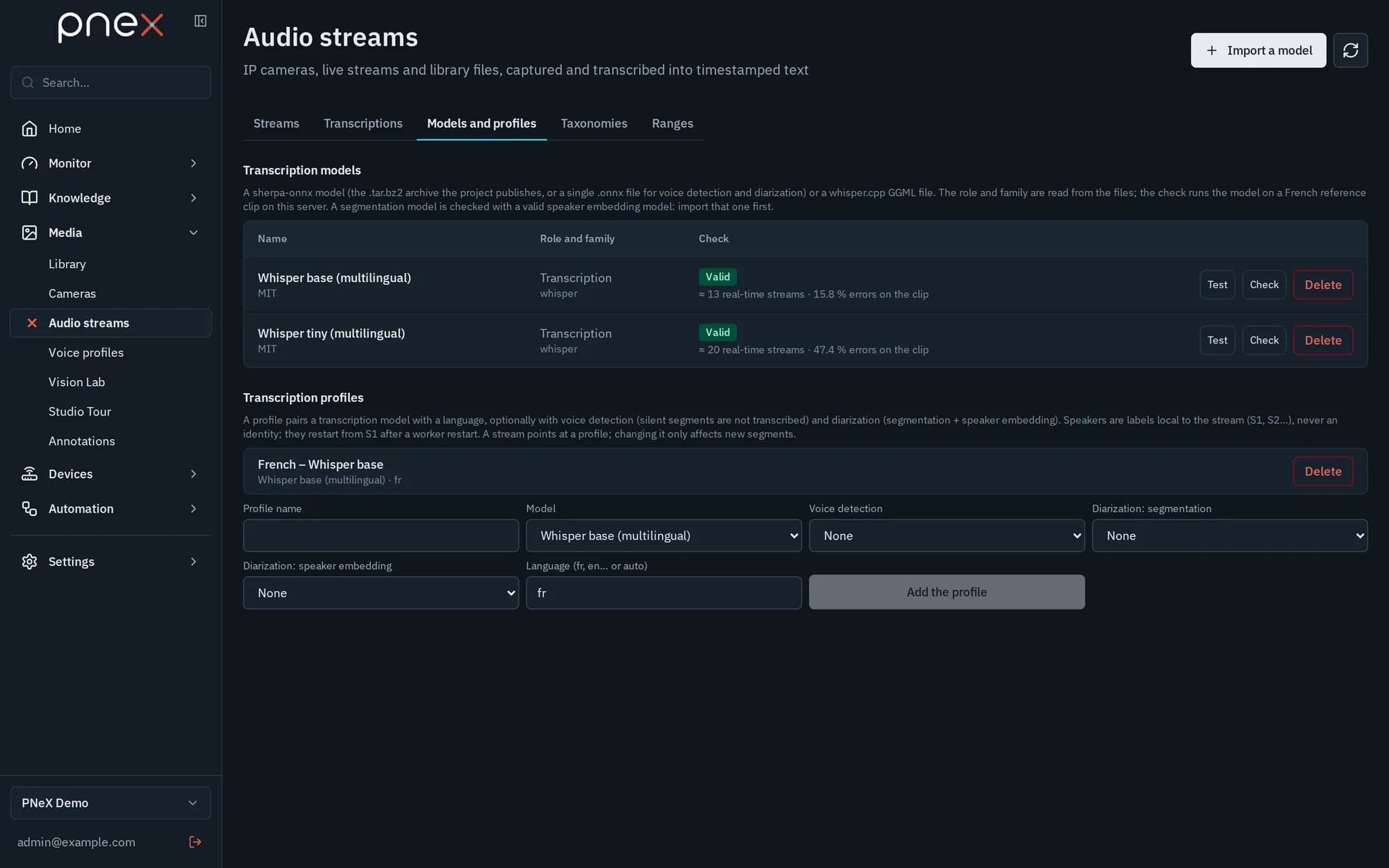
.tar.bz2archive or a whisper.cpp GGML file, or pick one From the media library, with its Model license. The server reads the family from the files, loads the model and transcribes a reference clip: the row shows how many real-time streams it sustains and its error rate on the clip. Check runs this again. Test transcribes an audio file you drop (its first 2 minutes) and shows the text and the time it took. - Import the optional helper models the same way, as single
.onnxfiles: Voice detection (for example Silero VAD) and, for diarization, Diarization: speaker embedding then Diarization: segmentation (import the embedding model first: the segmentation one is checked with it). - Add the profile: Profile name, transcription Model, optional Voice detection, optional Diarization: segmentation + Diarization: speaker embedding, and the Language (fr, en… or auto). Then pick the profile in the stream.
With voice detection, a segment without speech is not transcribed and shows as
Silence (skipped). The speech duration of each segment is written as the series
media_speech_seconds (label stream), ready for a dashboard.
With diarization, each transcription carries speaker turns labelled S1, S2…
These labels are local to the stream: they say "the same voice as a moment ago", never
who is speaking. They restart after 30 minutes without hearing that voice or when
transcription restarts. Speaking time per label is written as media_speaker_seconds
(labels stream, speaker). Naming a speaker comes from external sources (schedules,
announcements, ranges), never from the voice. Recognizing a consenting person by their
voice is a separate, opt-in feature: see Voice profiles.
Deleting a model deletes the profiles that use it; their streams stop being transcribed until another profile is set.
Transcriptions
The Transcriptions tab searches the text of every stream, or one, newest first (Search the text…). In a flow, the Media source node emits one message per transcribed segment of the streams it lists, with the text, the language, the model and, with diarization, the speaker turns. Nothing is emitted during silences.
Time ranges
A time range is a named interval of a stream or of the whole organization: a show, a news segment, a work shift, a production batch. It has a planned time (announced by a schedule) and/or an actual time (what really happened); statistics use the actual time when it exists.
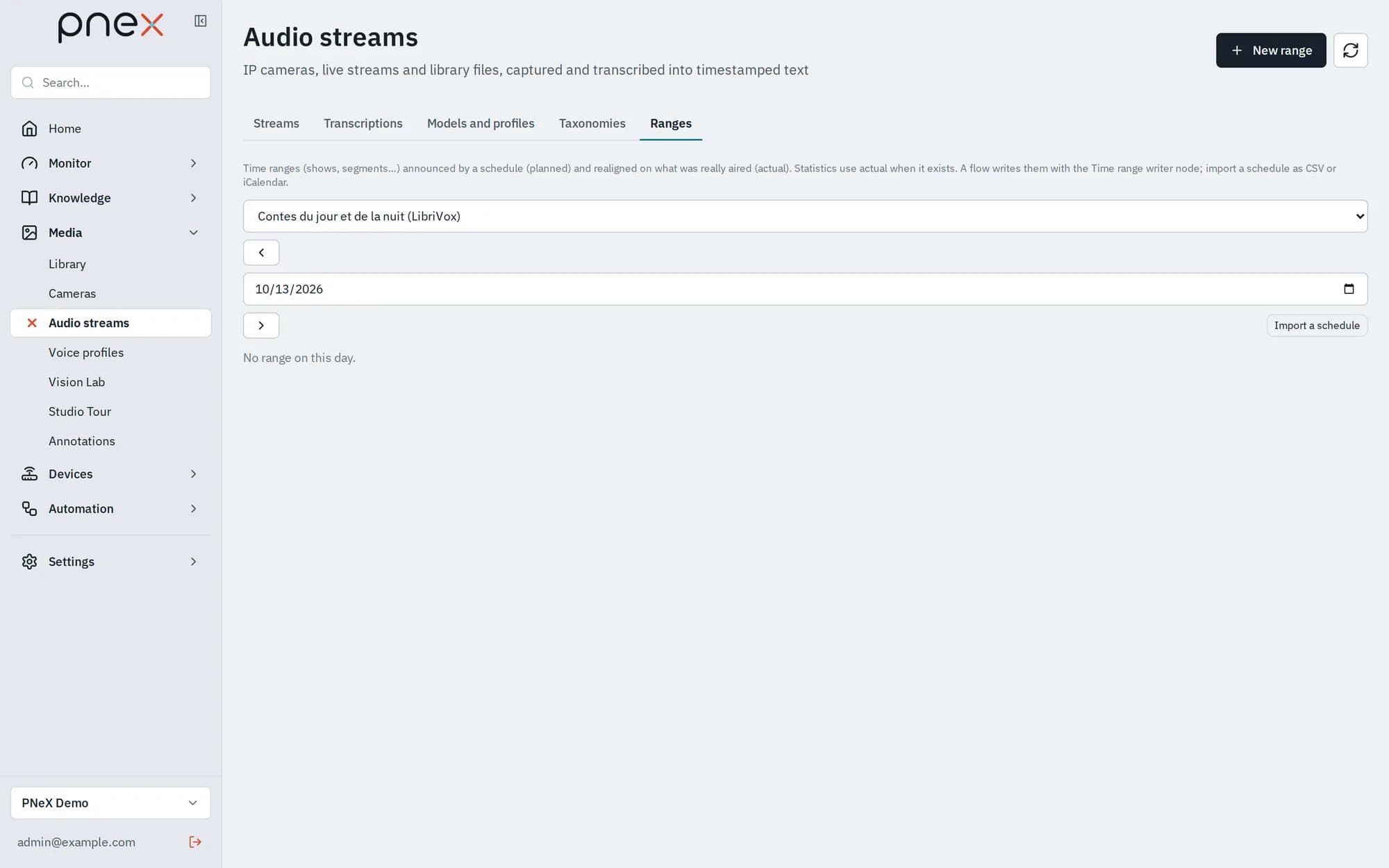
The Ranges tab shows one day at a time for a stream or The whole organization. A timeline draws two bars per range: the light one is planned, the dark one actual, so a late start shows at a glance. Each row gives its Origin (Schedule, Detected, EPG, Manual, Import) and a Source link when there is one.
- New range: label, category, External id, planned and actual start and end, and a
source link (
httporhttps). At least one complete pair of times is needed. - Import a schedule: a CSV file with a header row (
labelrequired, plusexternal_id,planned_start,planned_end,actual_start,actual_end,category,source_url; times like2026-10-12T07:00:00+02:00; comma or semicolon separated) or an iCalendar.icsfile (UID,SUMMARY,DTSTART,DTENDorDURATION). The result counts the ranges created, updated and rejected, with the line and the reason of each rejection. Files are limited to 1 MiB and 5000 rows.
The external id identifies a range in its schedule: importing the same file again updates the ranges instead of duplicating them, and an empty CSV cell leaves the stored value untouched, so a re-imported schedule never erases actual times written by a flow.
In a flow, the Time range writer node stores each message as a range of the stream picked in the node: a schedule fetched every night (Inject → HTTP fetch → Function → Time range writer), or an announcement recognized in the transcriptions (Media source → Function → Time range writer, with the actual times). For statistics per show or per time slice, add a Bars per range / slice widget to a dashboard.
Taxonomies and the topic classifier
A taxonomy is a versioned list of topics. Each topic has an Id (lowercase letters,
digits and _, stable once used by series), a Label, a Definition and
Keywords. Every saved change creates a new version; old versions are never rewritten.
- New taxonomy (name and description) starts empty, at version 0.
- New version edits the topics table (up to 100 topics, 50 keywords each), with a Note (what changed), then Save the version.
- History lists every version with its date, note and topics.
In a flow, the Topic classifier node (typically after a Media source) picks a
taxonomy and pins its current version. Each message gets topics (the ids of the topics
found, possibly none) and taxonomy_version (name@version). A topic matches when one
of its keywords appears as whole words, ignoring case and accents: bourse does not match
boursier. A topic without keywords never matches.
A new version reaches a flow only when you pick it in the node and redeploy. Put
taxonomy_version in the labels of the series you write: a new version then starts new
series instead of mixing with the old ones.
Transcriptions are text from anyone who broadcasts: flows treat them as data, never as instructions.
Roles
Every member reads streams, segments, recordings, transcriptions, ranges and taxonomies. Owners, Admins and Members add and change them; only Owners and Admins set an access secret, or move a stream that holds a secret to another address or onto a capture box. Viewers cannot change anything.