
Ontology
Model the real things of your organization as typed objects, linked to each other over time
The ontology models what your organization actually runs — sites, production lines, machines, pumps, or any type you define — as objects with typed properties, linked to each other over time. Devices, media, dashboards, tours, sites (POIs), flows and pages are objects too: they keep their own pages, and each of those pages has an Object page button.
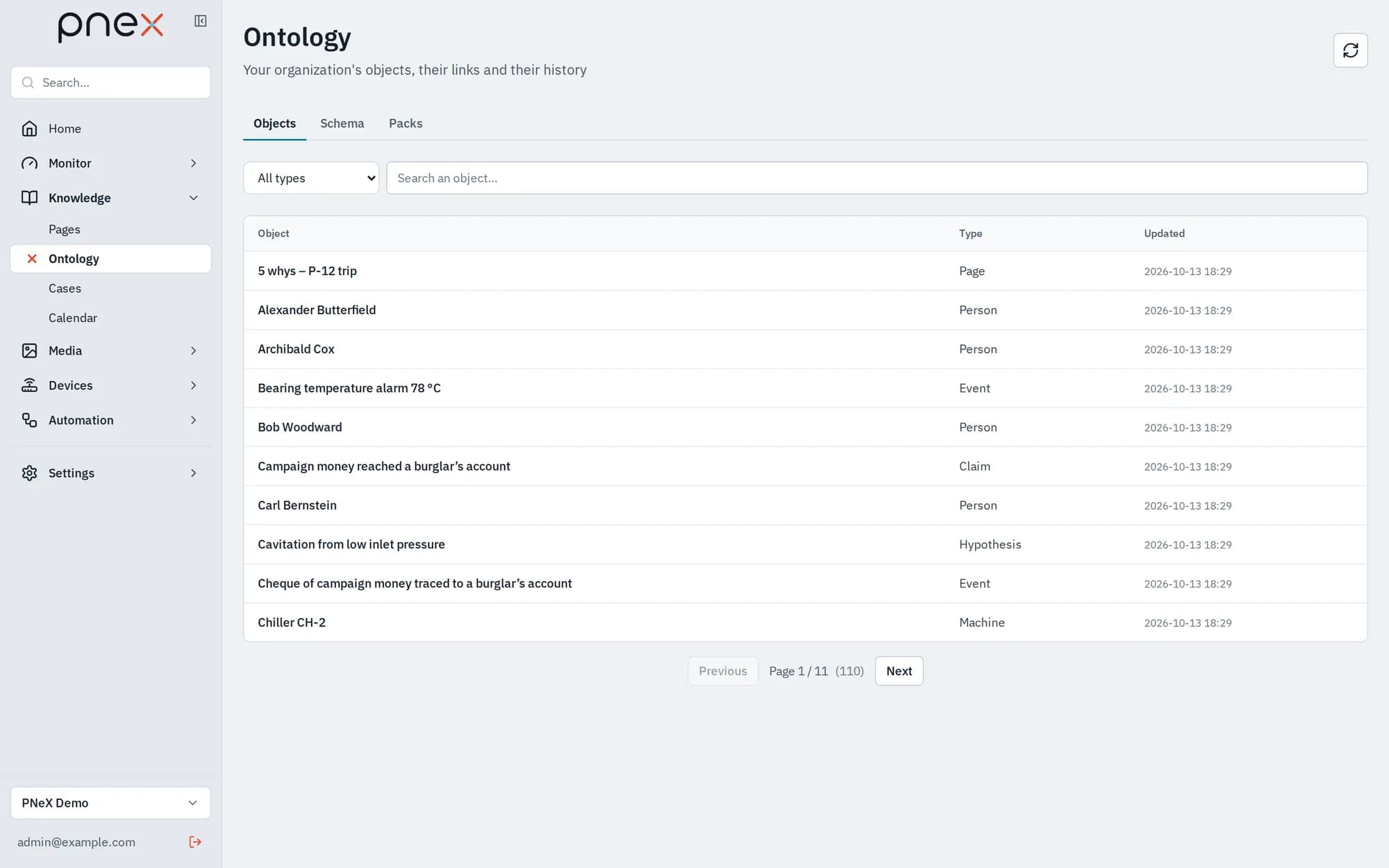
Open it from the sidebar: Knowledge › Ontology. The page has three tabs: Objects, Schema and Packs.
Start with a pack
A pack is a set of ready-made types for a trade. On the Packs tab, Install Augmented maintenance to get sites, production lines, machines, pumps and maintenance plans, with the link types between them (maintains, feeds, is the backup of). Installed types belong to your organization: you can edit them afterwards. A newer pack version is applied with Upgrade; it adds new type versions and never removes yours.
The same tab exports your whole schema as YAML (Export YAML) and imports one (Import): version it with your other files, or copy it to another organization.
Objects and their page
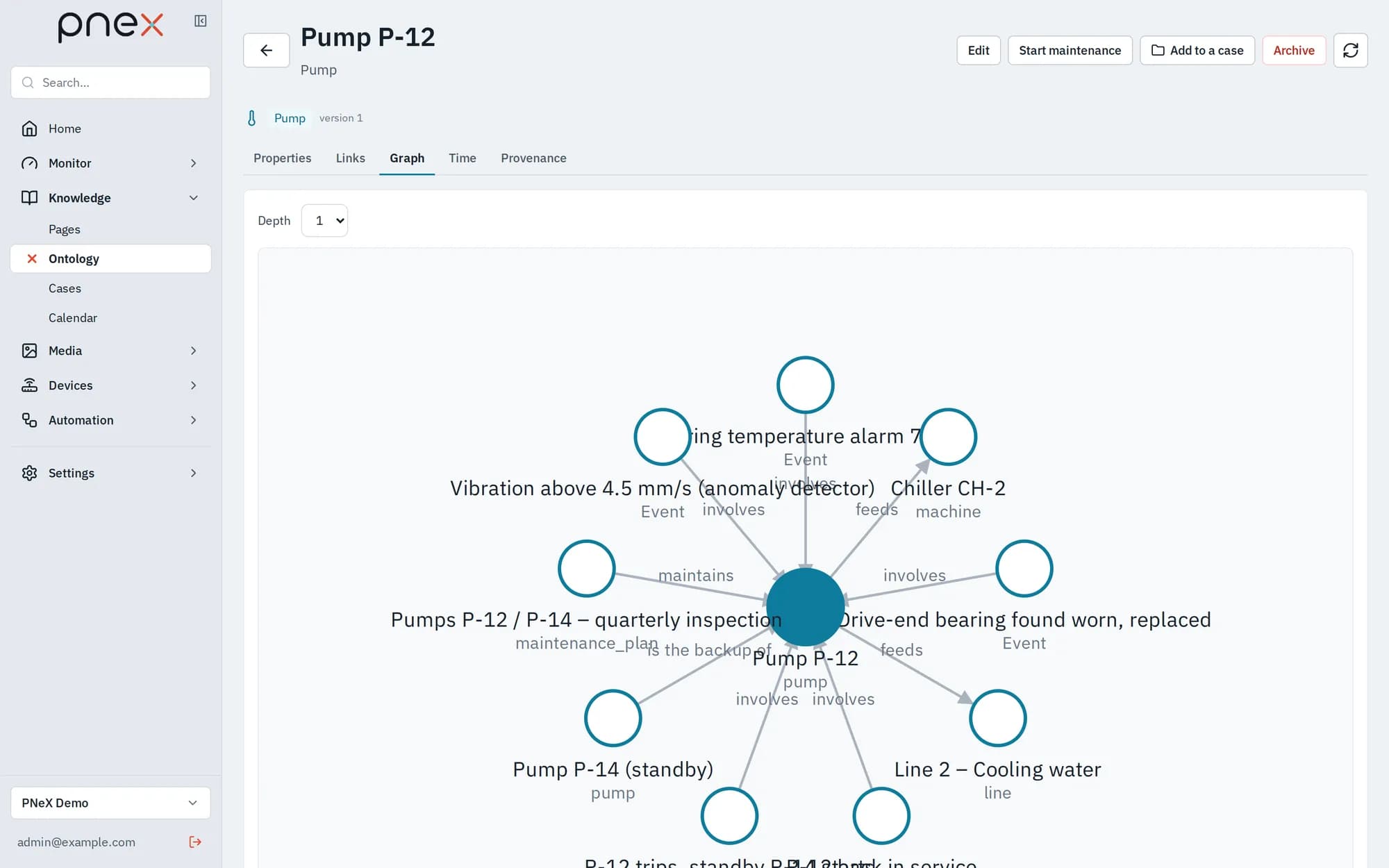
On the Objects tab, pick a type, search by title, and create an object with New object (a title plus the properties of the type). Click a row to open its object page:
| Tab | What it shows |
|---|---|
| Properties | The typed values of the object, with when and by whom they were last changed |
| Links | The links valid now, As of a past date, or the Full history; open or close a link |
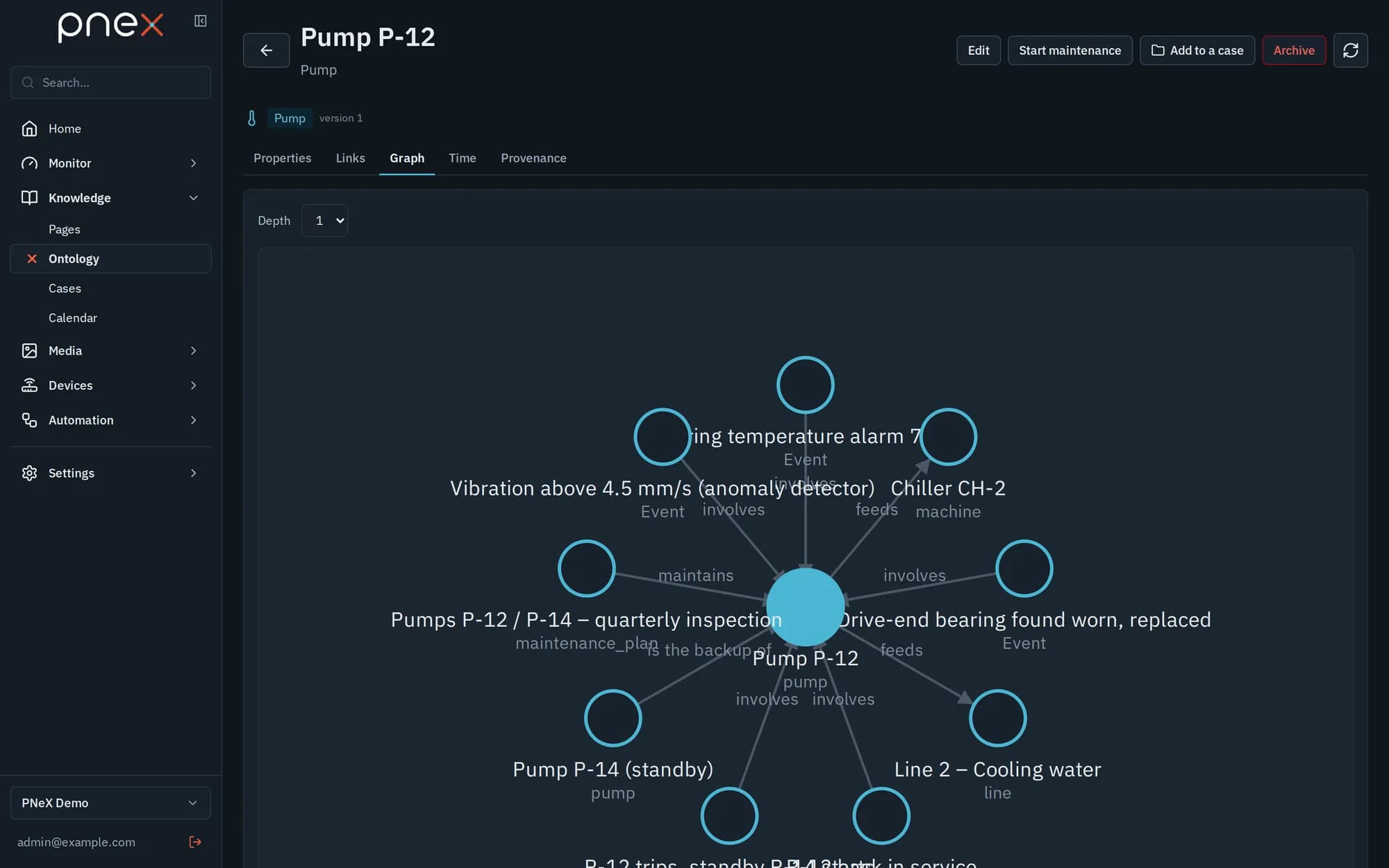
| Graph | The object and its neighbours, plus the Cascading impact: everything downstream through outgoing links |
| Time | Each time-series property drawn over a window, with the sensors that fed it |
| Provenance | Who changed what, when, and from where |
Property kinds: text, number (with unit, min, max), yes/no, date, date and time, list of values, position, area, web link, reference to another object, recurrence (see the calendar), time series and events.
Links over time
A link always has a start and, once closed, an end. Nothing is overwritten: closing a link keeps it in the history, archiving an object closes its open links, deleting a device or a media closes its object. With As of, the Links tab shows the links that were valid on that date — which pump was installed on which line last March, for instance.
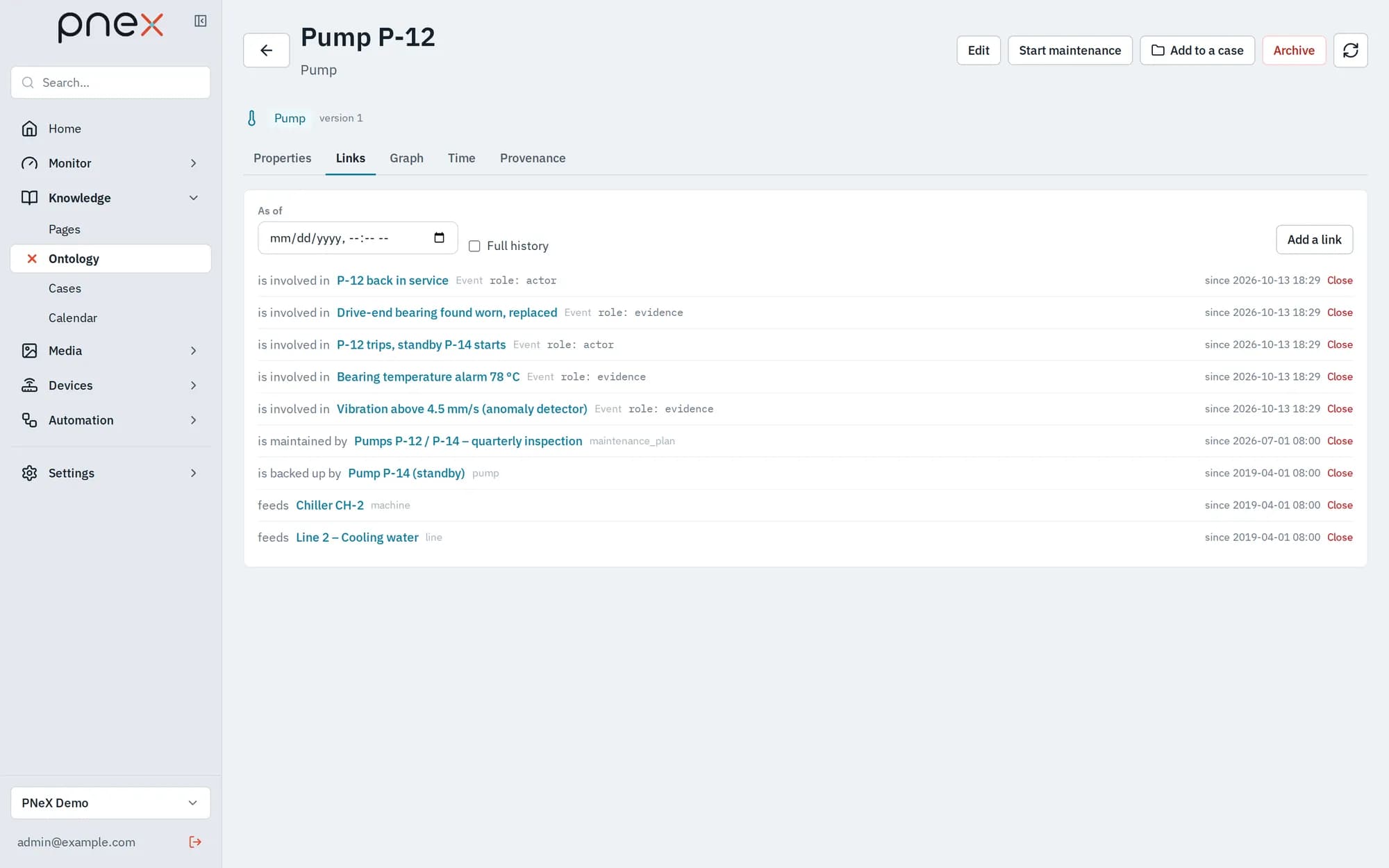
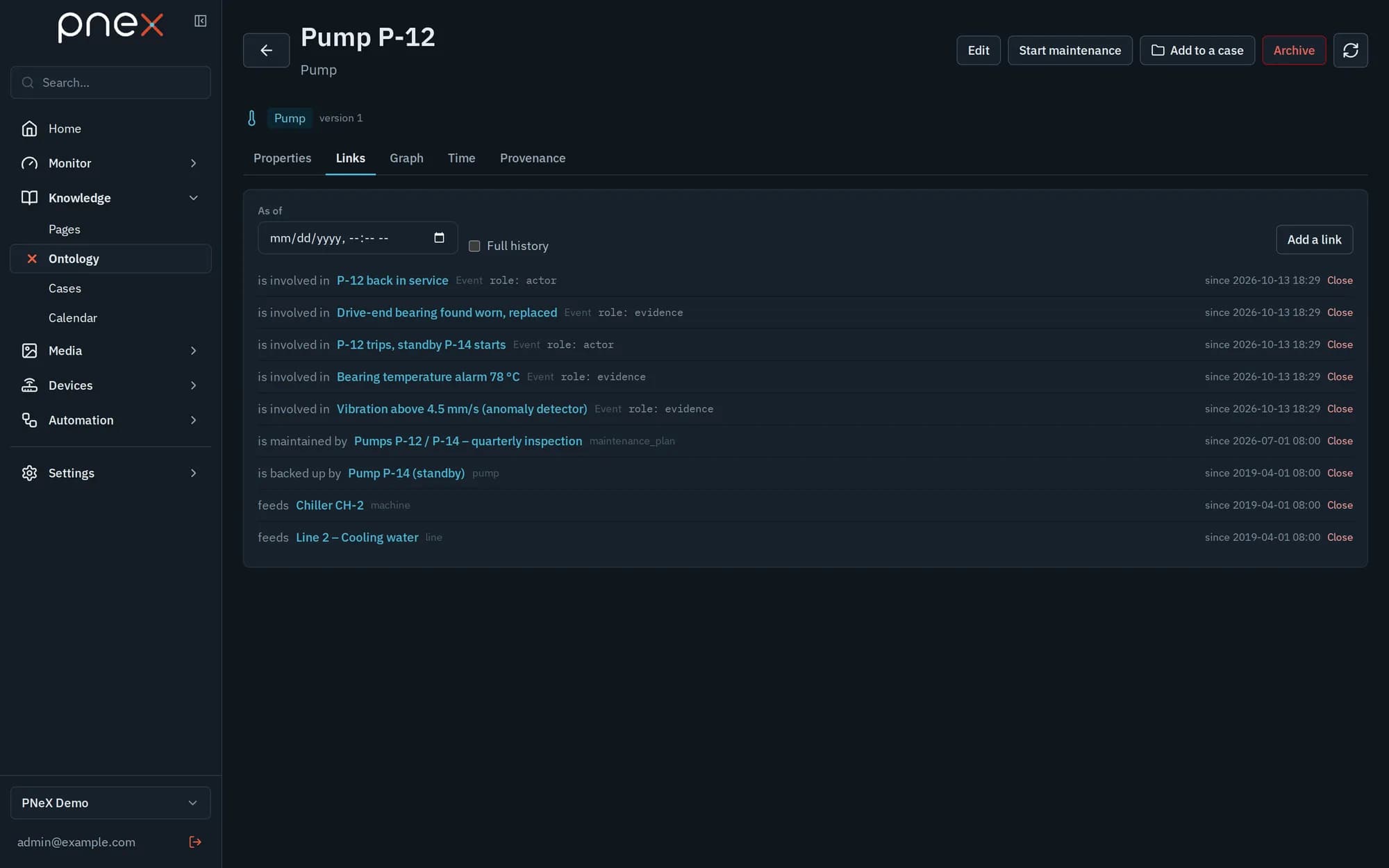
Opening a link with a past Valid from date records a historical fact. Some link types allow only one open target per source: a second one is refused until you close the first.
Time series and sensor replacement
A time-series property holds no value in the object: it is fed by a sensor. On the Time tab, Bind a sensor picks a device and the metric it publishes. When the sensor is changed in the field, Replace the sensor: the old binding is closed, a new one opens from the new device, and the curve of the object stays continuous across both.
A dashboard can follow a type instead of a device: in the dashboard editor, select a gauge, chart, value or indicator and set Type dashboard. The dashboard then shows any object of that type, picked at the top, and keeps working after a sensor replacement.
Your own types
On the Schema tab, owners and admins create a type: key, name, icon, minimal role needed to write its objects (member, admin, owner), what it may contain and be contained in, and its properties. Each save creates a new version of the type; every version is kept. You can also add your own properties to the system types (devices, media…).
Actions run by flows
A type can declare actions — the Augmented maintenance pack gives machines and pumps a Start maintenance action with a reason and a planned end. On the object page, the action buttons sit next to Edit: a click opens a form with the parameters, and Run sends it.
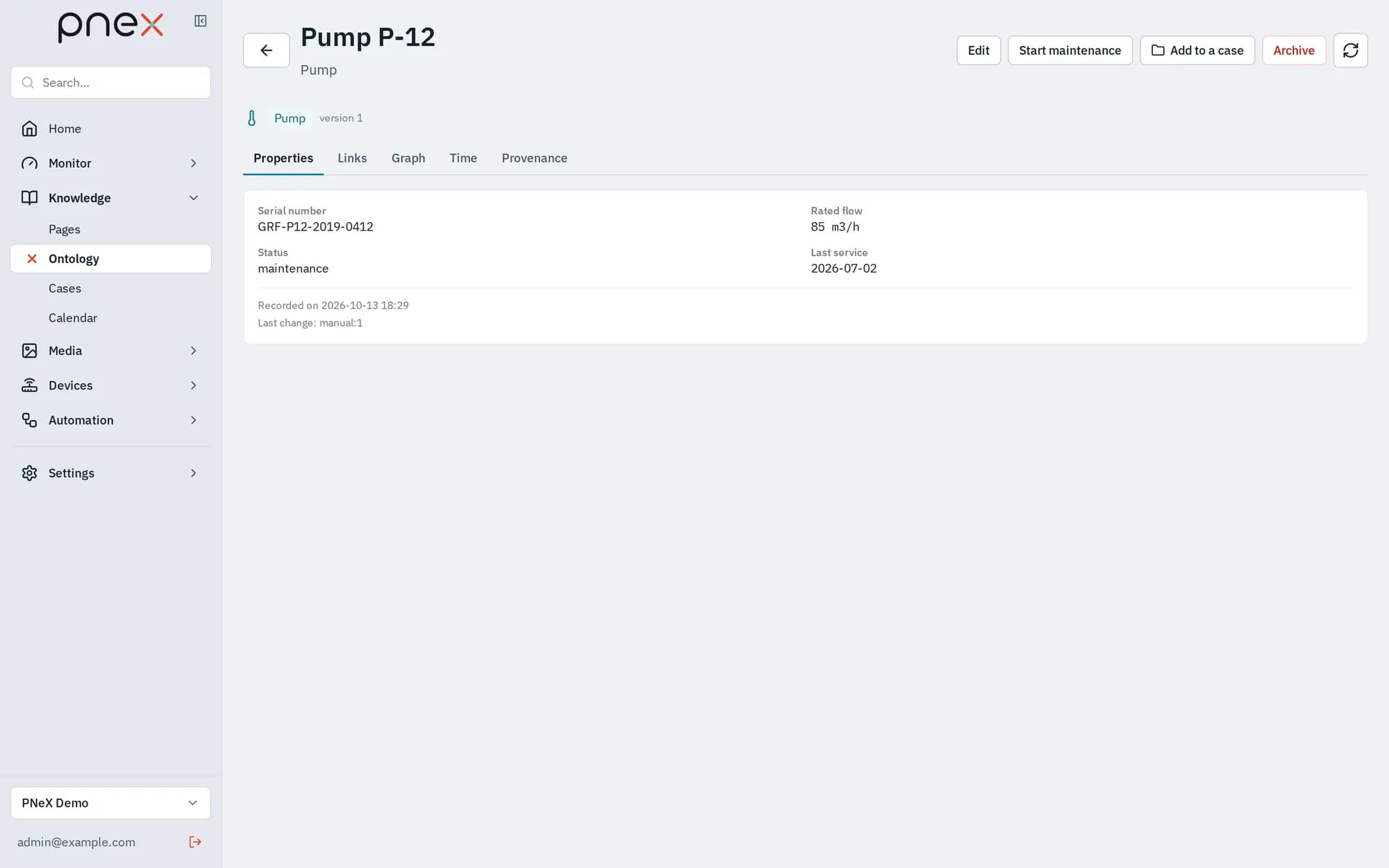
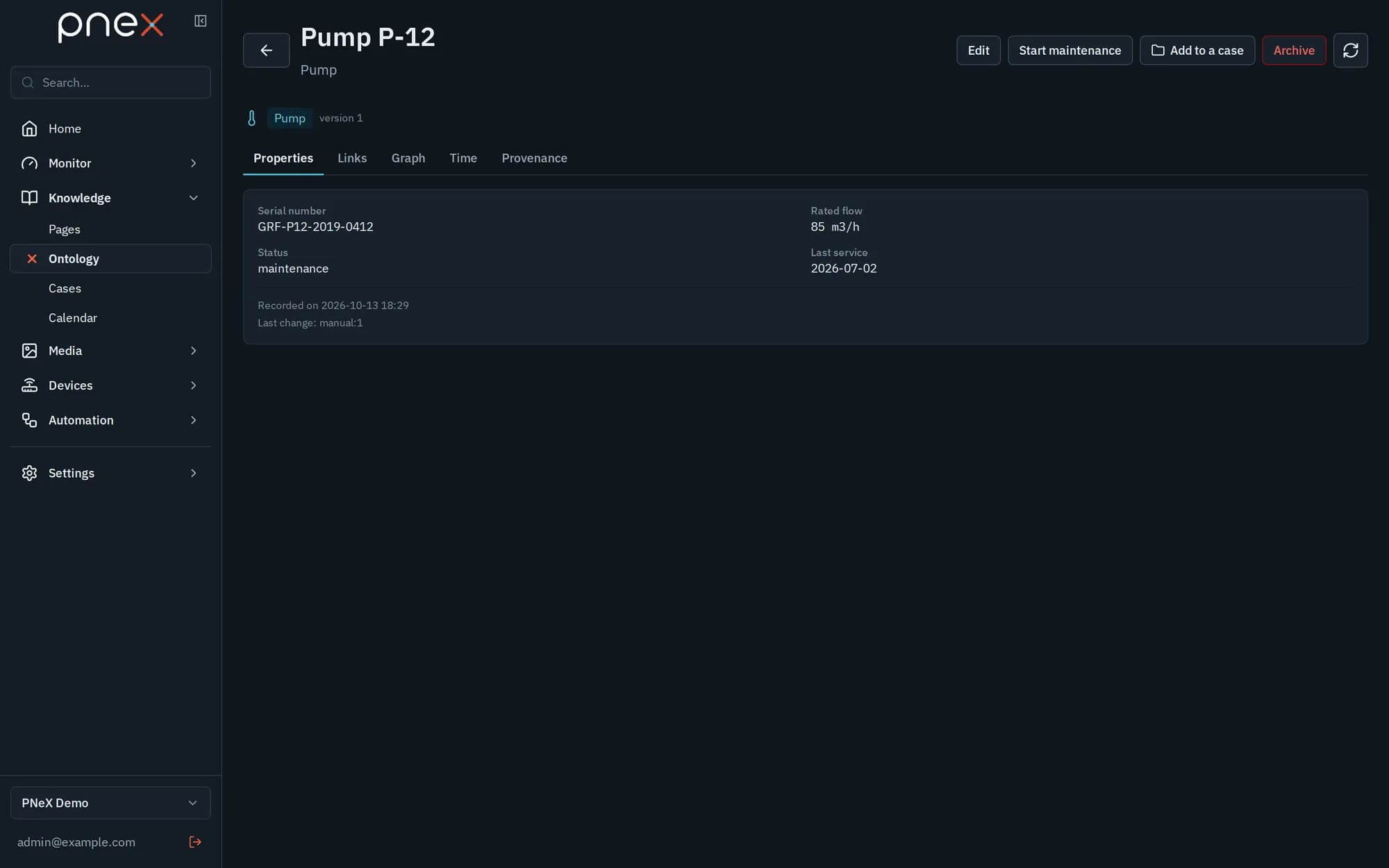
PNeX does nothing by itself with an action. It reaches the deployed flows that hold an Action trigger node for it, and those flows decide what happens.
Each run is kept in the object's Provenance tab, with its parameters and the flows that received it. If no deployed flow handles the action, the run is refused with a message that says so: add an Action trigger node, pick the type and the action, wire what should happen, and deploy.
With the assistant
The AI assistant reads the schema and the objects, creates and updates objects, opens and closes links and saves types. It can propose an action with its parameters filled in — a Review and run button appears under its answer — but only you run it. It never archives or deletes anything.
Roles
Viewers read everything and change nothing. A type can require the admin role to write its objects. Only owners and admins edit the schema and install packs. System objects (devices, media…) are created and deleted from their own pages.
What it does not do yet
- Packs exist for maintenance and investigations only; other trades are modelled by hand or by importing a YAML schema.
- Provenance needs the telemetry store to be configured; without it, the tab says the history is unavailable.
Related pages
- Calendar — maintenance plans built on the ontology
- Cases — investigations over objects, links and time
- Flows — the Action trigger node
- Dashboards — type dashboards