

AI Assistant
An org-scoped assistant that reads your platform and drafts flows — your LLM, your keys
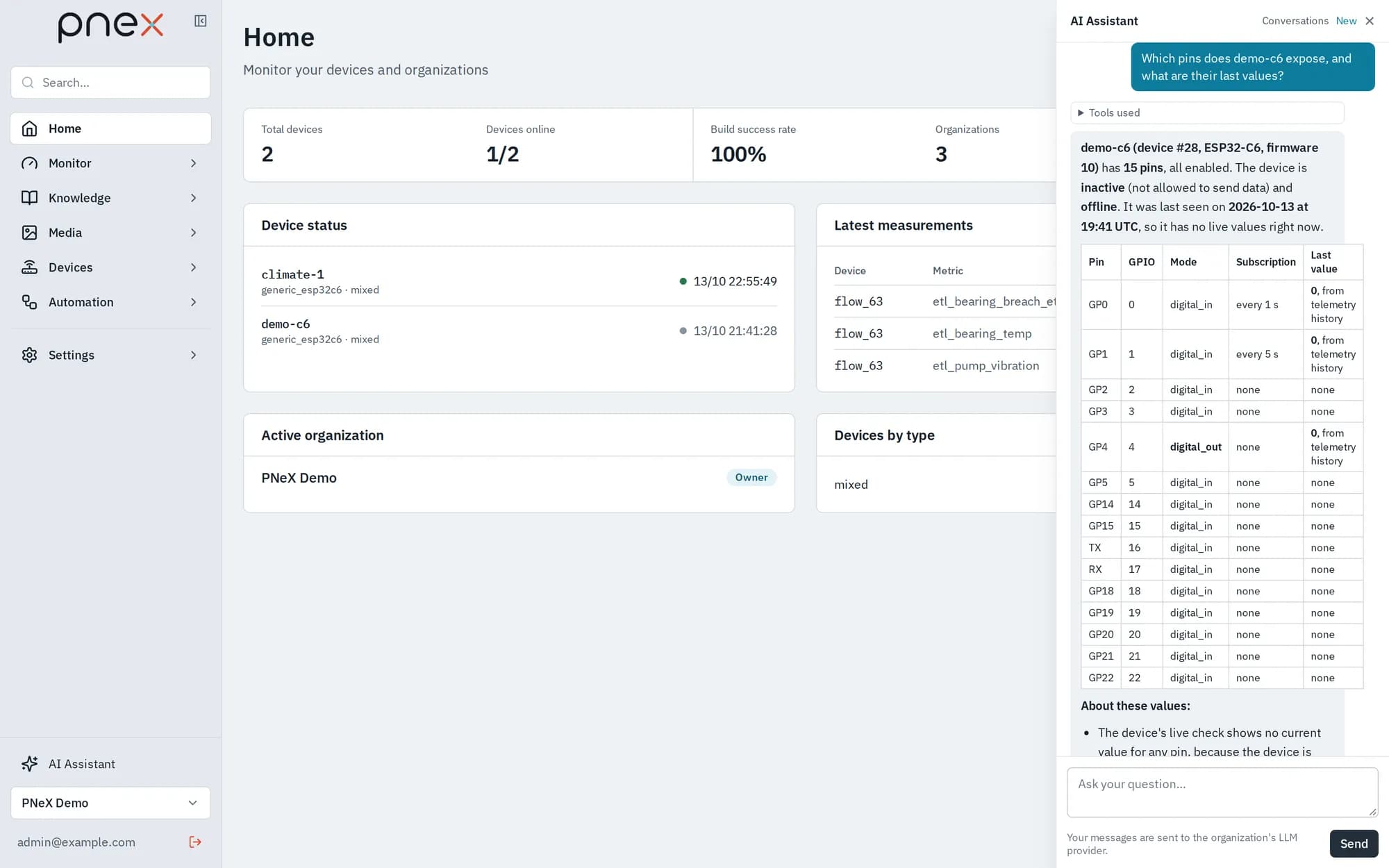
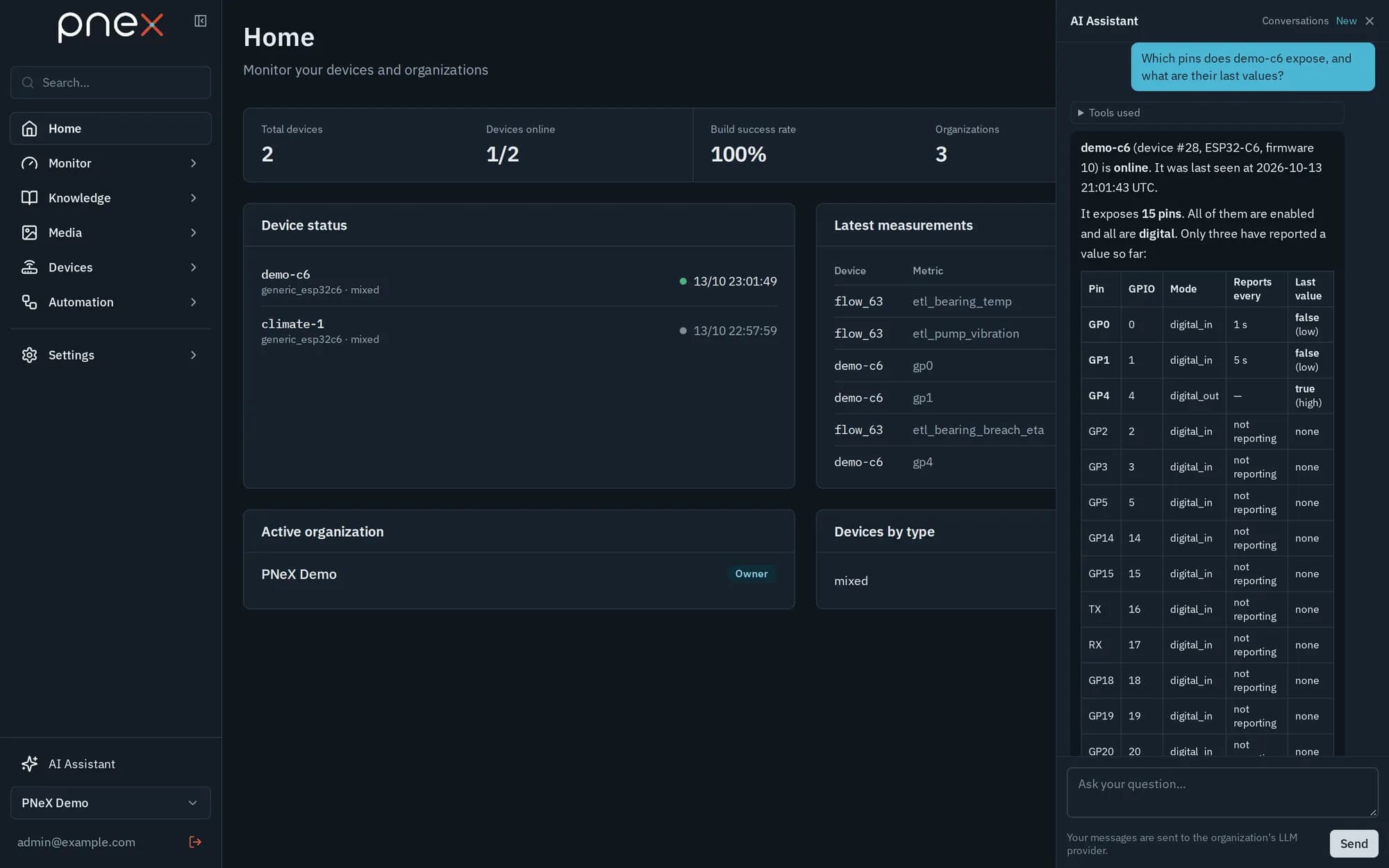
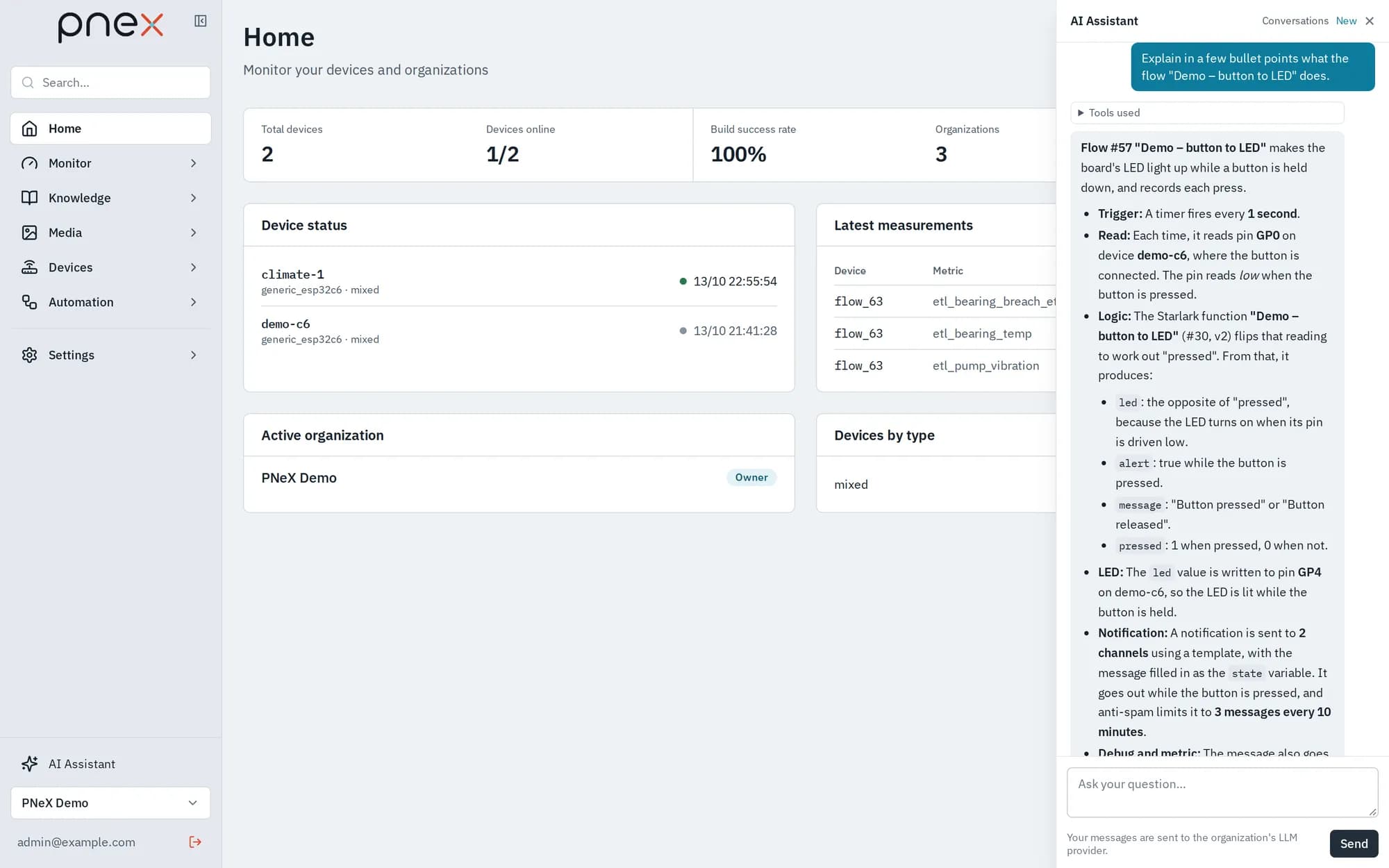
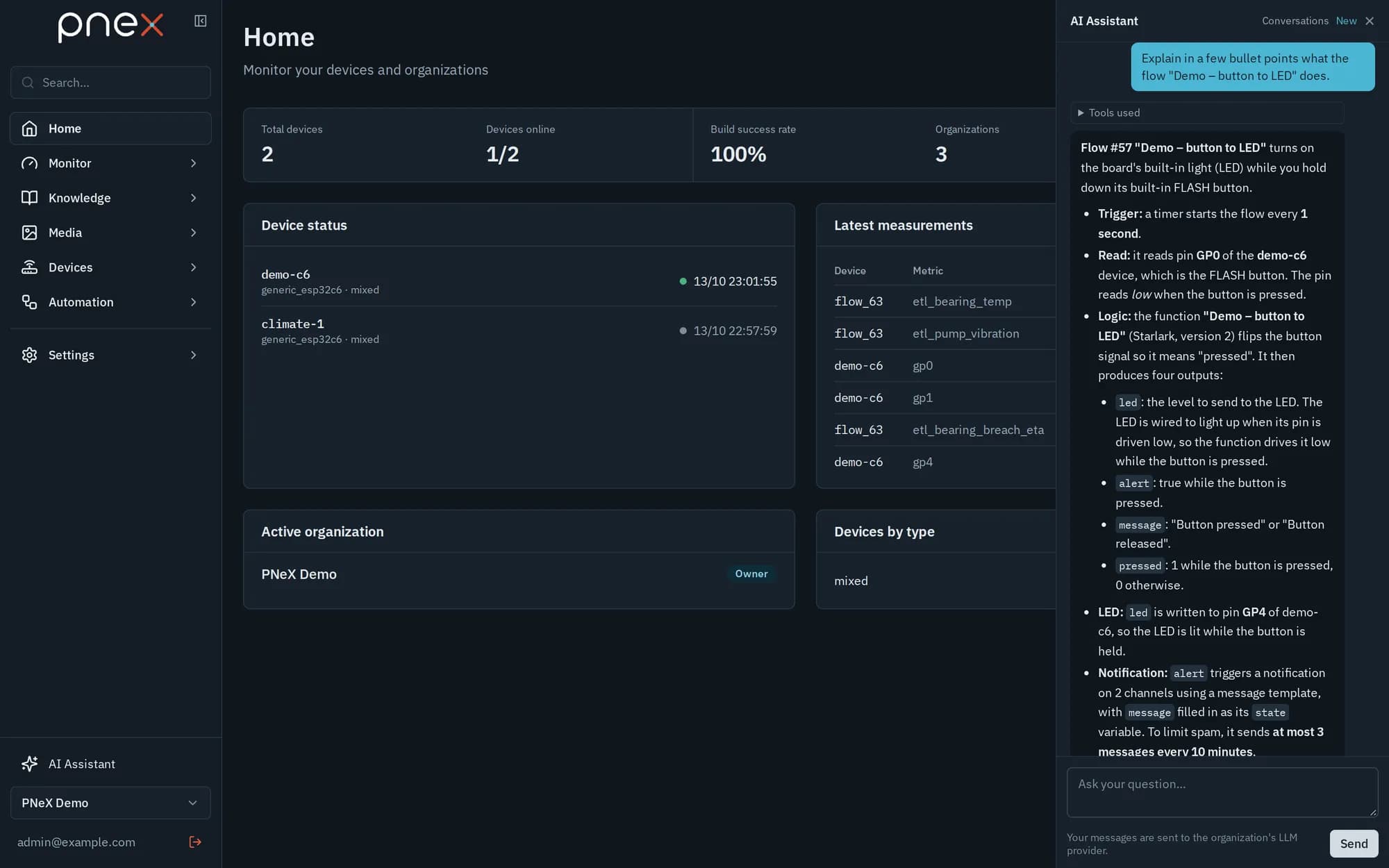
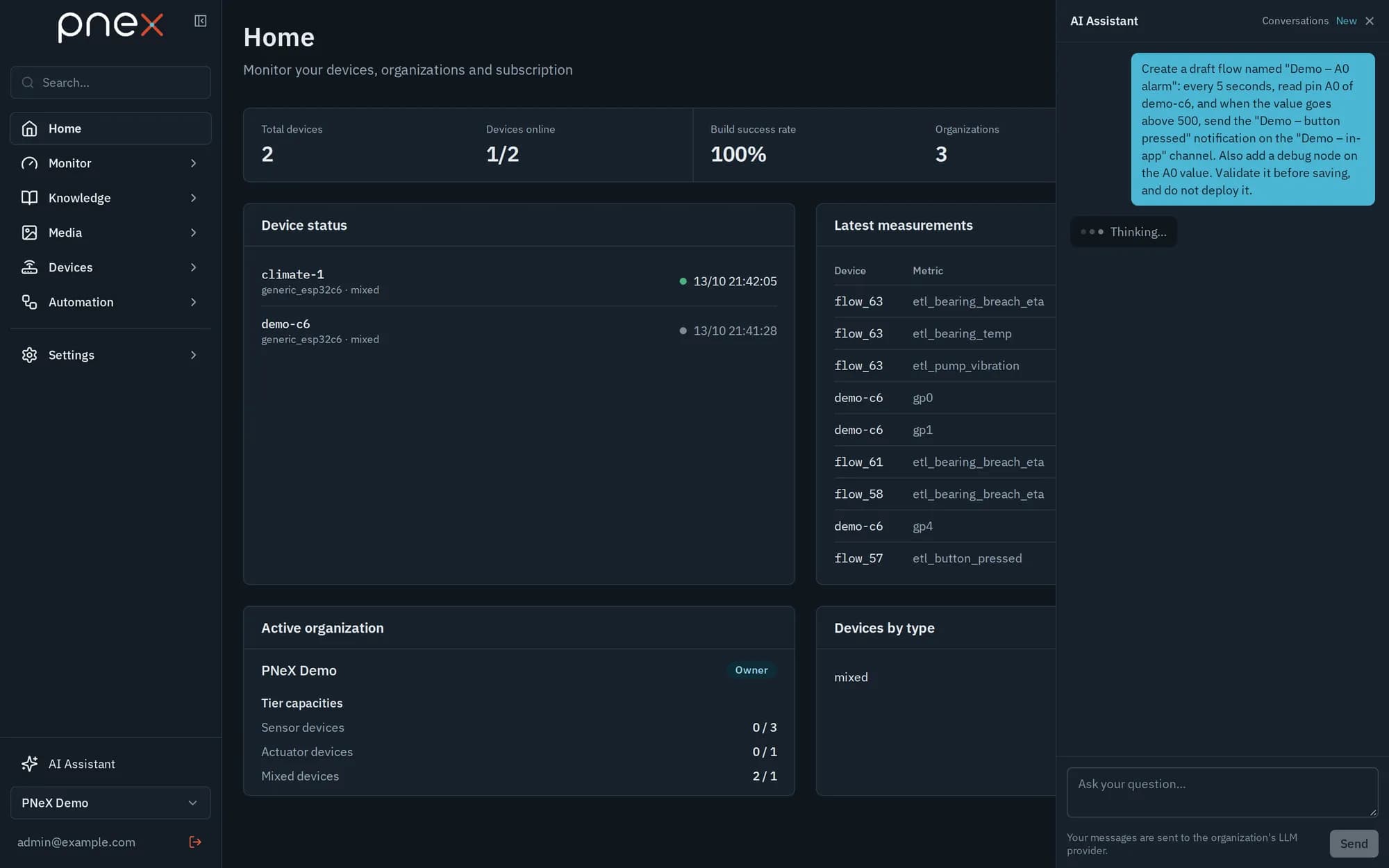
AI Assistant, at the bottom of the sidebar (above the organization selector), opens the assistant drawer from any page. Ask a question about your devices, your data or your documents, ask it to explain a flow, or describe an automation in plain words: it answers from the live state of your organization, reasons on its ontology, and can draft the flow for you.
Bring your own LLM
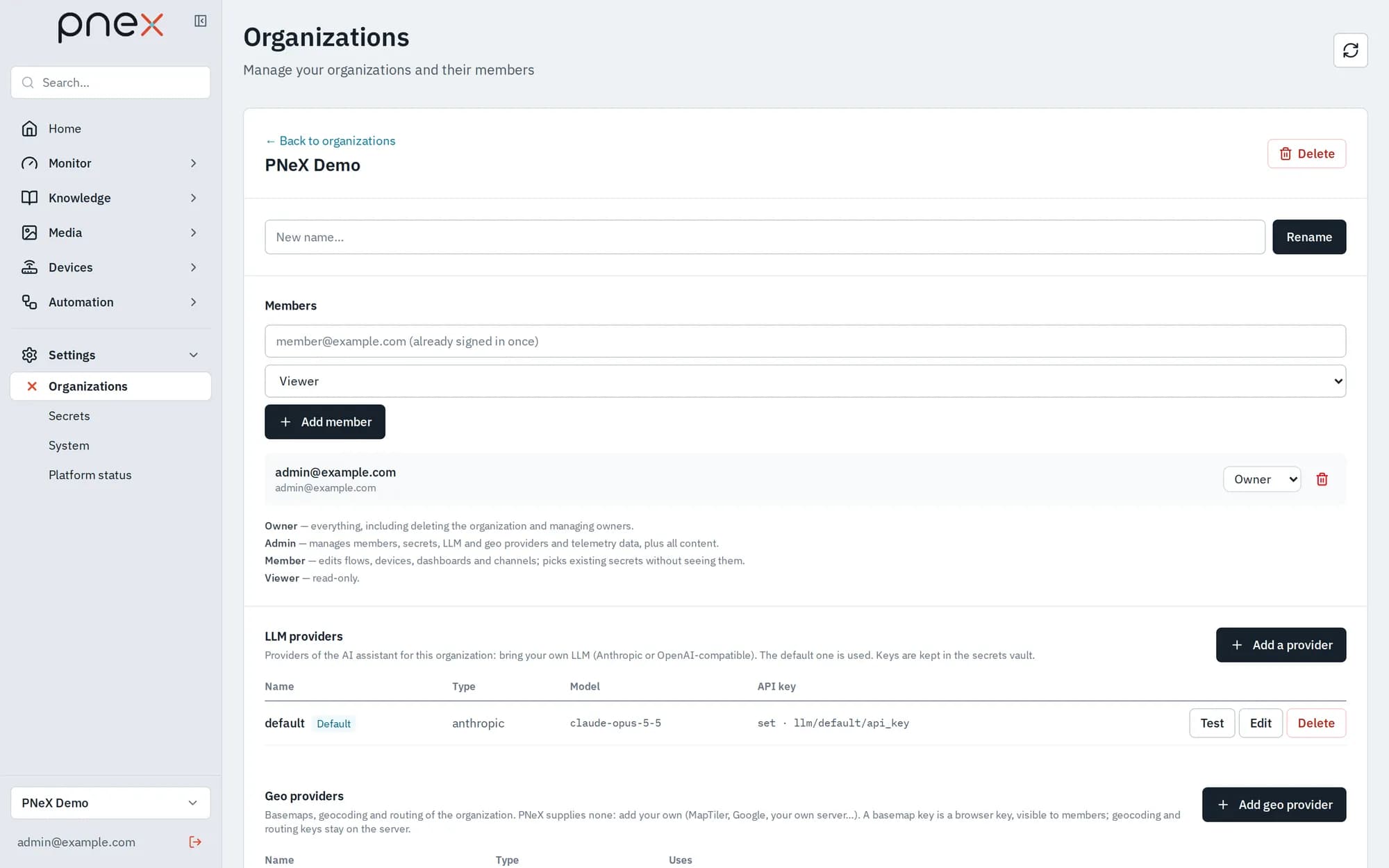
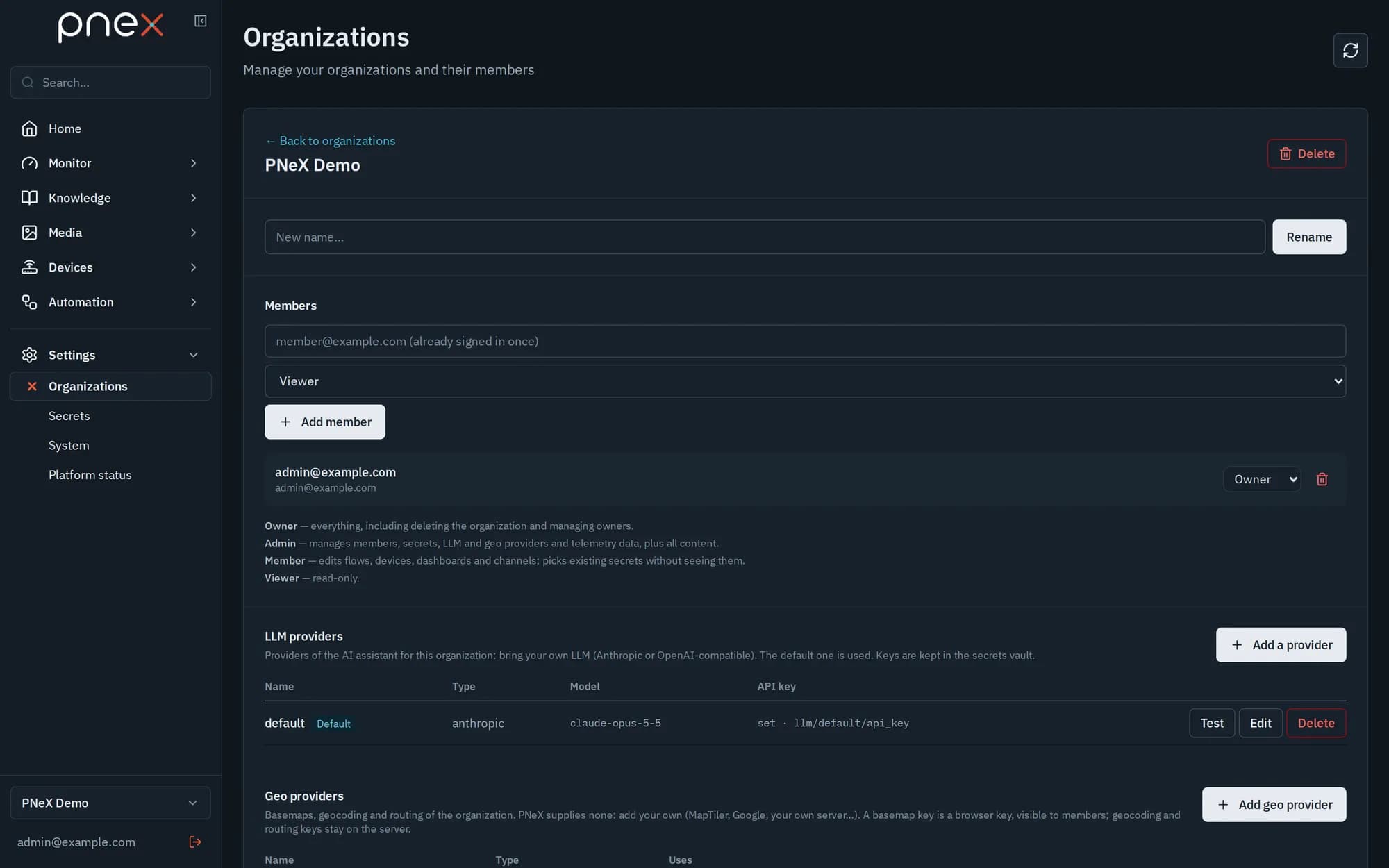
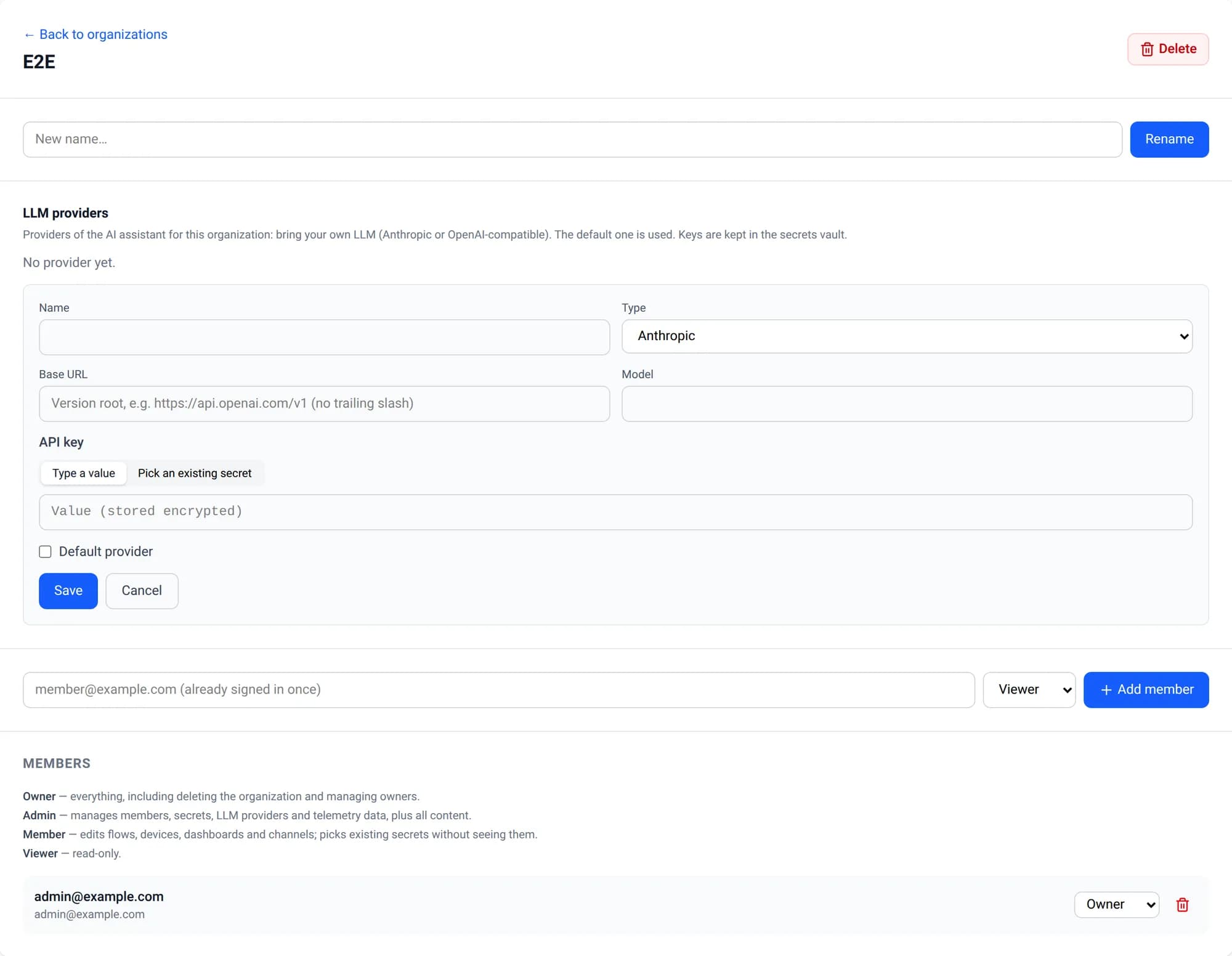
PNeX ships no model and no platform-wide key, and there is no platform fallback: the assistant runs on the LLM of each organization. Open Settings › Organizations → your organization → LLM providers → Add a provider:
| Field | Value |
|---|---|
| Type | Anthropic (native) or OpenAI-compatible (OpenAI, Mistral, a local server…) |
| Base URL | OpenAI-compatible only: the version root, e.g. https://api.openai.com/v1, no trailing slash |
| Model | The model name of the provider |
| API key | Typed (stored encrypted in the organization's secrets vault) or picked from an existing secret |
| Default provider | The one the assistant uses |
Test sends a short request and reports the latency. Owners and admins manage providers; every role, viewer included, can chat. Without a provider the drawer says so and points to this page. An administrator can also switch the assistant off for the whole deployment.
What it can do
The assistant works through a closed set of tools, checked on the server with your own rights:
| Reads | Validates and tests | Writes (owner, admin, member) |
|---|---|---|
| Devices and their pins, flows, dashboards, controls, shared memory, annotation sets, tours, POIs, functions, notification channels and templates (never their settings), telemetry, the node catalog, the product knowledge base; the ontology (types, objects, links), investigation cases, the calendar, topic taxonomies, and the documents of the media library | A flow graph, a calculation expression, a dashboard layout, a notification template preview, a JavaScript or Starlark function (validation and test run); read-only diagnostics of a device or a flow | Creates or updates a flow as a draft, dashboards, notification templates, JavaScript / Starlark functions, ontology objects, links and types, and new versions of a topic taxonomy |
Writes are open to the owner, admin and member roles; a viewer can chat but the assistant refuses any change on their behalf. Controls, memory, annotations, tours and POIs stay read-only. Some gestures are only proposed: an action of an ontology object (for example starting a maintenance) or a change to a calendar occurrence (done, moved, cancelled) appears as a button under the answer, and nothing happens until you review and apply it.
Each answer shows the Tools used, and a created or updated flow comes with an Open in editor card.
What it never does
- It never acts on the physical world: no device command, no OTA, no flash, no control or memory write. Only a flow you deployed acts.
- It never deploys, stops or deletes anything. A draft stays a draft until you review and deploy it in the flow editor.
- It sees no secret and no token, and stays inside your organization.
- It never changes a deployed flow: stop it in the flow editor first. Every edit applies to the exact version it read, so it never overwrites your own changes.
- A turn is bounded: at most six LLM calls, 90 seconds per call.
It knows every flow node from a reference generated from the product itself, checked in continuous integration so a new node is never missing.
Conversations
The drawer lists your Conversations: start a New one, resume, Rename, Export (JSON) or Delete them, or Erase all. Conversations are private to you within the organization, erased automatically after a period of inactivity (180 days by default) and when you leave the organization. Owners and admins can shorten that delay for the organization in Settings › System › Assistant conversations (1 to 3650 days, never more than the platform value), or Follow the platform. Your messages are sent to the organization's LLM provider; the audit trail records who used the assistant and when, never what was said.
Screenshot coming soon
public/screenshots/en/ai-conversations.webp — capture scenario: scripts/capture/run.mjs
Built-in knowledge and diagnostics
The assistant carries a knowledge base of the product compiled into the server — one card per page and feature, plus troubleshooting cards — and reads the card of the page you are on. Answers point to gestures in the interface, never to a command line.
For "why is my board offline?" or "why doesn't my flow fire?", it runs read-only diagnostics of a device or a flow within your organization and explains what it found.
Ontology, cases and documents
The assistant reasons on the organization's ontology: it reads the object types, queries objects and follows their links (also as they were at a past date), so a question like "which pumps of this site had a maintenance late?" is answered from the model of your installation, not from a guess.
On an investigation case it reads the timeline as the workspace shows it, the raw signals around the members, the hypotheses board and the detections proposed from position tracks. It suggests events and leads; only you add them to the case.
It searches the documents and tables uploaded to the media library (manuals, procedures, reports, exports) and cites the document and the page or section of every passage it uses. When nothing relevant comes back, it says so instead of guessing.
Dashboards
It can draft and edit dashboards through the same service as the editor: add cards, arrange them, bind their sources. A card it adds always gets a fresh control; a widget tied to a deployed flow can only be moved, never rewired. As with flows, pressing a control and deploying the flow that acts stay yours.