
Cases
Investigate one question over objects, dated links and a timeline, then conclude in a page
A case gathers everything needed to answer one question — why pump P-12 lost pressure on March 3, what a quality audit found on line 2, what an inspection round observed — as dated events with the objects involved in each. Nothing is copied: a case points at your organization's devices, media, pages, sites and ontology objects.
Open it from the sidebar: Knowledge › Cases. Type a title (or the question) and press Enter to open a new case; the list filters by status: open, concluded, archived.
The workspace
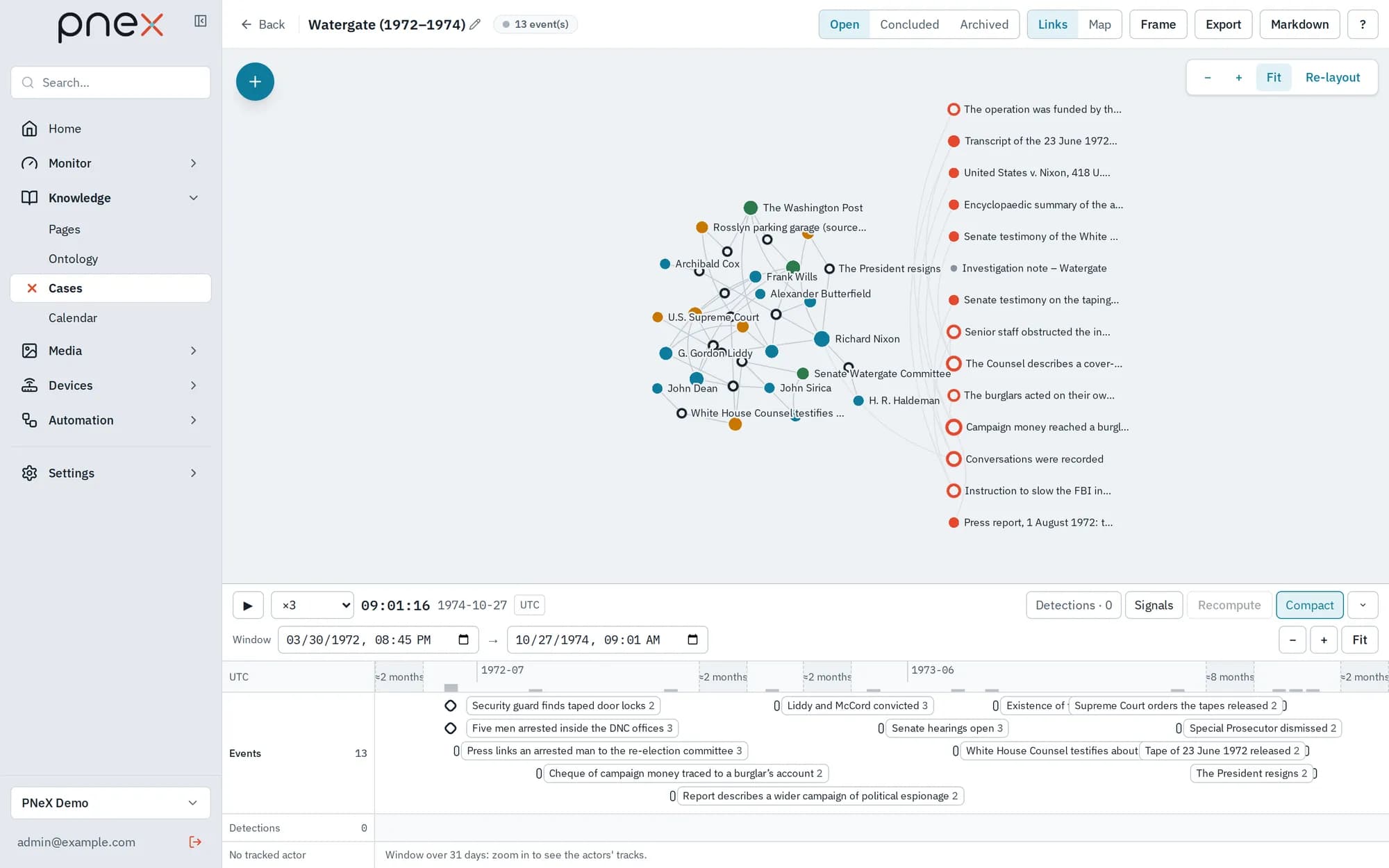
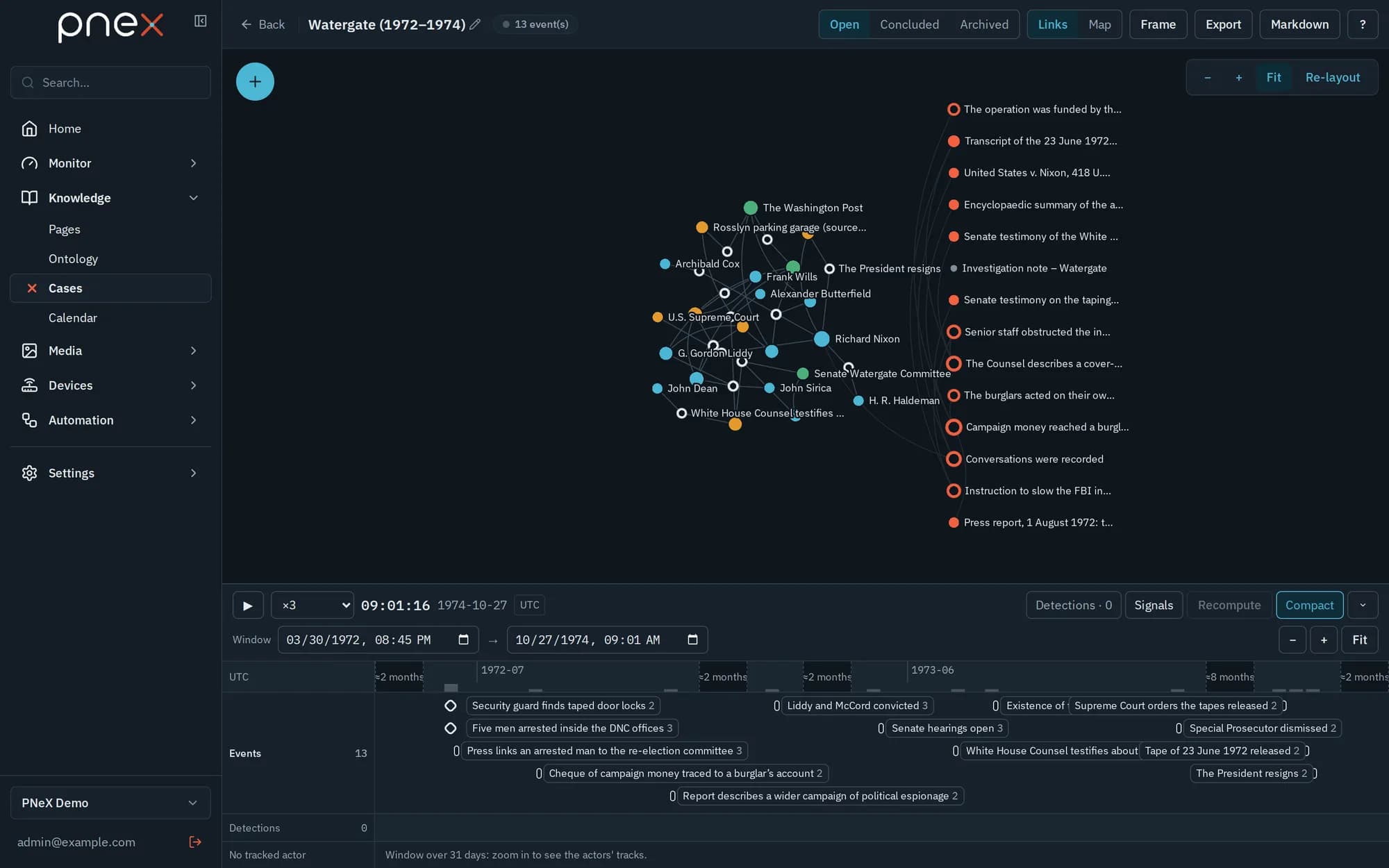
A case opens full screen, like the flow editor:
- the top bar holds the status, the Links / Map switch (one large view at a time), Frame, the exports and ? (keyboard shortcuts);
- the + button (top left) opens the objects panel: the case members, a search over the whole organization, and the Undated pieces;
- the inspector slides in from the right when something is selected;
- the timeline runs along the bottom and drives everything else.
Build the timeline
- Click the Events line to place an instant, or drag along it for a period. Drag an event to move it.
- Drag an object from the + panel onto an event to attach it. The role is proposed from its type and can be changed in the inspector: Actor, Evidence, Context or Hypothesis.
- A piece you cannot place in time yet goes to Undated; dragging it onto an event later dates it.
- From any device, media or site page, or any object page, Add to a case puts the object among the undated pieces.
Event start and end are entered in UTC; the ruler can switch to local time.
Replay a case at an instant
Move the cursor on the ruler, or press Play (×1, ×3, ×8 or fitted to 60 s): the map, the links graph and the inspector follow. The inspector then shows the investigation at that time — events already past, events ongoing, where each tracked item is. Compact (on by default) folds long stretches without events into narrow breaks, so events years apart stay readable. Fit frames every event.
Signals shows what happened around the members — objects created or changed, links opened or closed, notifications from their flows. A signal is a suggestion: Retain turns it into an event, nothing is added by itself.
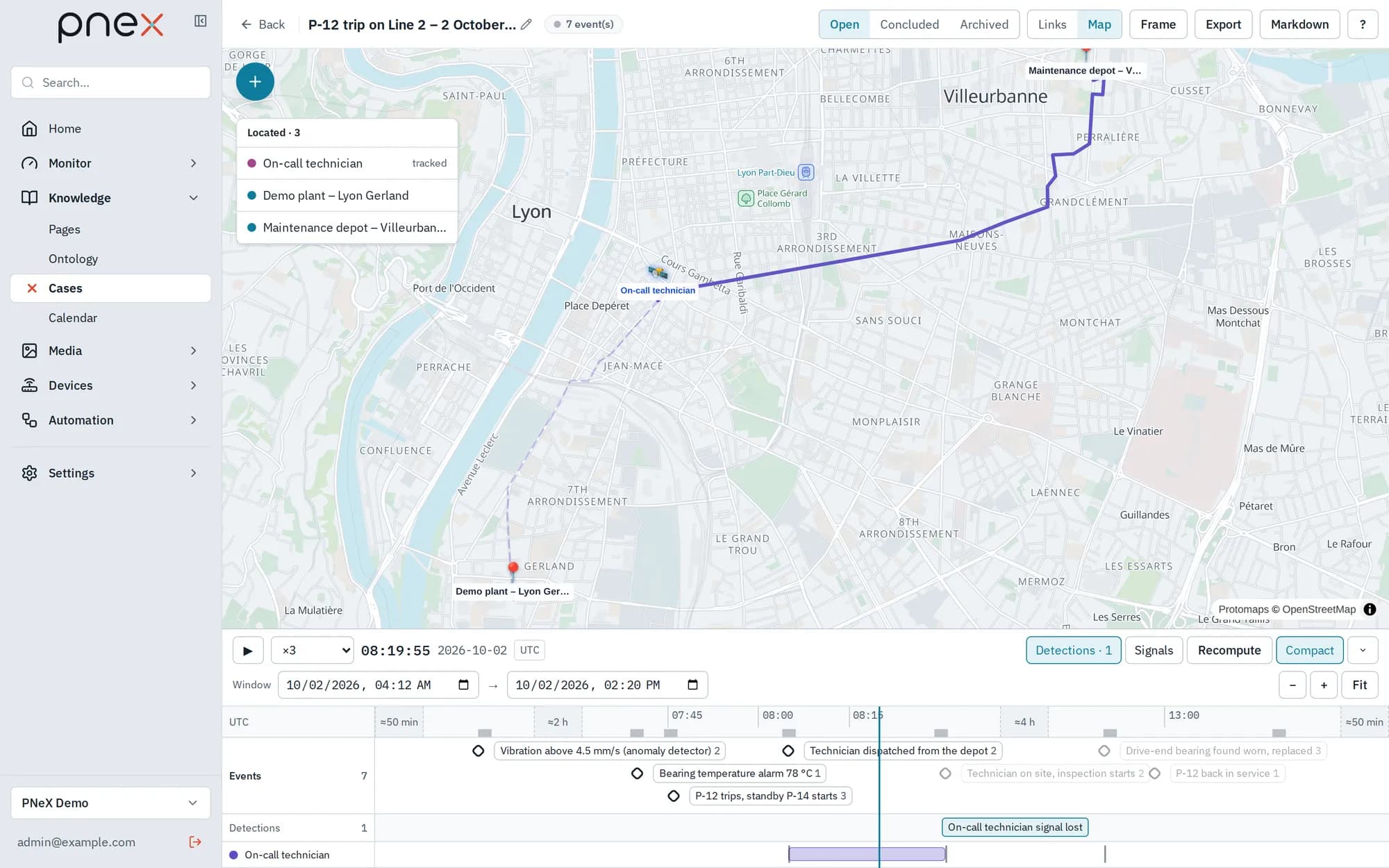
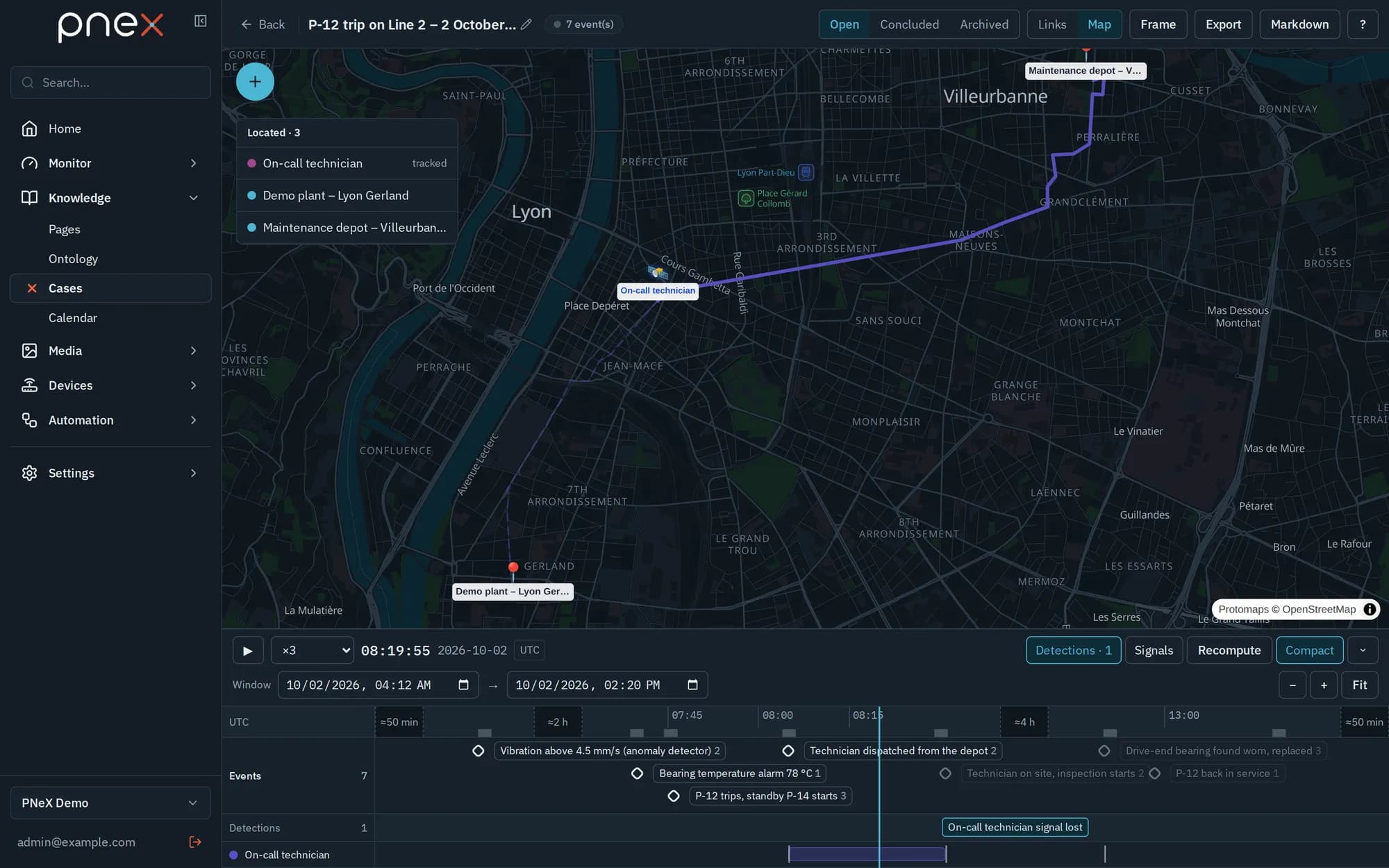
When a member publishes positions (a vehicle tracker, a mobile device), the case proposes Detections — two items together, an item stopped, a signal lost, an item inside a zone. A detection is a lead to verify: Retain it or Dismiss it. Tracks can also be imported from a GPX or CSV file.
Map and links graph
The Map view places every located member — a site, a POI, a place with a position or a zone — and draws the route of tracked items up to the cursor.
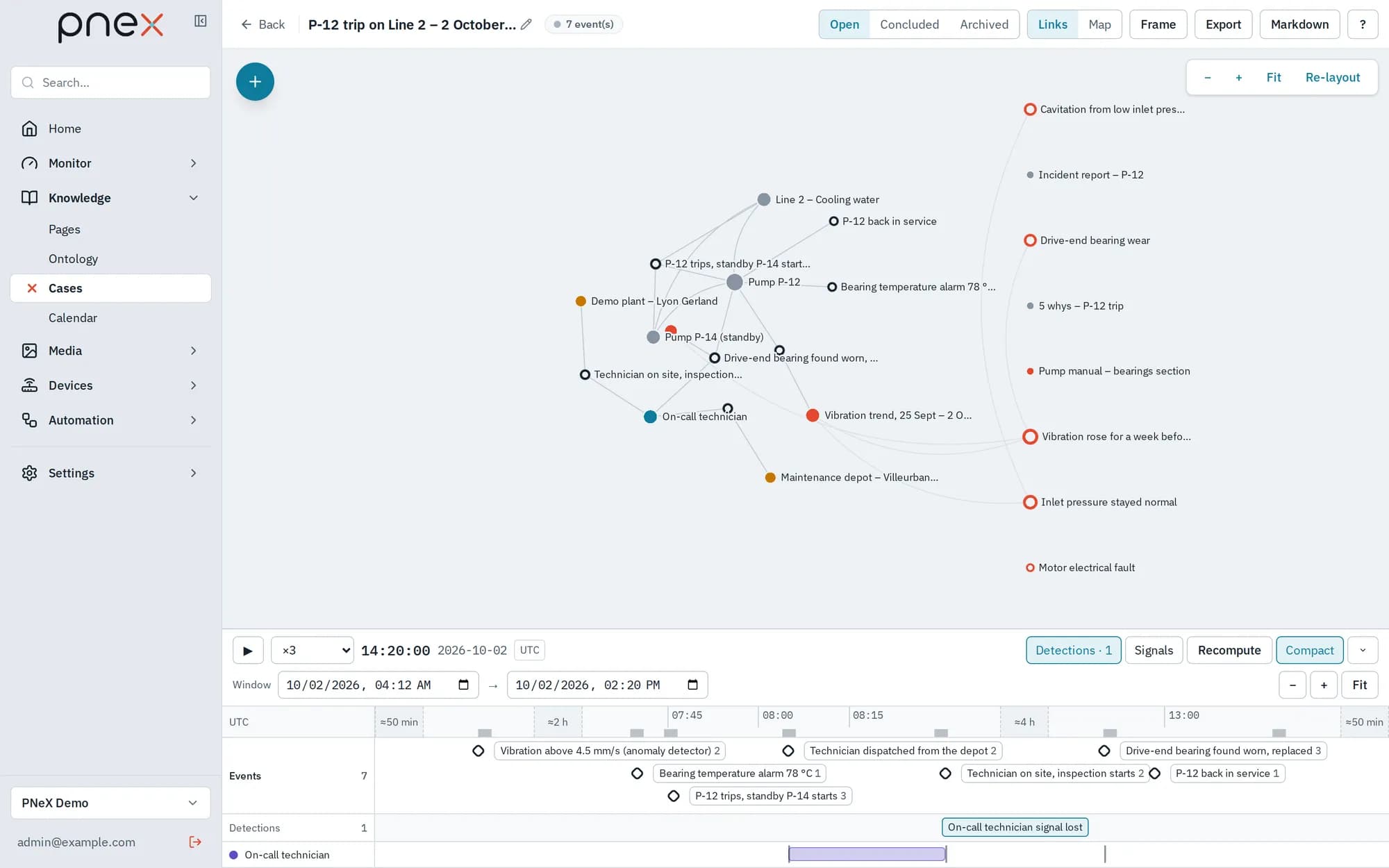
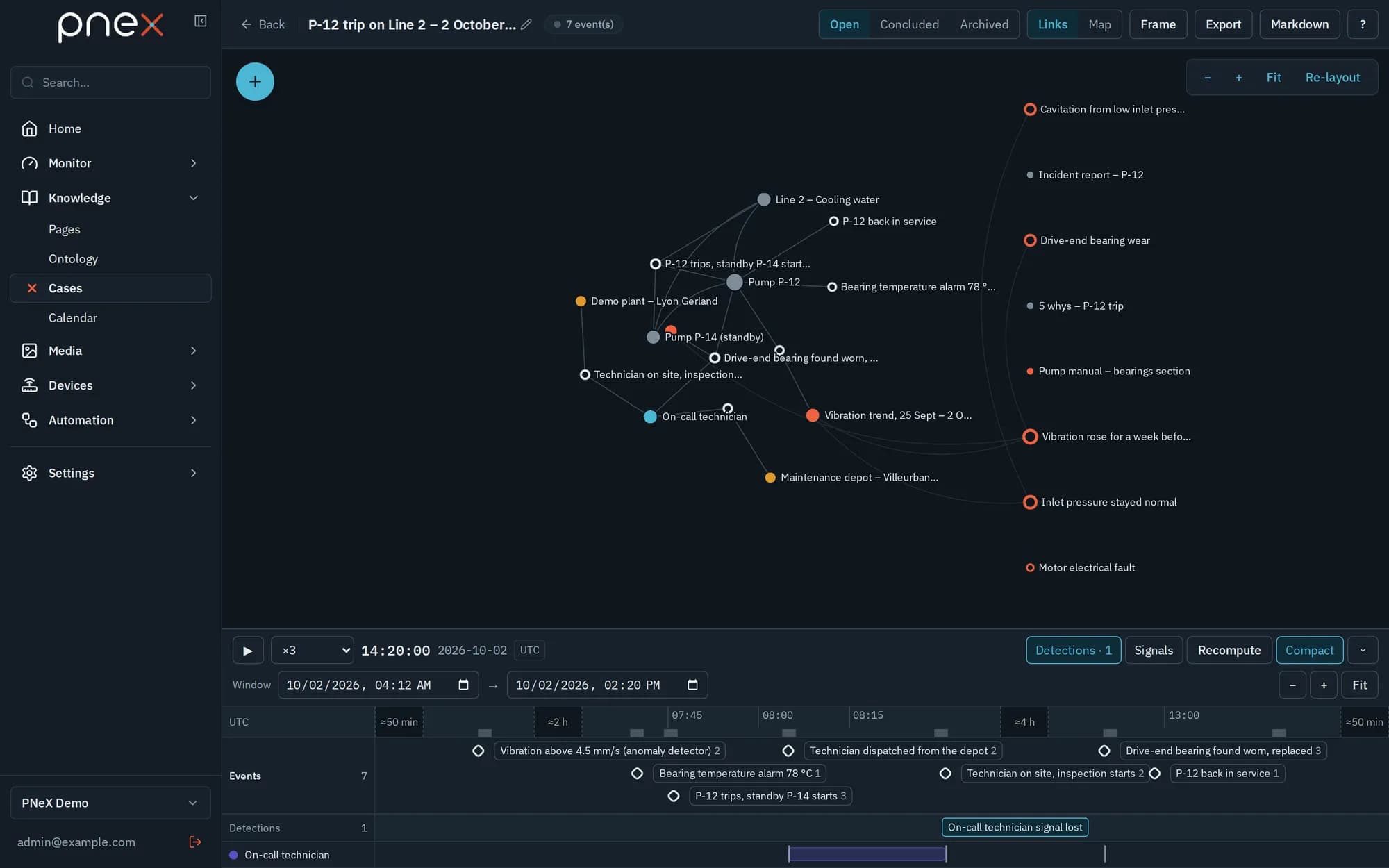
The Links view draws events and objects as a graph: attachments as straight edges, ontology relations between members as curved ones, faded before they start and gone once closed. Double-click an object to see its neighbours and Add to the graph the ones that matter. Nodes you drag stay where you drop them, for everyone opening the case; Re-layout gives the automatic layout back.
Hypotheses and conclusion
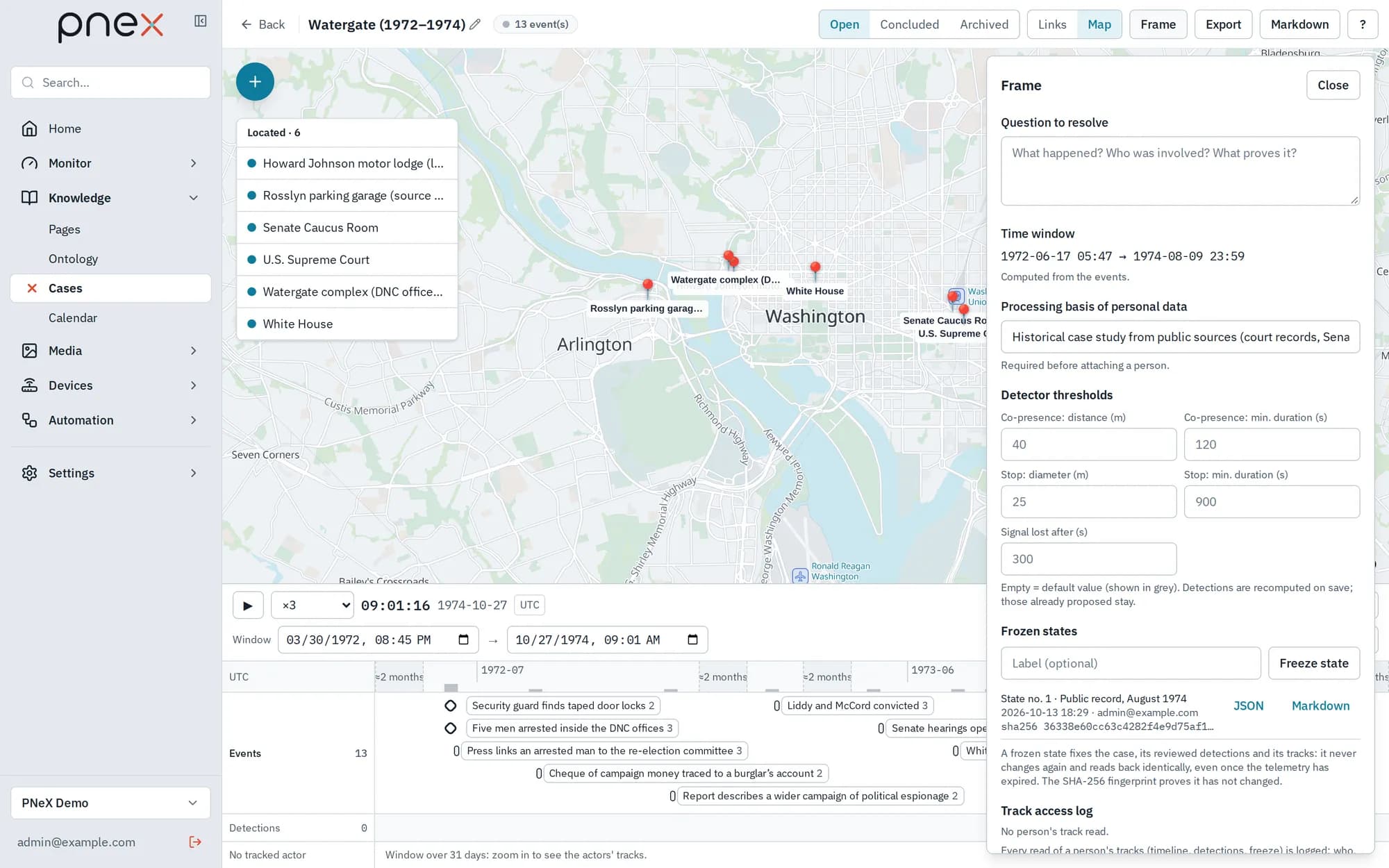
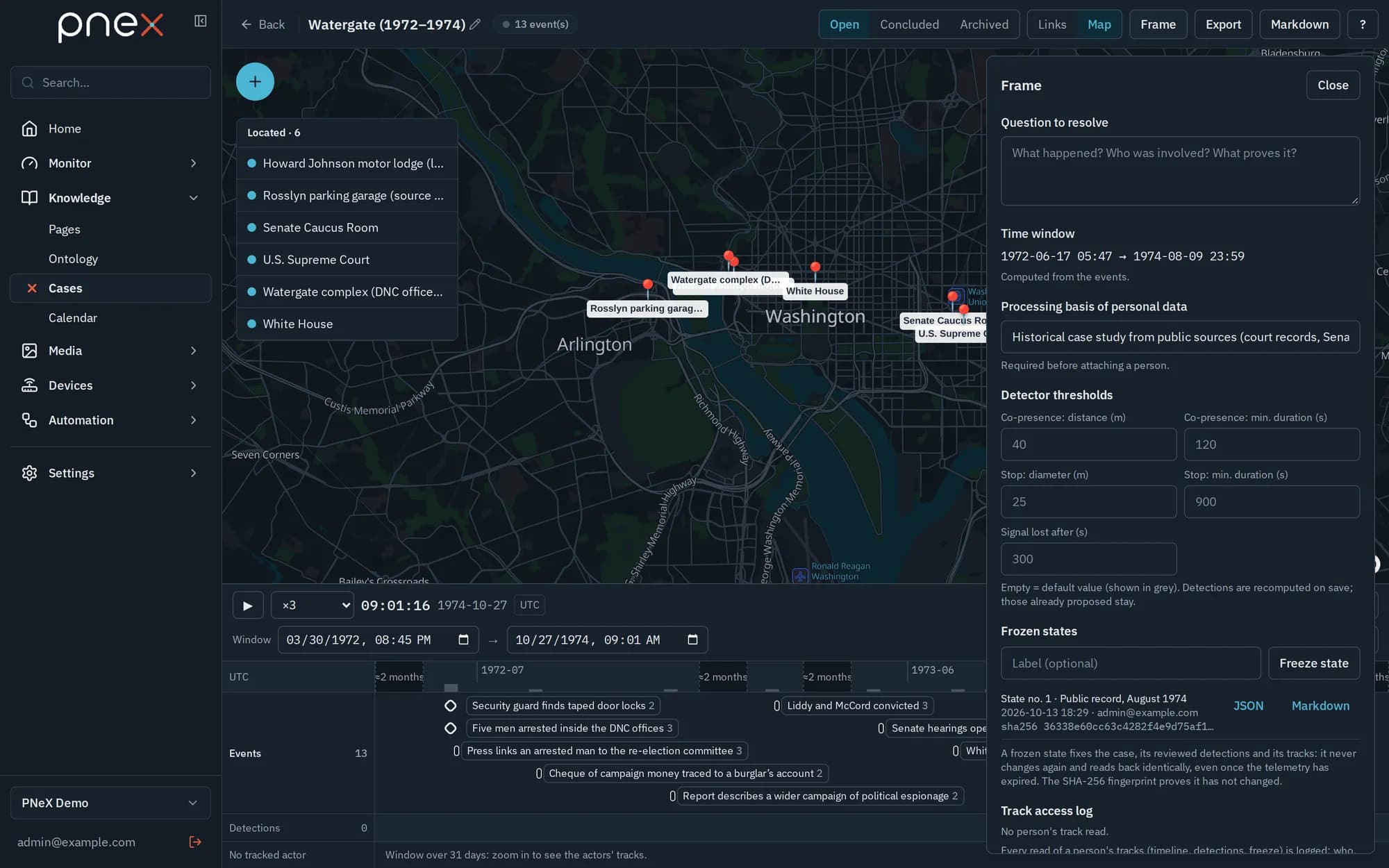
Frame holds the question to resolve, the time window, the frozen states and the pages. With the Investigation pack installed, the Hypotheses board lists each hypothesis with the claims for and against it, then the claims with no source. There is no score: you conclude.
Write the analysis in pages attached to the case — blank, or from a template of the pack: 5 whys, Ishikawa (6M), Incident report, Investigation note. Make it the conclusion designates one; when the case is set to Concluded, that page is frozen in a named version Conclusion.
Open a case from an event
In Events, or in the journal of a notification channel, expand a row and click Open a case. The new case starts with the alert as its first event, the flow that raised it as Source, and the flow's neighbours as Context.
Freeze and export
- Freeze state (in Frame) fixes the case as it is now: events, pieces and roles, board, reviewed detections and tracks. Each frozen state is numbered, carries a SHA-256 fingerprint and reads back identically, even after the telemetry has expired.
- Export downloads the case as one JSON file; Markdown saves a readable version. Import on the cases list turns such a file into a new open case.
Personal data
A person can be attached only once the processing basis of personal data is filled in Frame. Every read of a person's track is logged in the Track access log. Once the case is archived, Personal data to purge lists the persons and identifiers no other case holds, and deletes the ones you keep ticked.
With the assistant
Ask the assistant to summarize a period, to list the signals around an alert that could be events, or the claims without a source. It reads the case and proposes; it never attaches, detaches or creates an event.
What it does not do yet
- Tracks and detections are limited to windows of 31 days: zoom in on longer cases.
- Detectors work on positions only; there is no detection on other measurements yet.
- A case lives in one organization; sharing goes through the export.