

Pages
Documents written together, live, with named versions, anchored comments and PDF export
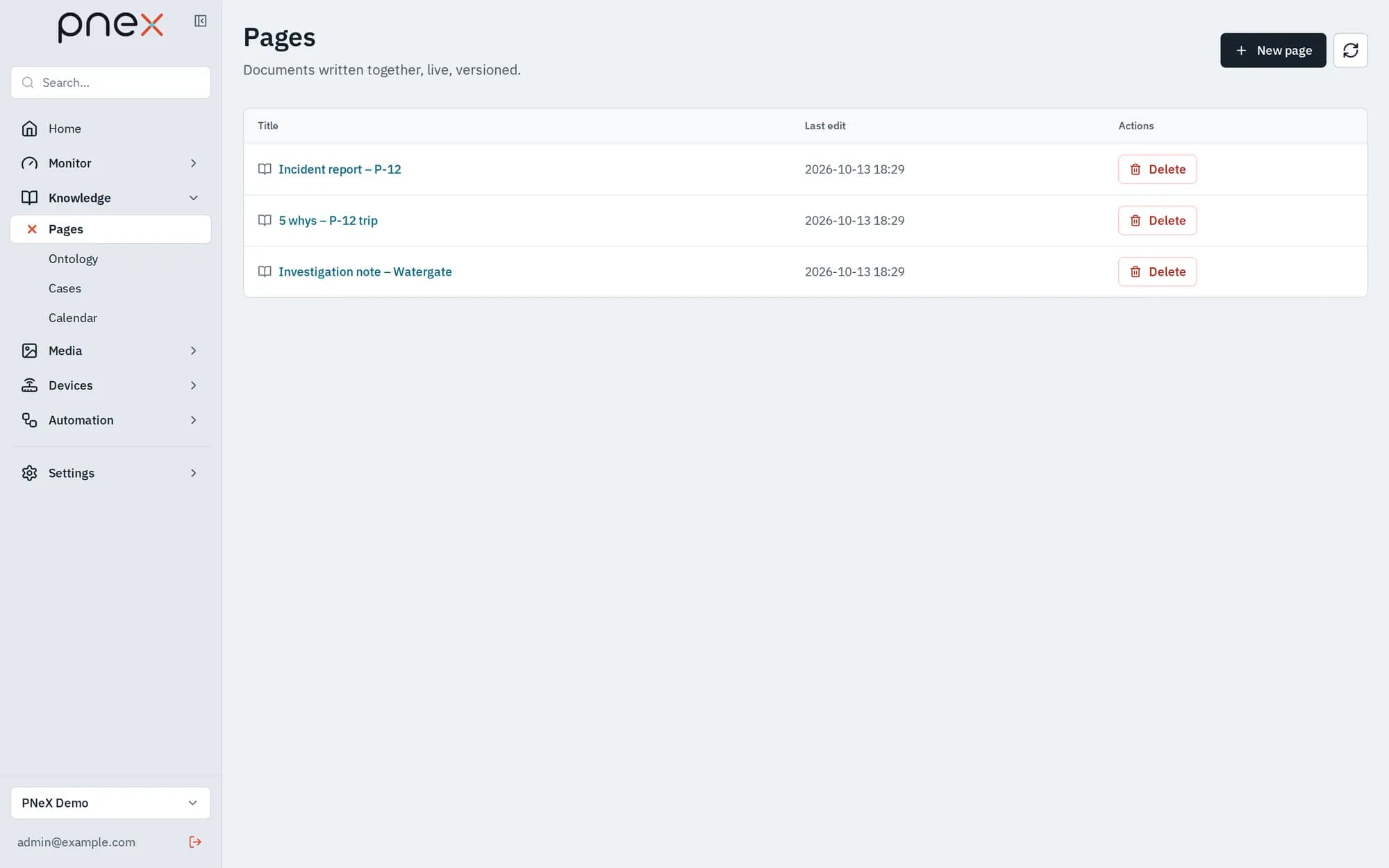
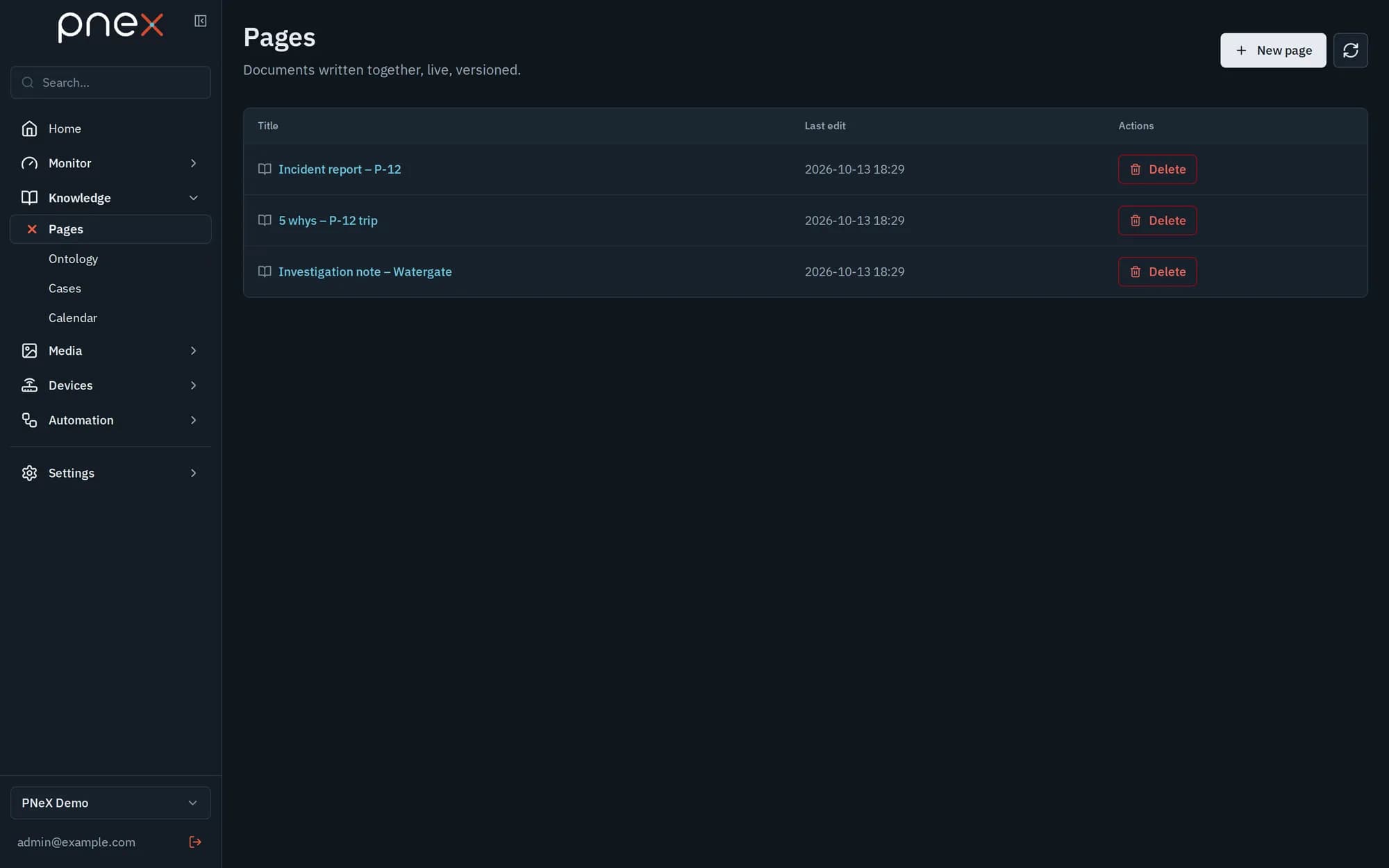
Pages are the documents of your organization, written together and live: procedures, incident reports, meeting notes, project logs, reports produced by flows. Every member of the organization sees every page.
Open them from the sidebar: Knowledge › Pages, then New page. Give it a title and the editor opens at once; rename the page by editing the title at the top.
Write
- Headings, bulleted and numbered lists, quotes, code blocks, dividers, bold, italic, inline code and links, from the toolbar.
- Type
/on an empty line to open the block menu. - Markdown shortcuts work as you type:
#,-,1.,>, three backticks. - Pasted web content is cleaned: only text, headings, lists, quotes, code and links are kept. Links may point to http, https, mailto or a page of the app.
Edit together
Several people can edit the same page at once. Their cursors appear with their names, and the header shows how many others are on the page. The status dot says whether your changes are saved; changes made offline are sent when the connection comes back.
Versions
Open Versions to name the current content and freeze it ("validated by the line manager", "issued to the site"). For each version you can View it, Compare with previous, Restore it, or download it as a PDF. Restoring is an ordinary edit: it creates a new version that says where it came from, and nothing is ever erased.
Comments
Select some text, then Comment. The thread sticks to that text even when the page is edited around it, and the commented text is highlighted. Reply, Resolve or Reopen a thread; resolved threads are hidden until you show them. Only its author edits or deletes a comment (an admin may delete it too).
Markdown in and out
Export Markdown downloads the page as a .md file. Import Markdown appends a
.md file at the end of the page.
Page templates
Templates come with the Investigation pack of the ontology and are used from a case: 5 whys, Ishikawa (6M), Incident report, Investigation note. The page opens pre-structured and joins the case.
Pages written by flows, and their review
A flow can write pages with the Write a page node: a new page per run (a weekly report) or text appended to a log page. Its versions are marked written by a flow.
A version that holds text written by the organization's AI is marked Holds AI text · review it before it is sent. Read it, fix it if needed (then save a new version), and click Approve. Approval records who approved and when; viewers cannot approve. A flow only turns an AI version into a PDF for sending once it is approved — see AI reports.
PDF export
Each version has a PDF button: A4, page numbers, the organization and the version in the header. A PDF of an AI version says whether it was reviewed.
Roles
Viewers read pages and comments live, but cannot edit, comment or approve.
What it does not do yet
- No images, tables, maps, charts or mentions of devices inside a page yet.
- No template picker on New page: templates are only offered from a case.
- The assistant does not edit pages; only people and flows write them.
Related pages
- AI reports — pages written by a scheduled flow
- Cases — analysis and conclusion pages
- Document search — uploaded files, as opposed to pages