

Document search
Index manuals, procedures and spreadsheets, search them, and let the assistant quote them with their source
Manuals, procedures, datasheets, reports and exports uploaded to the media library are indexed for search. You find a fault code or a part number in seconds, and the AI assistant answers from your own documents, citing the document and the page it quotes.
Open the library from the sidebar: Media › Library.
Supported formats
| Format | Shown as | Notes |
|---|---|---|
| Document | Needs a text layer; results point to the page | |
Word (.docx) | Document | Heading styles become the section shown in results |
Text (.txt), Markdown (.md) | Document | # titles become sections |
CSV, Excel (.xlsx), OpenDocument (.ods) | Table | Searched as text, one line per row; results point to the sheet |
Upload
Upload the file in the Library like any media. The kind is detected from the file itself and indexing starts at once.
The library accepts only known formats, and checks them strictly: the content of the file must match a supported format, and its extension must be the one of that format. A renamed file, a bare zip or an unknown format is refused with File refused: its format is not allowed for this media, or its extension does not match its content. A new version of an existing media must keep a format that suits its kind.
Search
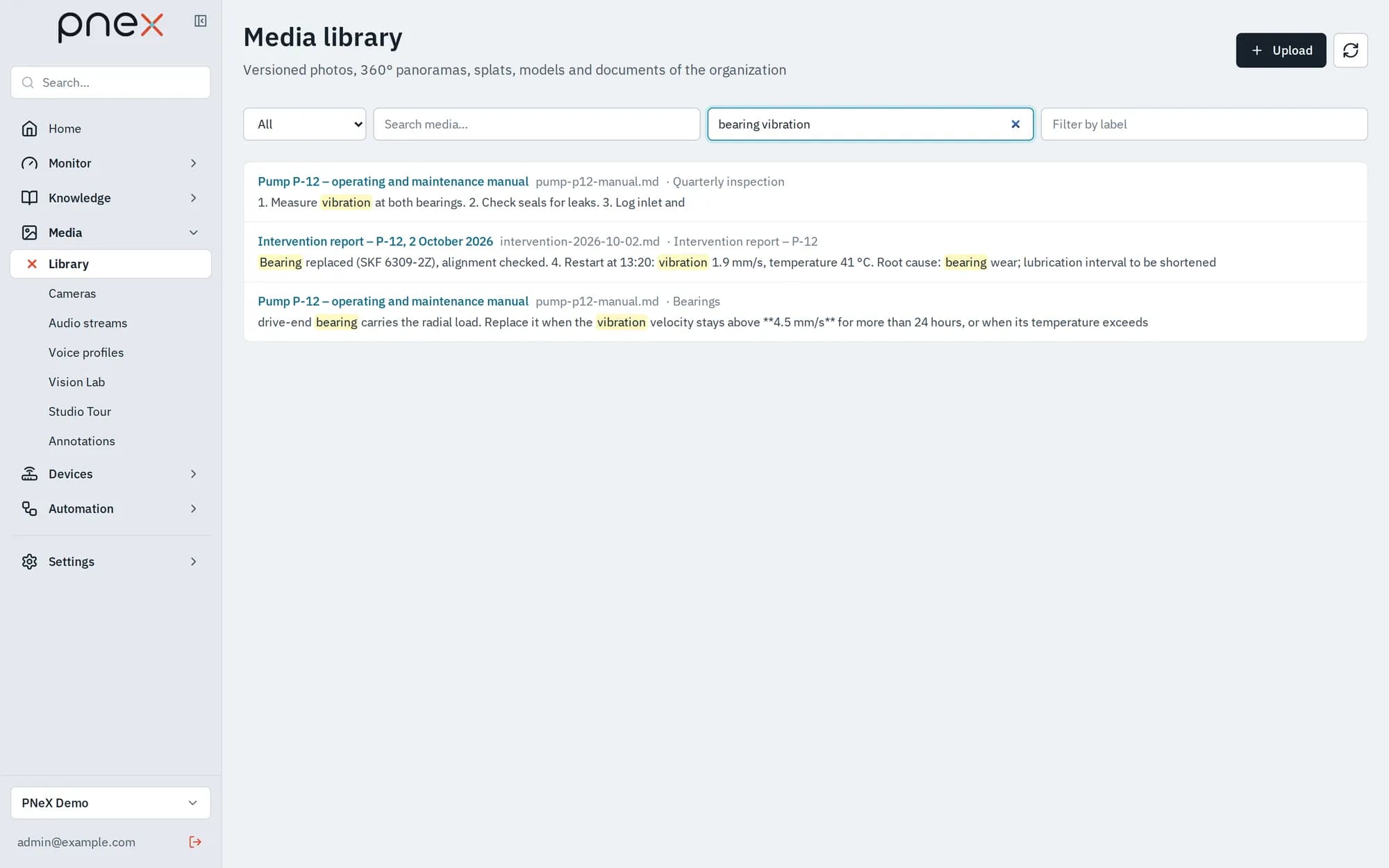
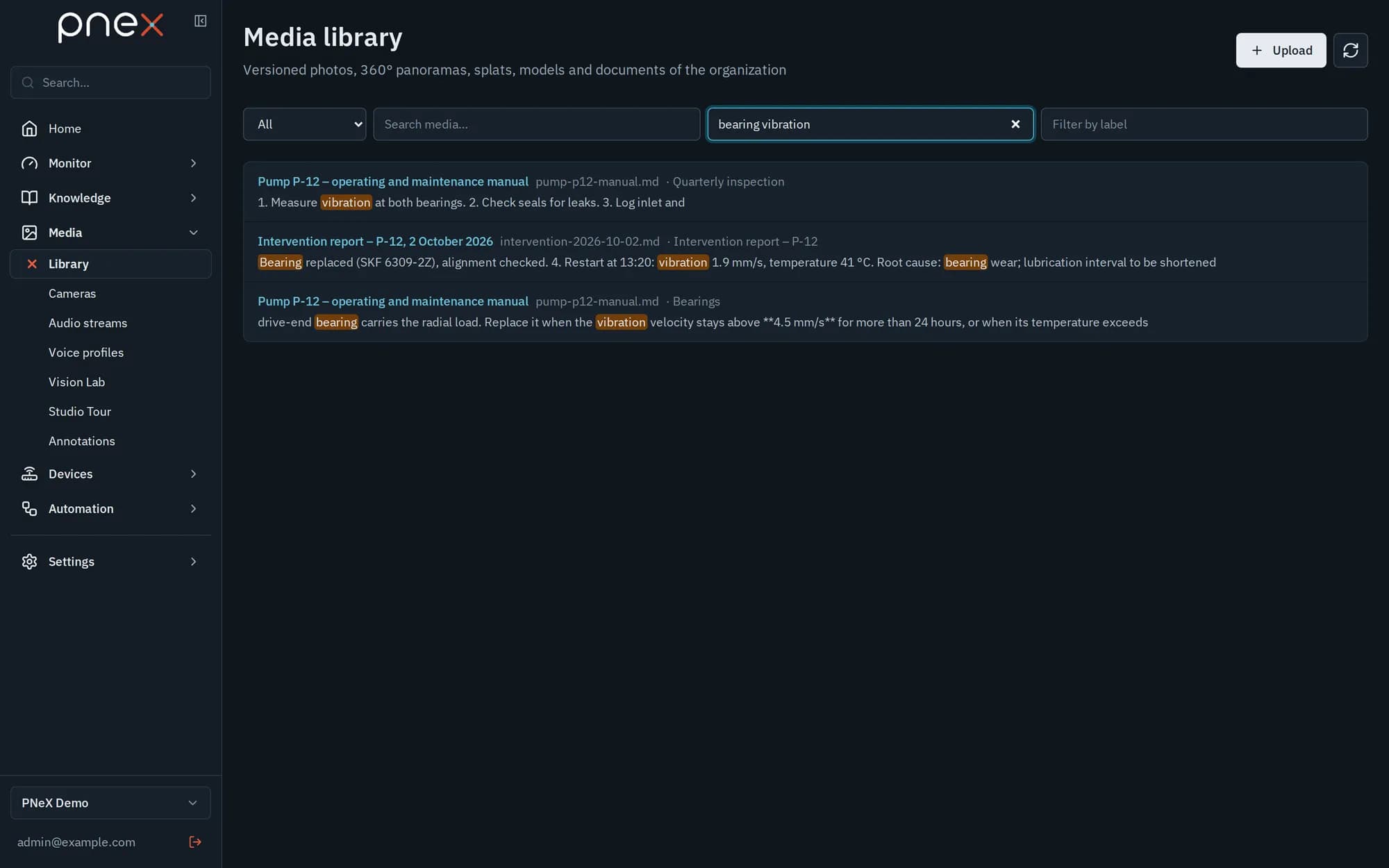
Use Search in documents at the top of the library. Exact codes (E-0457, part
numbers) and words both match, including plural and conjugated forms. Each result shows
the document, the page (PDF) or sheet (spreadsheet) or the section title, and an excerpt
with the matching words highlighted. Only the current version of each document is
searched: uploading a new version replaces what search finds, restoring an older one
brings its text back.
Indexing state
The Search index block of a document's page shows its state: waiting, extracting, indexed (with its page and passage counts), failed, or no extractable text. Owners and admins can Reindex a document. A failed indexing never removes the upload: the file stays in the library.
With the assistant
Ask a question in your own words — "what does fault E-0457 mean on the dosing pump?". The assistant searches your documents, reads the passage with its neighbours or a whole PDF page, and cites the document and the page or section of what it quotes. Document text is treated as information, never as instructions to follow.
Roles
Viewers search and read. Only owners and admins upload and reindex.
What it does not do yet
- No text recognition (OCR): a scanned PDF made of images has no text to index, and its state says so.
- Spreadsheets are searched as text; questions computed over their columns are not available yet.
- Search is lexical: it matches words and codes, not meanings or synonyms.
Related pages
- Media library — uploads, versions and previews
- Pages — documents written together inside PNeX
- AI assistant