

Media
Versioned library of photos, floor plans, panoramas, splats, videos, documents and models, and 360 capture
Library
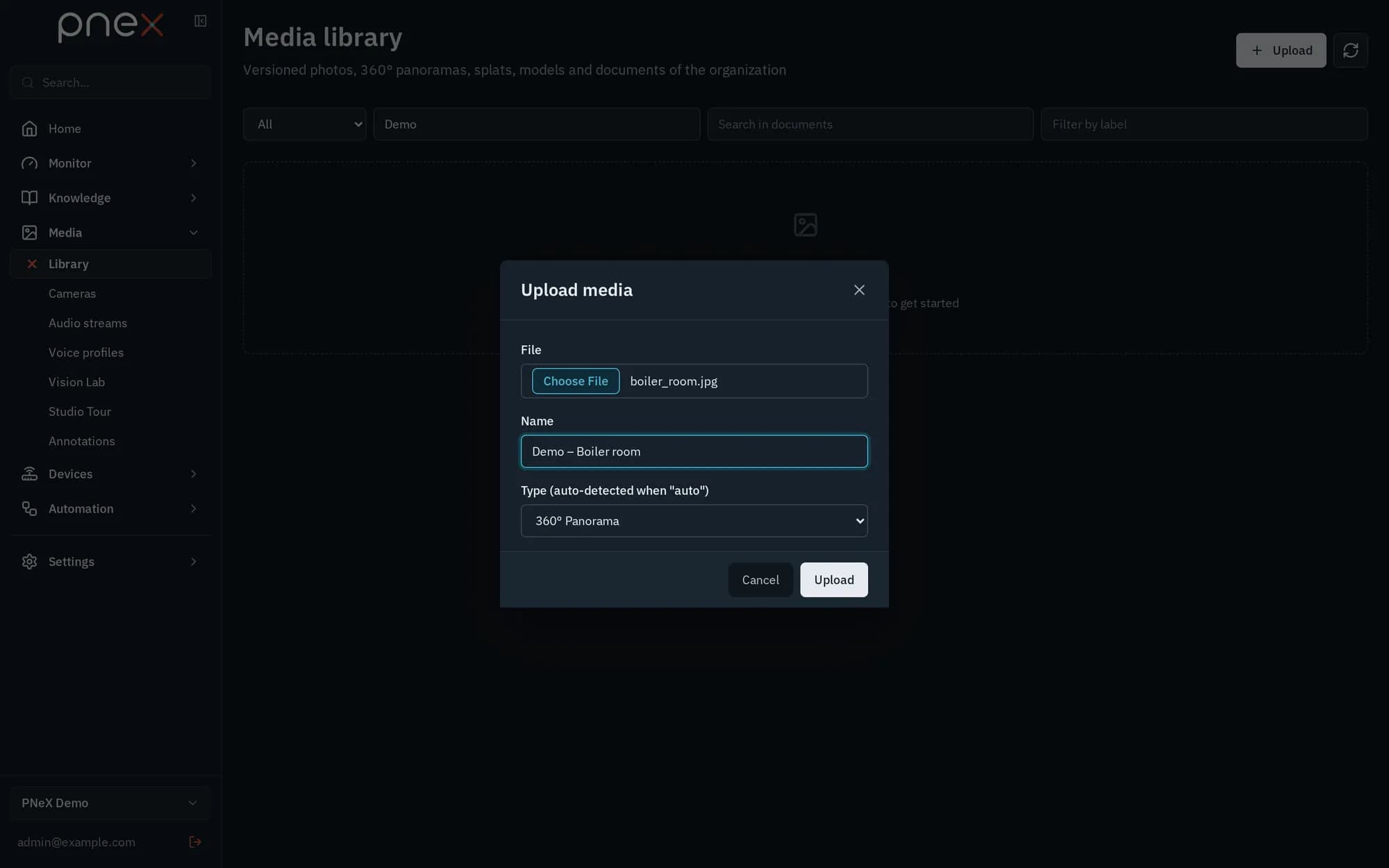
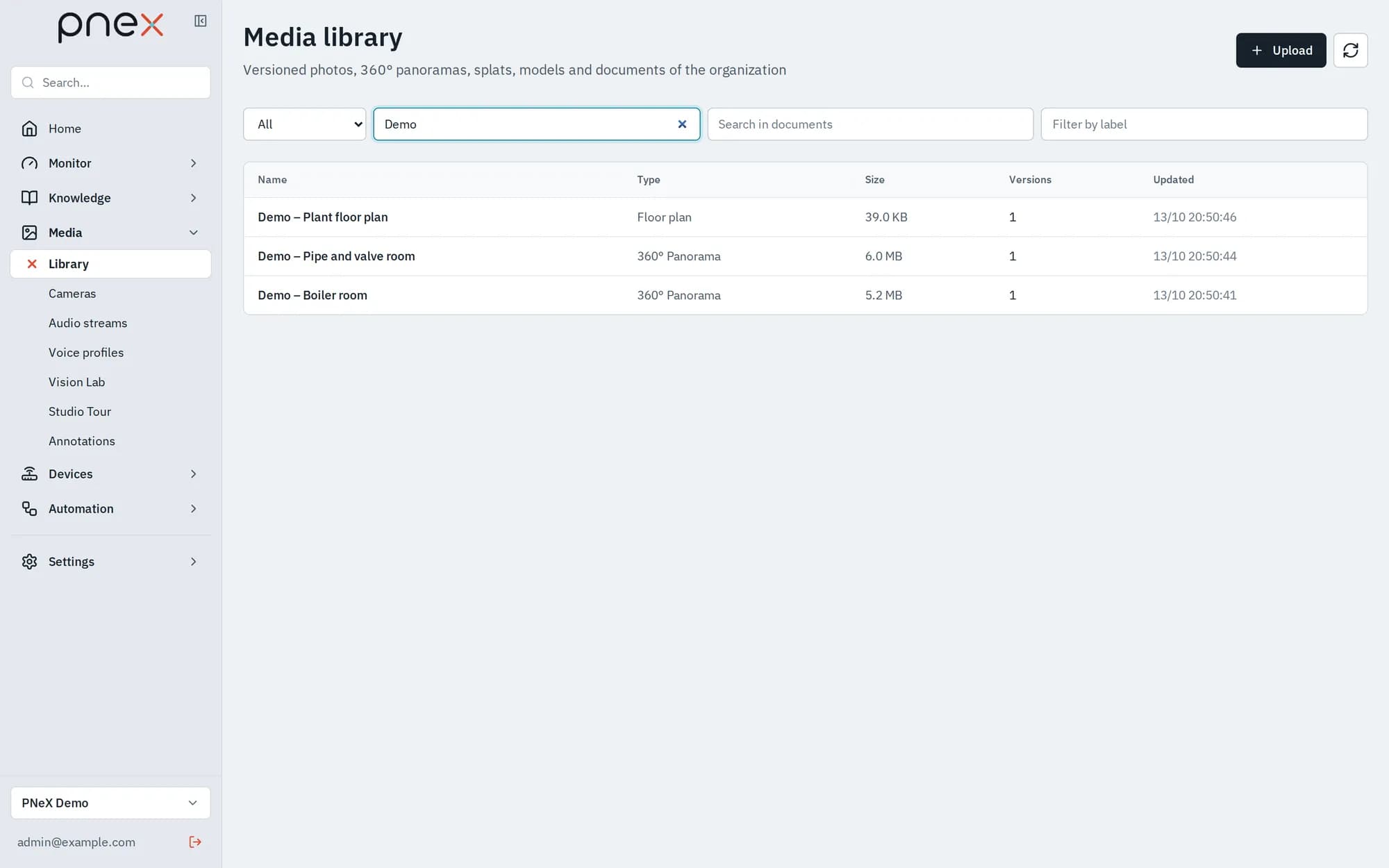
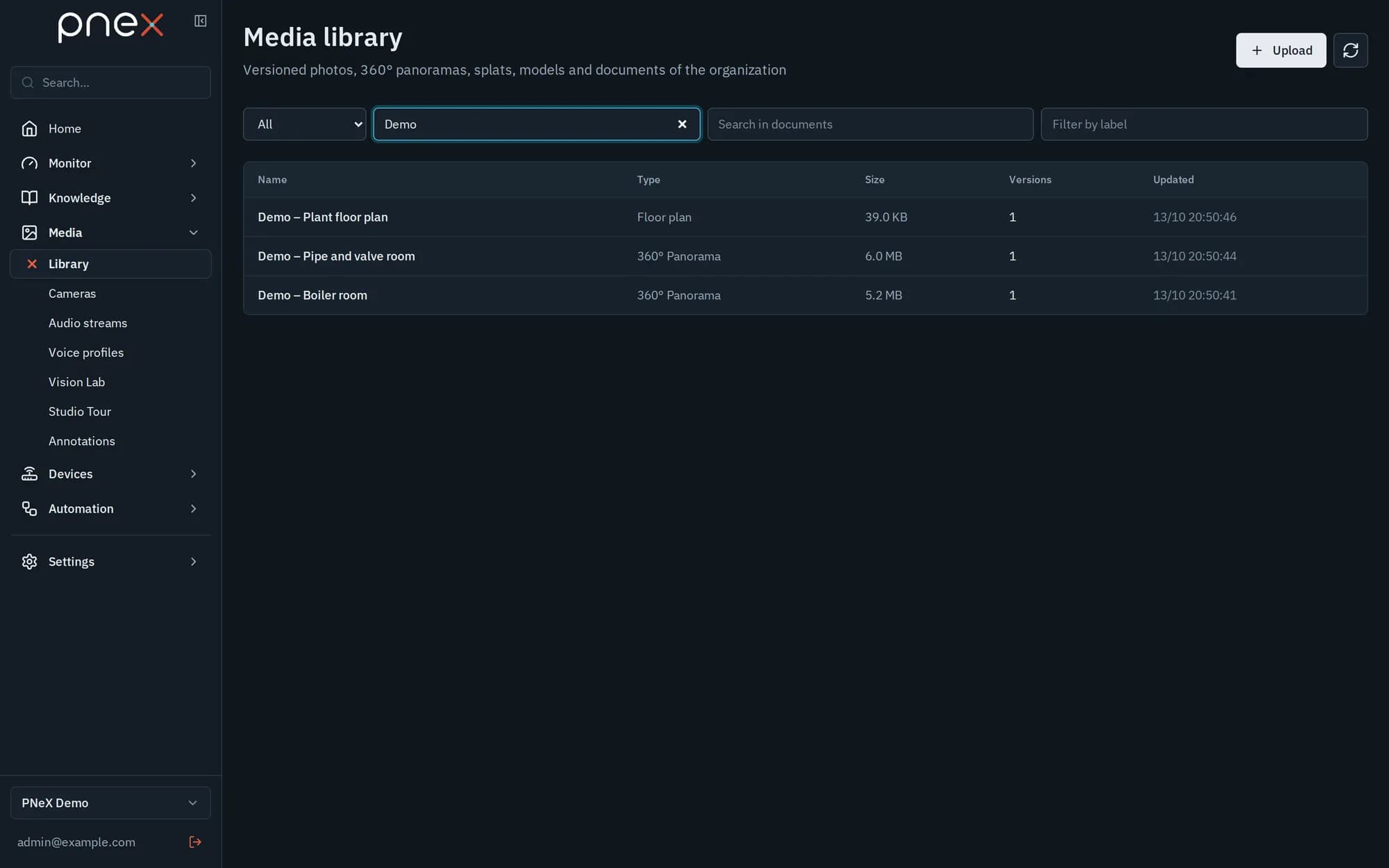
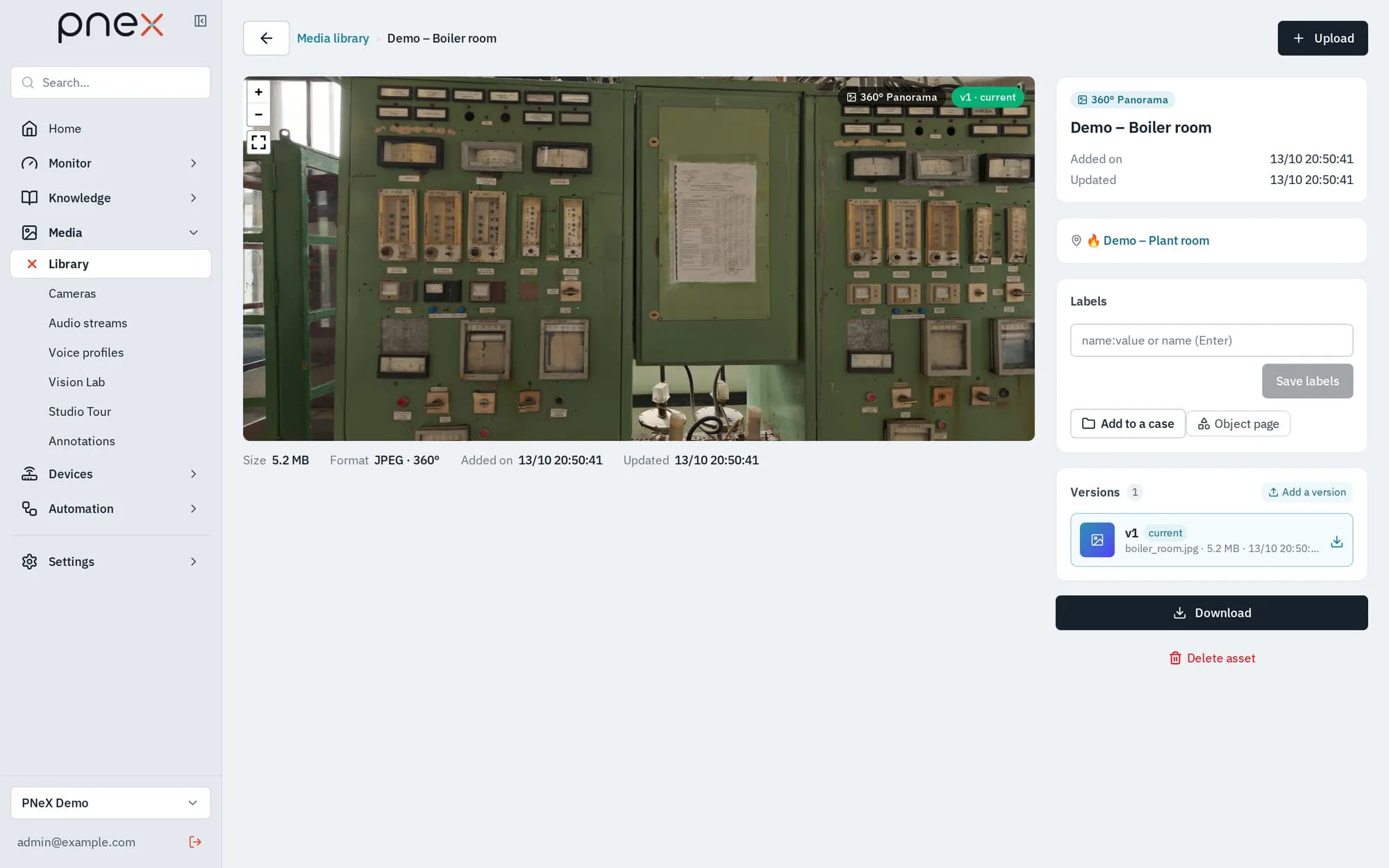
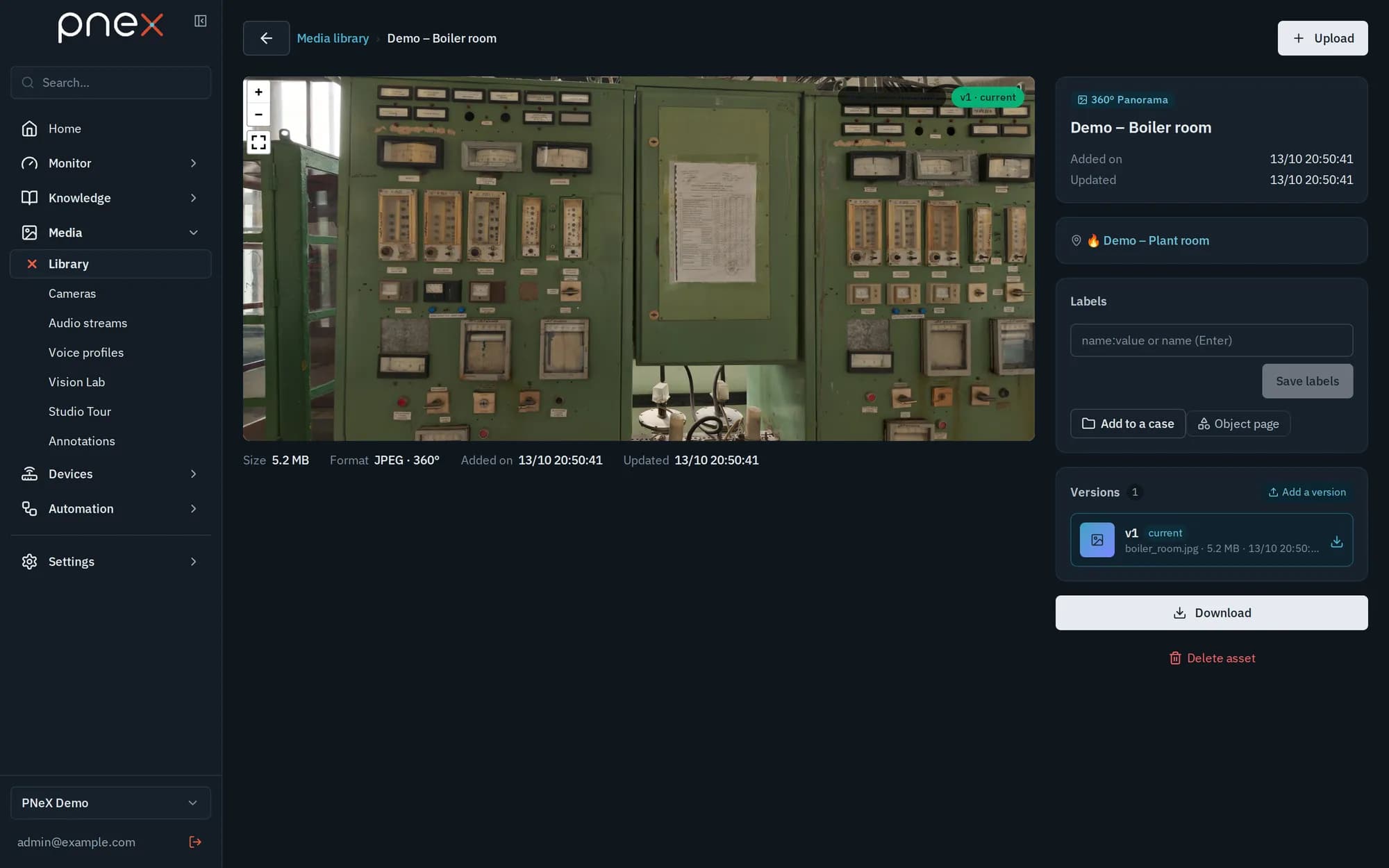
Media › Library holds the organization's raw files: Photo, Floor plan, 360° Panorama, 3D Splat, Video (MP4, MOV), Audio, Document and Table (manuals, procedures, spreadsheets, indexed for search), and the model files of object detection and transcription. Every item is versioned and append-only (Versions, Set as current). Bytes never live in the database: they go to the platform's S3-compatible object storage. Only known formats are accepted, and a file's extension must match its content. Content sniffing recognizes panorama images (GPano) automatically; previews are web-optimized with pannellum (360) and gsplat (gaussian splatting).
-
Large files show a progress bar while they download (Downloading media…, MB received / total), then stay cached in the app: reopening the preview does not download them again.
-
Inside a 3D Splat, move with the keyboard while the pointer is over the view: arrows or WASD to move and turn, Q / E to go up and down; zooming lets you enter the scene.
-
A video of the library can be cut into pictures for the Vision Lab, or replayed once at its normal speed as a stream (kind
media_assetin Audio streams): its frames feed the camera nodes of flows and its sound is transcribed. -
Documents (PDF with a text layer, Word, text, Markdown, CSV, Excel, ODS) are indexed as soon as they are uploaded: the search box of the Library finds exact codes and words, with the page or section of each match, and the AI assistant cites them.
The library shows the raw media, without annotations: one media item can carry several annotation sets, managed in Annotations.
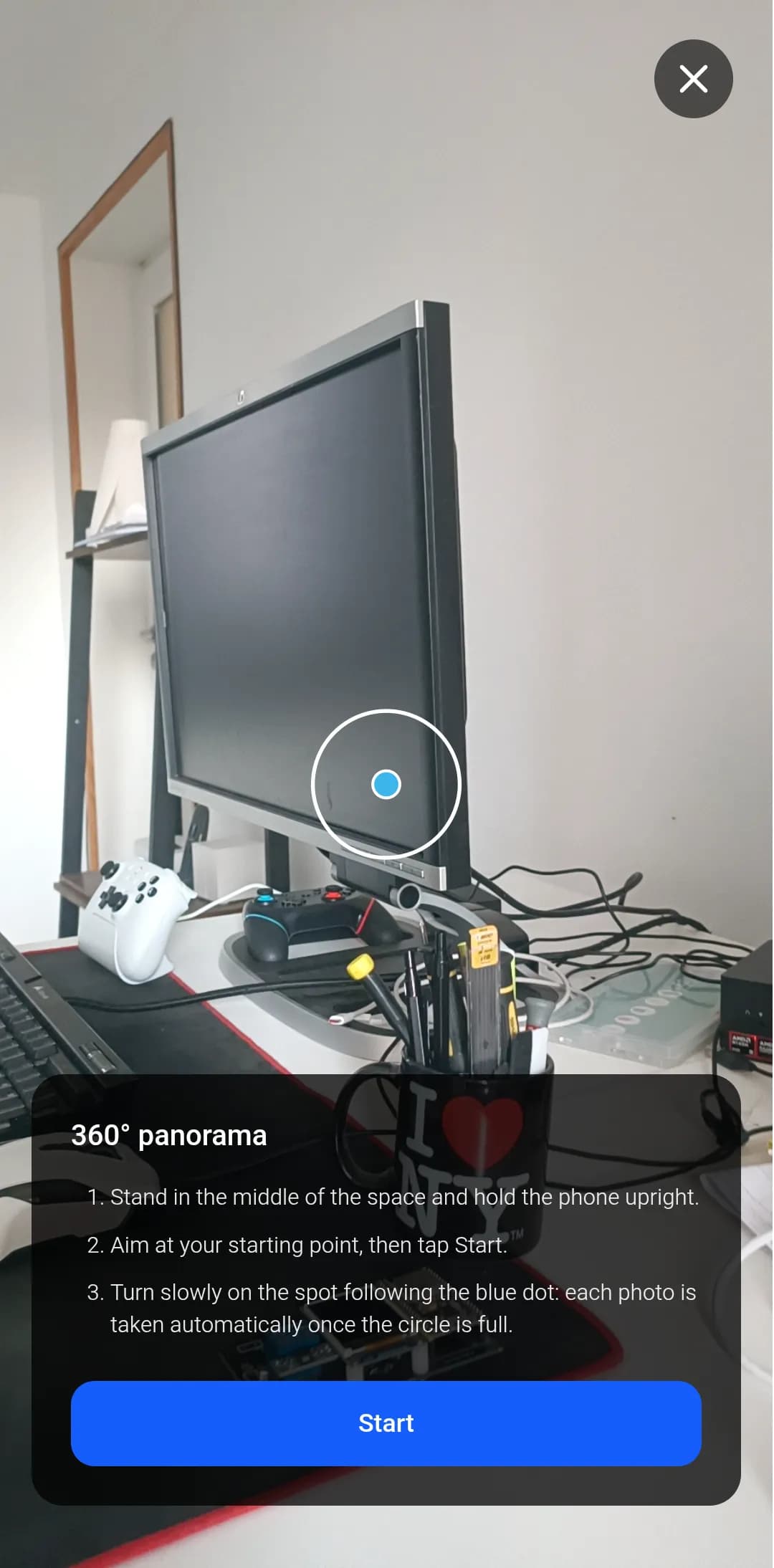
360 capture and stitching
On Android, Take 360 captures a ring of frames with sensor poses ("anchor here" + continuous rotation), then stitches them into a panorama with a pure-Rust stitcher. High-definition restitch runs server-side as a job. AI-assisted alignment matches features across frames (SuperPoint + LightGlue, ONNX in-process).
Where a media item shows up
A media item is attached to a site (Location breadcrumb in its detail), assembled into a 360 tour on a floor plan, and carries published annotations shown on the map and in tours.